Meeting Action Item Tracker — track and follow up effortlessly
Capture, organize, and follow up on meeting action items instantly. Extracts action items from meeting notes and schedules reminders in your calendar, on autopilot.
Example starting point only. Verify every connection and any sending, booking, inventory, approval, or handoff action before deployment.
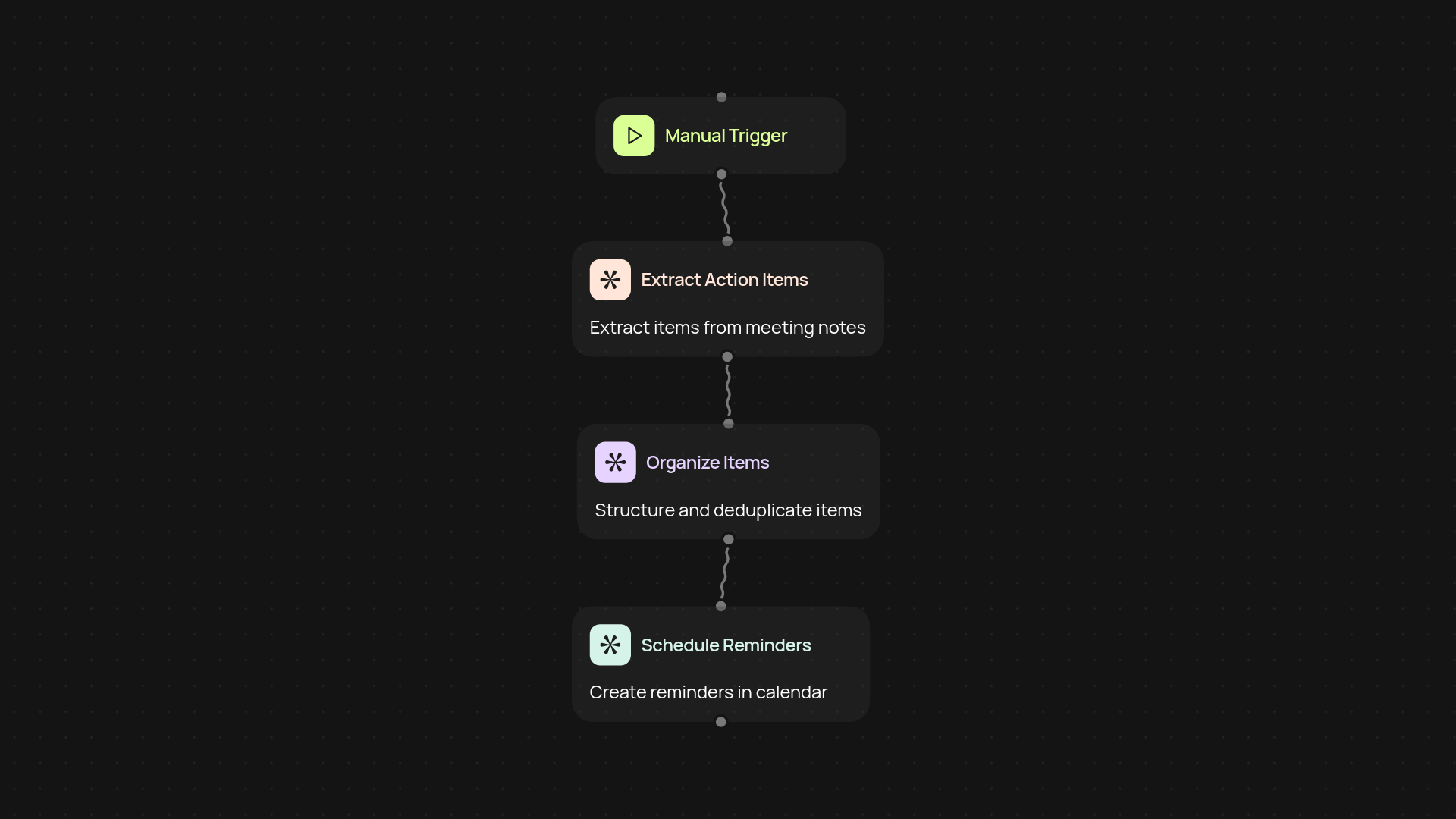
How does the meeting action item tracker run from start to finish?
This template keeps your team on track by capturing action items from your meeting notes and turning them into ready-to-go calendar follow-ups. Just trigger it after your meeting—no manual copying or pasting required. Every action item is sorted out for you and follow-up events are placed right onto your Google Calendar, so nothing slips between the cracks.
How are action items captured automatically?
The tracker listens for key tasks and owner names right in your meeting notes. It extracts deadlines and next steps without you having to comb through long documents. You get a list of precise tasks, each ready for scheduling, so you always know who’s doing what, by when.
How can I stay organized with automatic follow-ups?
Each captured action item instantly gets turned into a calendar event with all the details you need. Reminders pop up, follow-ups stay visible, and your team’s to-do list is always up to date—without you lifting a finger. Less time chasing tasks means more time making progress.
What do I need to get started?
All you’ll need is access to your meeting notes and a Google account. Connect CodeWords to your Google Calendar, and you’re set. Click to activate the template after a meeting, paste in your notes, and let the tracker handle the rest. No technical know-how or setup headaches involved!
More templates
Get started today
Your first workflow is free to build.
Describe what you need. Cody handles the build, the connections, and the deployment.