MCQ exam generator — create exams with answer keys instantly
Create multiple-choice exams with answer keys in minutes. Generate questions, answers, and explanations instantly for classroom or online use with the MCQ Exam Generator template.
Example starting point only. Verify every connection and any sending, booking, inventory, approval, or handoff action before deployment.
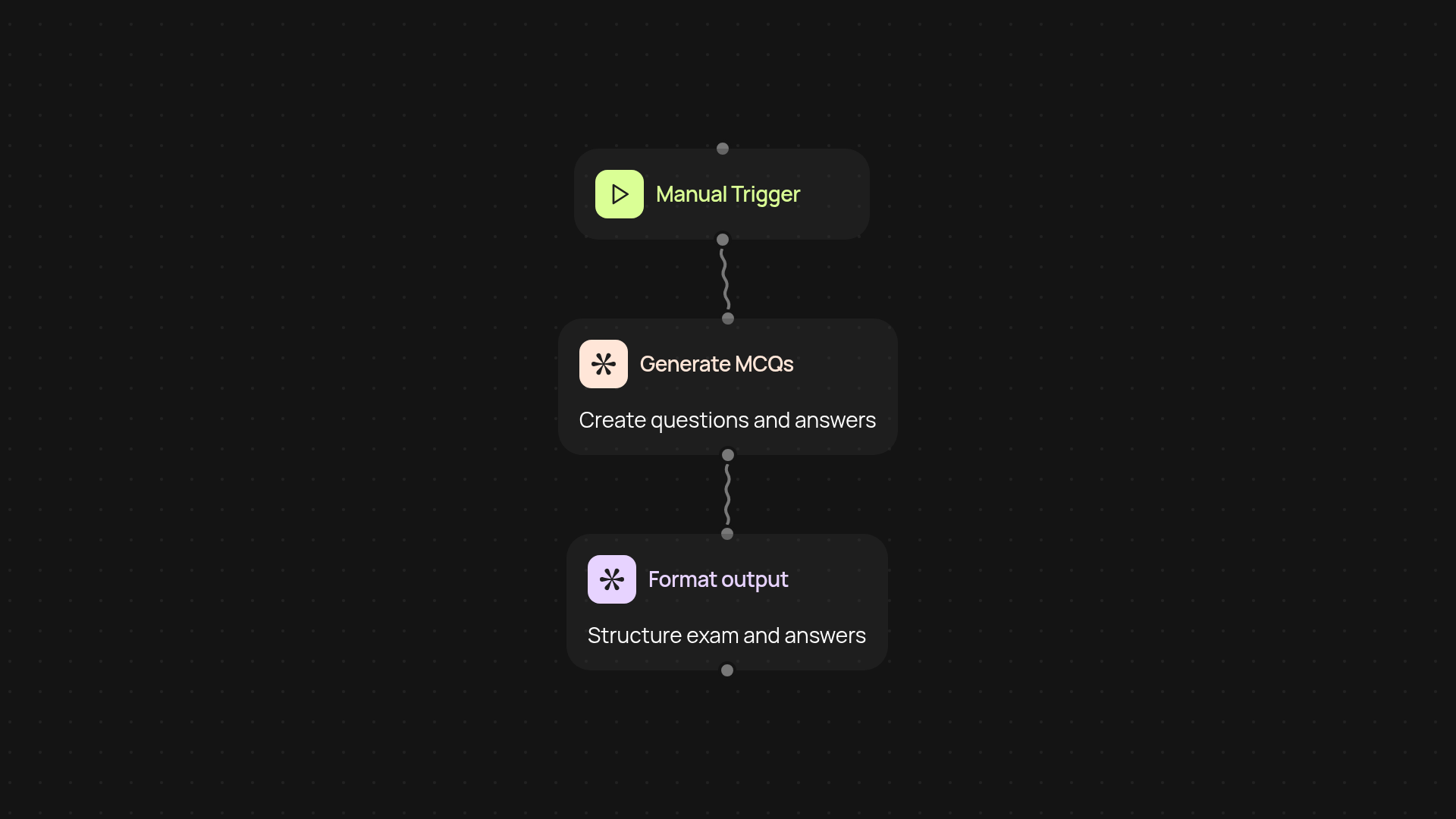
How does this MCQ exam generator work end-to-end?
Create engaging, ready-to-use multiple-choice exams—after setup and review. This automation template lets you generate customized MCQ tests, complete with answer keys and detailed explanations, in just minutes. Whether you're preparing for classroom sessions or online learning, simply set your parameters and watch the exam build itself, end-to-end.
Can I customize question topics or difficulty?
Yes—select your preferred subjects, difficulty levels, and number of questions. The system crafts questions according to your needs, so each exam fits your teaching goals. Get varied answer options and clear explanations, all designed for better learning and assessment.
What output and formats will I receive?
You’ll receive a document with MCQs, answers, and explanations all structured for easy reading. Use it as a printout, share it online, or upload as an assignment—no editing required. Everything is generated in the background, saving you hours of manual preparation.
How do I set up this exam generator?
All you need is a CodeWords account and your exam preferences. Plug in your subject and question details, then let the tool run. In a few moments, your MCQ exam and answer key are ready to go. No technical skills or extra tools needed.
More templates
Get started today
Your first workflow is free to build.
Describe what you need. Cody handles the build, the connections, and the deployment.