Map Route Analyzer — route insights from screenshots
Quickly estimate traffic and travel times from your map screenshots—no manual typing needed. Get automated route insights right when you need them.
Example starting point only. Verify every connection and any sending, booking, inventory, approval, or handoff action before deployment.
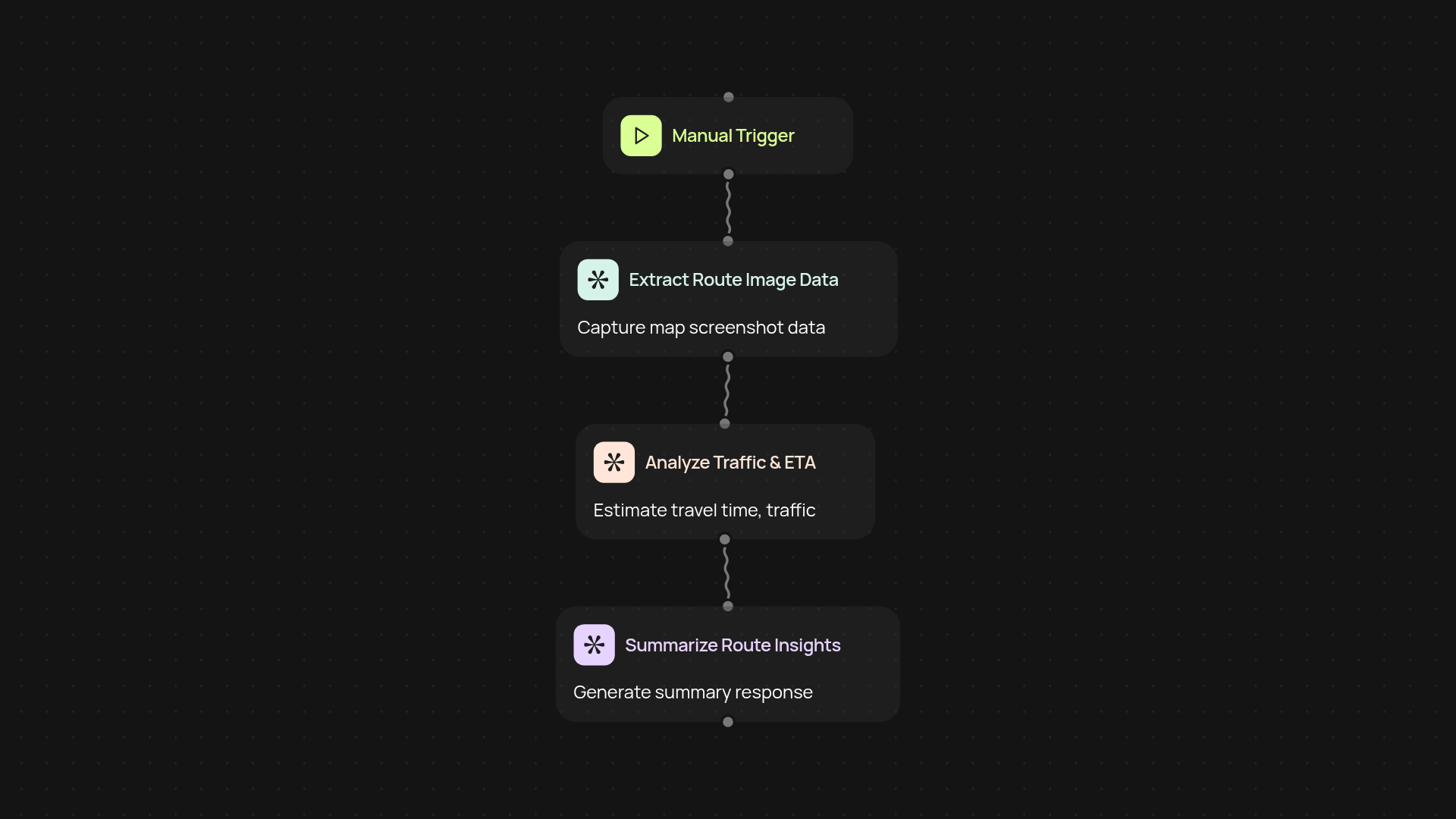
How does it turn your map screenshot into route estimates?
Map Route Analyzer instantly reads your uploaded map screenshots, pulling out key details like traffic conditions and travel times—without you needing to transcribe or input data by hand. In seconds, get a summary of your route's expected delays and duration, all extracted directly from your images. This means you can quickly understand the current situation for any route, saving the hassle and possible mistakes of manual entry.
What are the benefits for your business or routine?
You save time whenever you need to check routes—no more typing or switching between apps. Your team gets accurate, up-to-date travel information with reduced manual effort, so everyone can make faster decisions about deliveries, meetings, or customer appointments. Instead of sifting through apps or maps, you get travel summaries you can trust at a glance.
How accurate are the traffic and time estimates?
The analyzer reads the latest data straight from your screenshots, so you always get the most current traffic and timing info displayed in your navigation app. Since everything is extracted from real map images, what you see is what you get. This way, there are no surprises—just clear, reliable insights, delivered automatically.
What do you need to set up this template?
Getting started is quick: upload your route screenshot, and let Map Route Analyzer process it. No special tools or training required. You'll be up and running in minutes, ready to transform how you plan trips or manage travel for your team—all automatically.
More templates
Get started today
Your first workflow is free to build.
Describe what you need. Cody handles the build, the connections, and the deployment.