Lunch Menu Generator — create weekly lunch menus without manual work
Instantly create weekly lunch menus for your team, restaurant, or school. Save time and never repeat a dish. Start generating menus automatic today.
Example starting point only. Verify every connection and any sending, booking, inventory, approval, or handoff action before deployment.
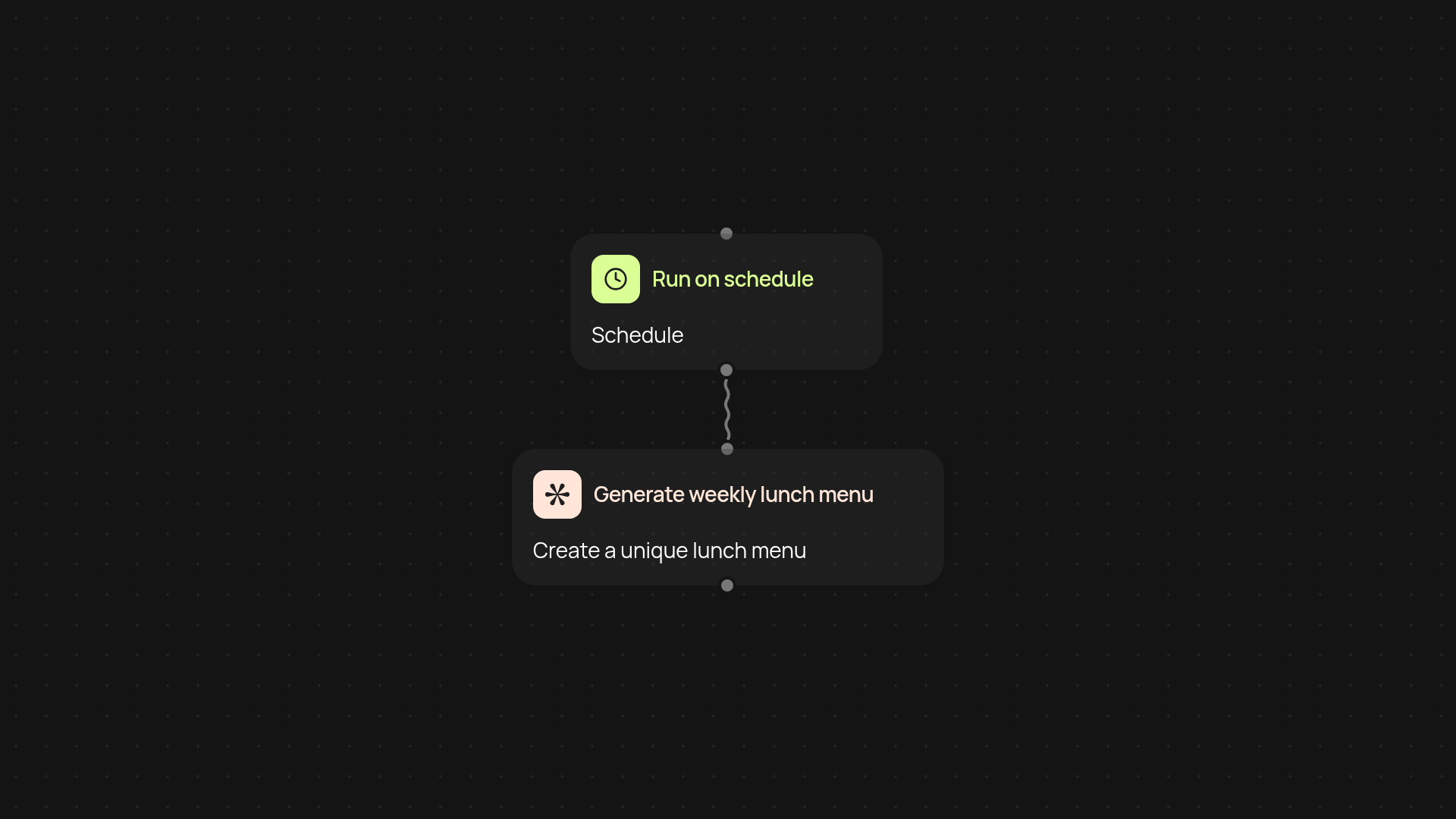
How does this lunch menu generator streamline your weekly planning?
It creates your entire weekly lunch menu for you—no more brainstorming every day. Just give it a few preferences or dietary needs, and you’ll get a fresh, diverse set of lunches delivered straight to your inbox or dashboard. This removes the daily hassle of what to serve or eat and helps prevent repetitive menus. Whether you’re planning for your team, a restaurant, or your family, everything happens automatically.
Can you customize your menus to fit dietary needs?
Yes, you can. The generator lets you specify allergies, dislikes, or favorite cuisines right before running it. Your generated menu will reflect those preferences instantly, so everyone can enjoy meals tailored for them after setup and review.
Will the menu repeat meals or stay fresh each week?
Your menus stay fresh. The generator keeps track of previous lunches and avoids repeating the same dishes too often. This means variety on the table and satisfaction all around, with reduced manual effort from your side.
How do you get started with the menu generator?
First, set your trigger: pick a specific day for your menu to generate, or run it whenever you need a new one. All you need is a CodeWords account and your menu preferences (like dietary restrictions or dish types). After setup, just sit back—menus arrive on a schedule, ready to print or share.
More templates
Get started today
Your first workflow is free to build.
Describe what you need. Cody handles the build, the connections, and the deployment.