Luma Video Generator — create videos from text or images
Turn text or image prompts into ready-to-use videos with Luma Video Generator. Automate video creation with reduced manual work.
Example starting point only. Verify every connection and any sending, booking, inventory, approval, or handoff action before deployment.
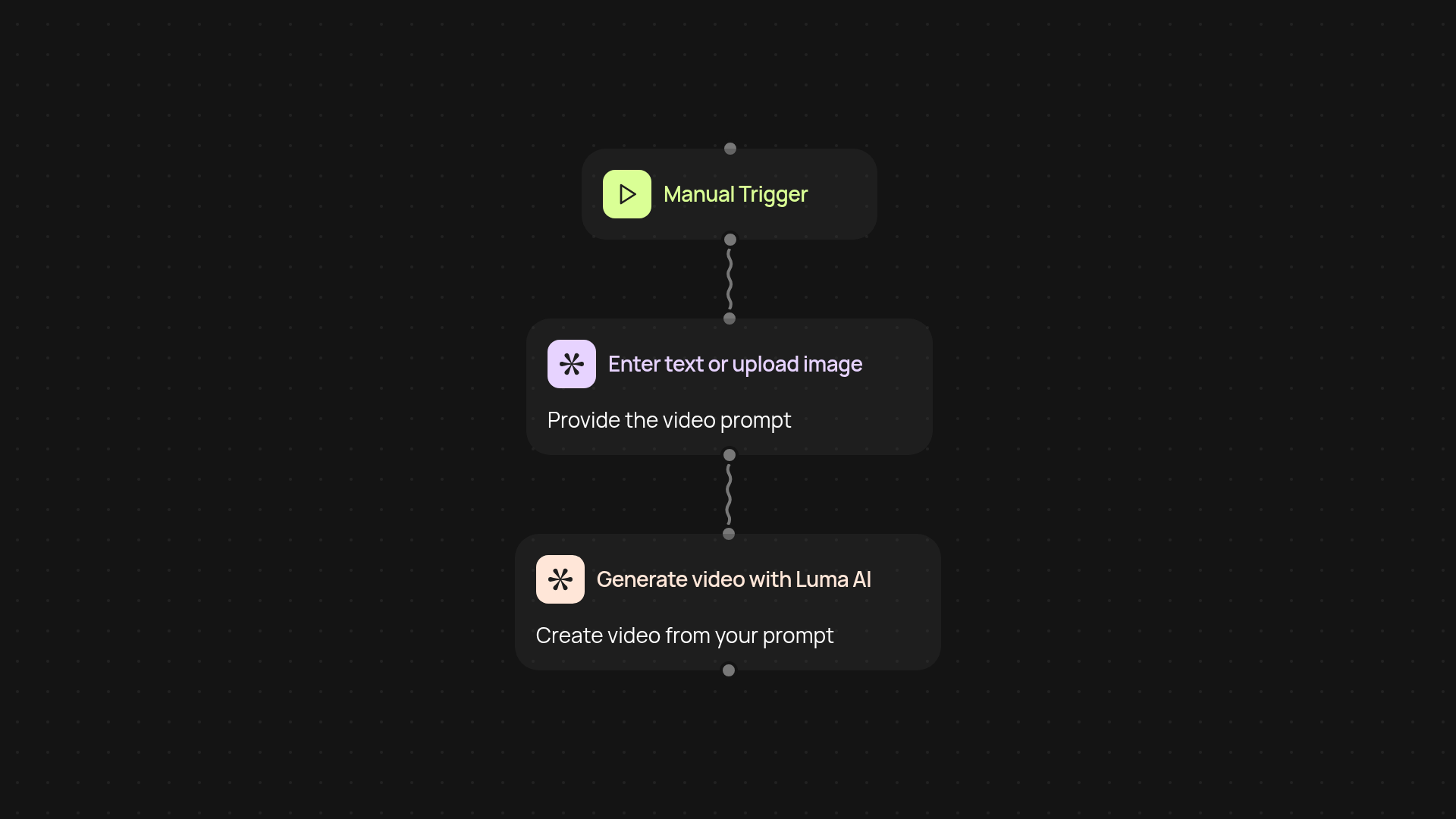
What does Luma Video Generator let you do automatically?
Luma Video Generator turns your ideas into polished videos, instantly. Provide a text or image prompt, and the tool handles everything — transforming your input into a ready-to-use video with no editing required. Whether you want to generate tutorials, product previews, or social videos, you get consistent results every time.
How does it turn an idea into a shareable video?
Luma Video Generator takes your chosen text or image and uses advanced AI to create engaging videos. The entire process runs quietly in the background. No need to fiddle with timelines or transitions — your video is produced and ready for download or sharing before you know it.
What kind of prompts does it support?
You can start with just a simple text description or upload an image. The system can work from a single sentence—like "product demo with blue background"—or a specific photo, making it easy to visualize blog posts, marketing campaigns, or internal announcements without manual editing.
How do you set it up and get started?
Getting started with Luma Video Generator is straightforward. Set a trigger, decide if you’ll enter text or upload an image, and let the tool handle the rest. All you need are your prompts—no design or video editing expertise required. Connect your workflow once, and you can generate videos anytime, after setup and review.
Get started today
Your first workflow is free to build.
Describe what you need. Cody handles the build, the connections, and the deployment.