LinkedIn Job Change Monitor — avoid missing a career move
Get notified the moment your LinkedIn connections change jobs. Turn career moves into sales opportunities with CodeWords.
Example starting point only. Verify every connection and any sending, booking, inventory, approval, or handoff action before deployment.
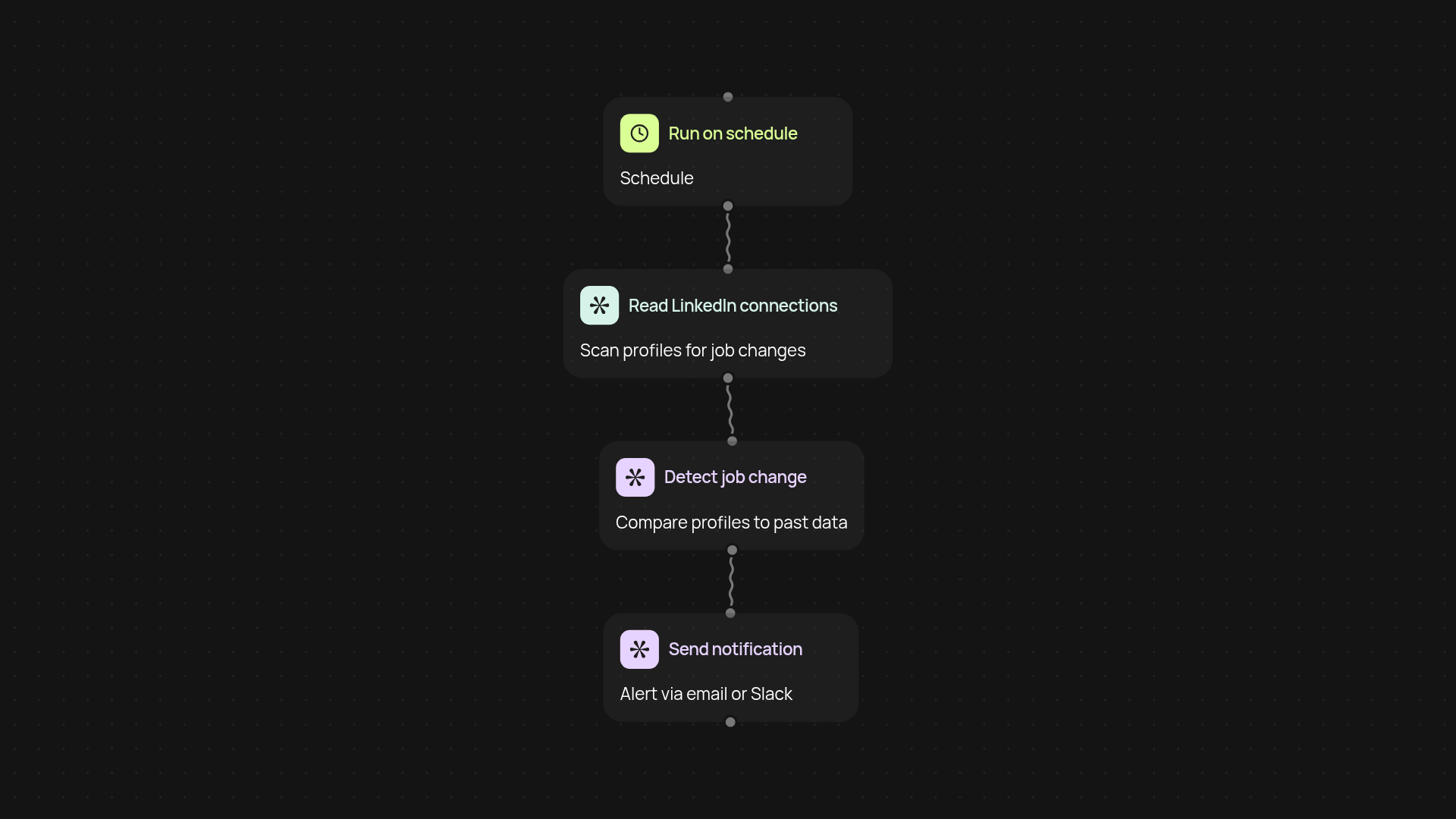
What does the LinkedIn Job Change Monitor do for you?
The LinkedIn Job Change Monitor keeps an eye on your connections' career moves — so you are less likely to miss a sales trigger again. Once enabled, you'll be notified the moment someone in your network updates their job, giving you a head start on reaching out, deepening relationships, or uncovering new opportunities. No more manual scrolling through feeds or searching for signals. CodeWords handles the tracking in the background, giving you more time to focus on building your pipeline.
How does it notify you about job changes?
You'll get instant notifications whenever your tracked connections change their positions or companies. You choose where these alerts go — to your email, Slack, or even your CRM. This keeps you updated and ready to act, after setup and review. The result: higher response rates and a faster route from trigger to conversation.
How accurate is the job change tracking?
Changes are detected directly from LinkedIn, ensuring you always know when someone has landed a new role or left a company. Because alerts are pulled straight from your live network, you get reliable insights the moment they appear — not days later. The process happens automatically, so nothing slips through the cracks.
How do you set up the LinkedIn Job Change Monitor?
Just connect your LinkedIn account using the Chrome extension and pick which connections to track. You'll also decide how you want to receive notifications. No technical skills are needed, and start in minutes. Get started today and make every career change work to your advantage.
Get started today
Your first workflow is free to build.
Describe what you need. Cody handles the build, the connections, and the deployment.