LinkedIn Comment Scraper — collect and organize feedback fast
Extract LinkedIn post comments, remove duplicates, and send to Google Sheets. Gain insights from real conversations automatically with CodeWords.
Example starting point only. Verify every connection and any sending, booking, inventory, approval, or handoff action before deployment.
How does this LinkedIn comment scraper simplify your workflow?
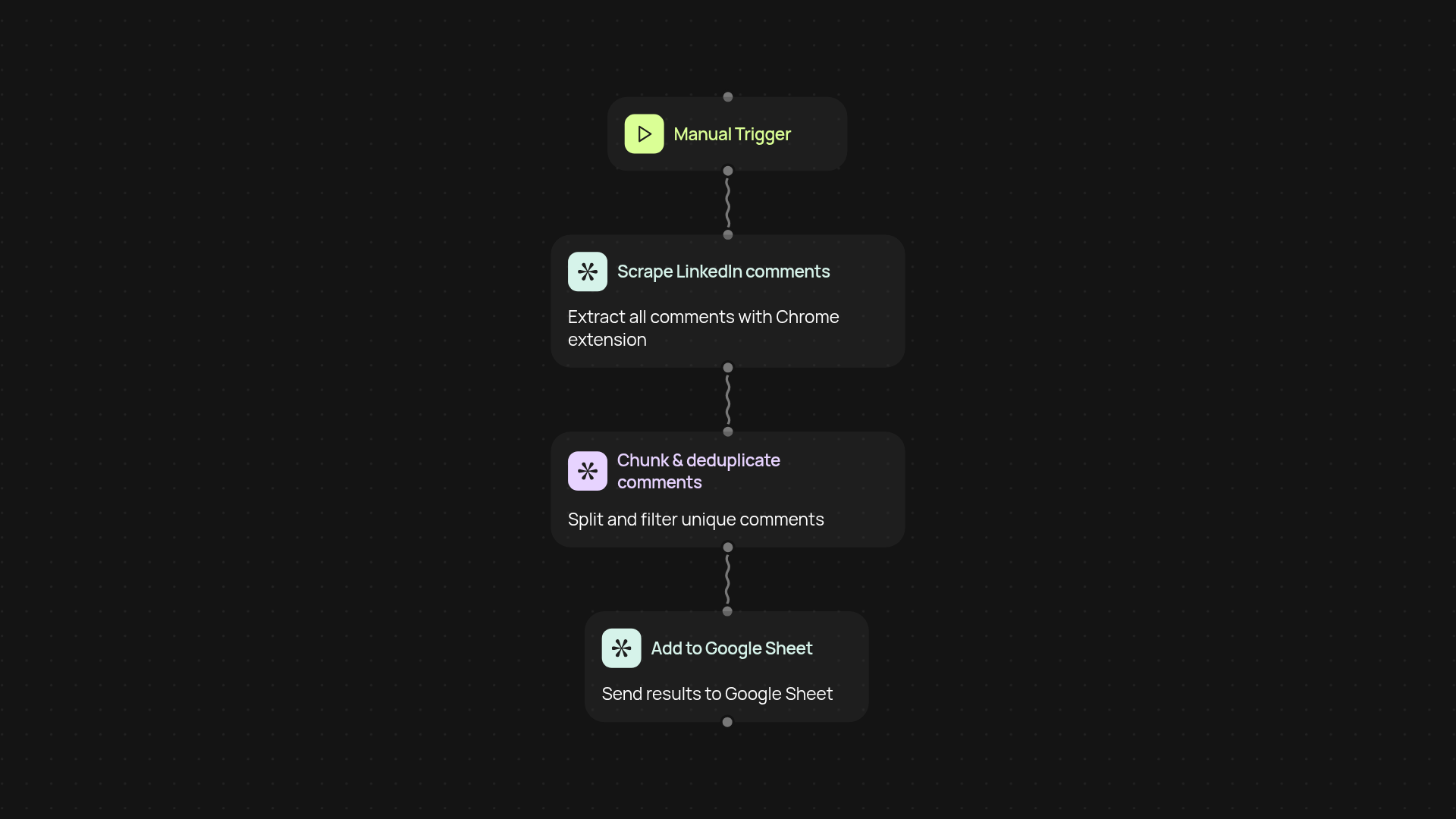
Collect LinkedIn post comments with just one click. This template pulls all visible comments on a LinkedIn post through a Chrome extension, then processes the data so you get clean, deduplicated feedback. The final results instantly appear in your connected Google Sheet, making it stress-free to review or share insights — no manual copy-paste needed.
How are duplicate comments and spam handled?
All comments are automatically run through smart filtering and chunking to catch duplicates and irrelevant entries. Only unique, relevant feedback gets added to your Google Sheet. That way, you can be confident your data reflects real, authentic conversations.
Can I analyze comments right in Google Sheets?
Yes. As soon as comments appear in your Google Sheet, you can use your favorite analysis and sorting tools right away. Track sentiment, highlight most-asked questions, or share live reports with your team — all from the comfort of your spreadsheet.
How do I set up the LinkedIn comment scraper?
Get started by installing the Chrome extension and connecting your Google Sheets account. Trigger the workflow by choosing a LinkedIn post. The process does the heavy lifting in the background, so you’ll have a ready-to-use spreadsheet moments later.
Get started today
Your first workflow is free to build.
Describe what you need. Cody handles the build, the connections, and the deployment.