LinkedIn Carousel Automation — create and post carousels in minutes
Generate LinkedIn carousels with AI-written content and branded images. Schedule, personalize, and publish without manual work. Save hours on content creation.
Example starting point only. Verify every connection and any sending, booking, inventory, approval, or handoff action before deployment.
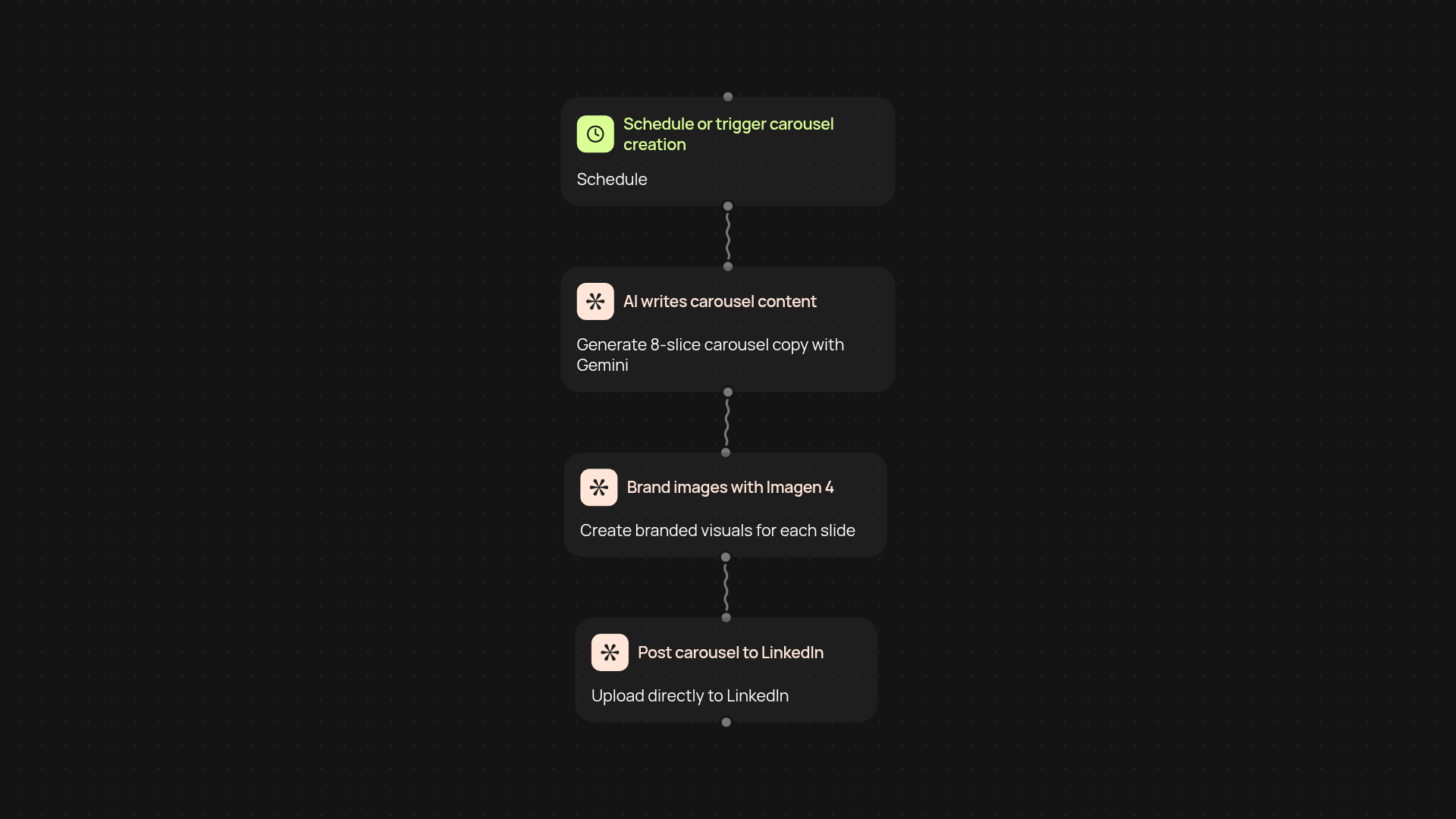
How does this LinkedIn carousel automation work from start to finish?
You simply provide a topic or idea—CodeWords instantly handles the rest. Our AI writes 8-slide LinkedIn carousel copy, creates branded visuals with Imagen 4, and posts the carousel to your LinkedIn account without manual work. You get polished, professional carousels delivered to your audience on schedule. No need for design chops or constant content brainstorming—just fresh, engaging posts that keep you visible and top-of-mind.
Can I personalize carousels for my brand style?
Absolutely. You define your brand guidelines, preferred tone, and visual branding in a simple setup step. The Imagen 4 AI designs each image to match your look and feel, while our content AI sticks to your voice and messaging. You can review and edit slides before publishing if you’d like, or trust the process to work automatically for you.
What are the benefits of automating carousels instead of making them manually?
By automating, you publish carousels consistently after setup and review. This saves hours every week and frees you up to focus on engaging with your network, rather than building slides in PowerPoint or Canva. Automation keeps your posting schedule on track even during busy periods, so your LinkedIn feed keeps delivering value.
How do I get started and what setup is required?
Getting started takes just a few minutes. All you need is a LinkedIn account and your brand style preferences. Connect your account, set your content guidelines, and you’re ready for your first automated carousel. The process runs in the background, giving you content that stands out with almost no effort.
Get started today
Your first workflow is free to build.
Describe what you need. Cody handles the build, the connections, and the deployment.