LaTeX Equation Renderer — turn math questions into clear equations
Turn natural language math into formatted LaTeX equations with no manual work. Save time and clarify every formula.
Example starting point only. Verify every connection and any sending, booking, inventory, approval, or handoff action before deployment.
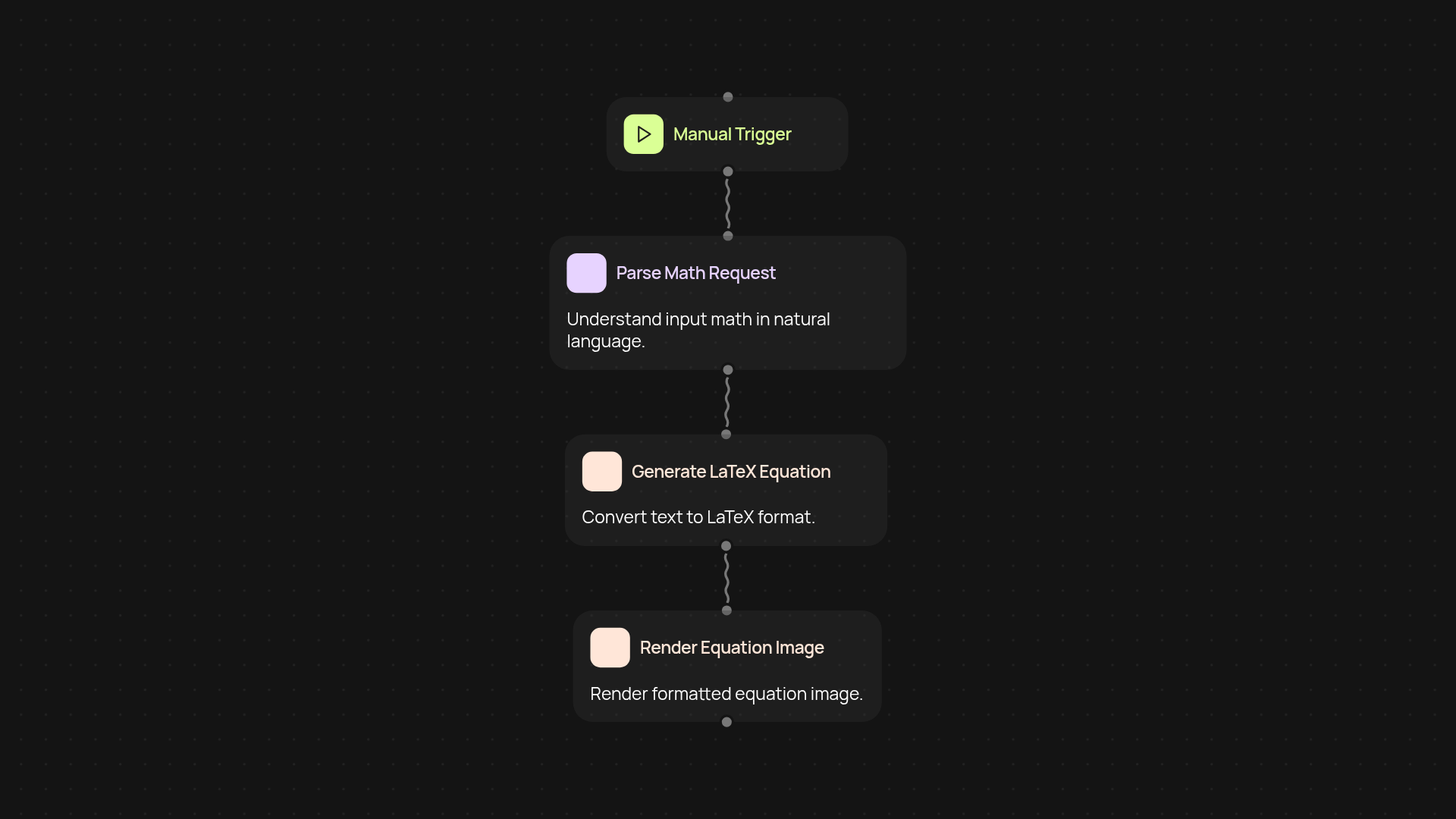
What does the LaTeX Equation Renderer do from start to finish?
The LaTeX Equation Renderer instantly turns natural language math questions or statements into professional-looking, formatted LaTeX equations. Just provide your math text—like "the derivative of x squared"—and get a ready-to-use LaTeX formula. Stop spending time piecing together syntax yourself. You get clean, correct equations for reports, presentations, or sharing across teams, all automatically.
How can this help you clarify complex math?
You can easily convert any typed math problem, even in plain English, into a precise equation. This means no more searching for special symbols or fixing formatting errors. It’s a direct way to ensure all your calculations and formulas look polished and consistent, whether for internal documents or client-facing materials. You’ll spend less time worrying about how an equation appears and more time focusing on clear communication.
Can anyone use the LaTeX Equation Renderer, or do you need special skills?
No LaTeX experience is needed. If you know your math, you’re ready to use this tool. Simply input your question or statement, and the renderer takes it from there, translating your words into a formatted LaTeX equation after setup and review. Perfect for analysts, educators, consultants, and anyone who needs math to look its best.
How do you set it up and get started?
Setup is fast: simply choose how you'd like to trigger the automation—manually or based on new math text arriving, for example. Then, connect your source of math text (like an email or document), and let the LaTeX Equation Renderer work in the background. You’ll need access to the CodeWords platform and your math statements ready to go. Once configured, your LaTeX formatted equations will appear in moments, ready for whatever comes next.
More templates
Get started today
Your first workflow is free to build.
Describe what you need. Cody handles the build, the connections, and the deployment.