Lab Report Generator — create structured lab reports in seconds
Transform experimental data into clear, organized lab reports—no manual work. Quickly generate professional reports from your results with AI.
Example starting point only. Verify every connection and any sending, booking, inventory, approval, or handoff action before deployment.
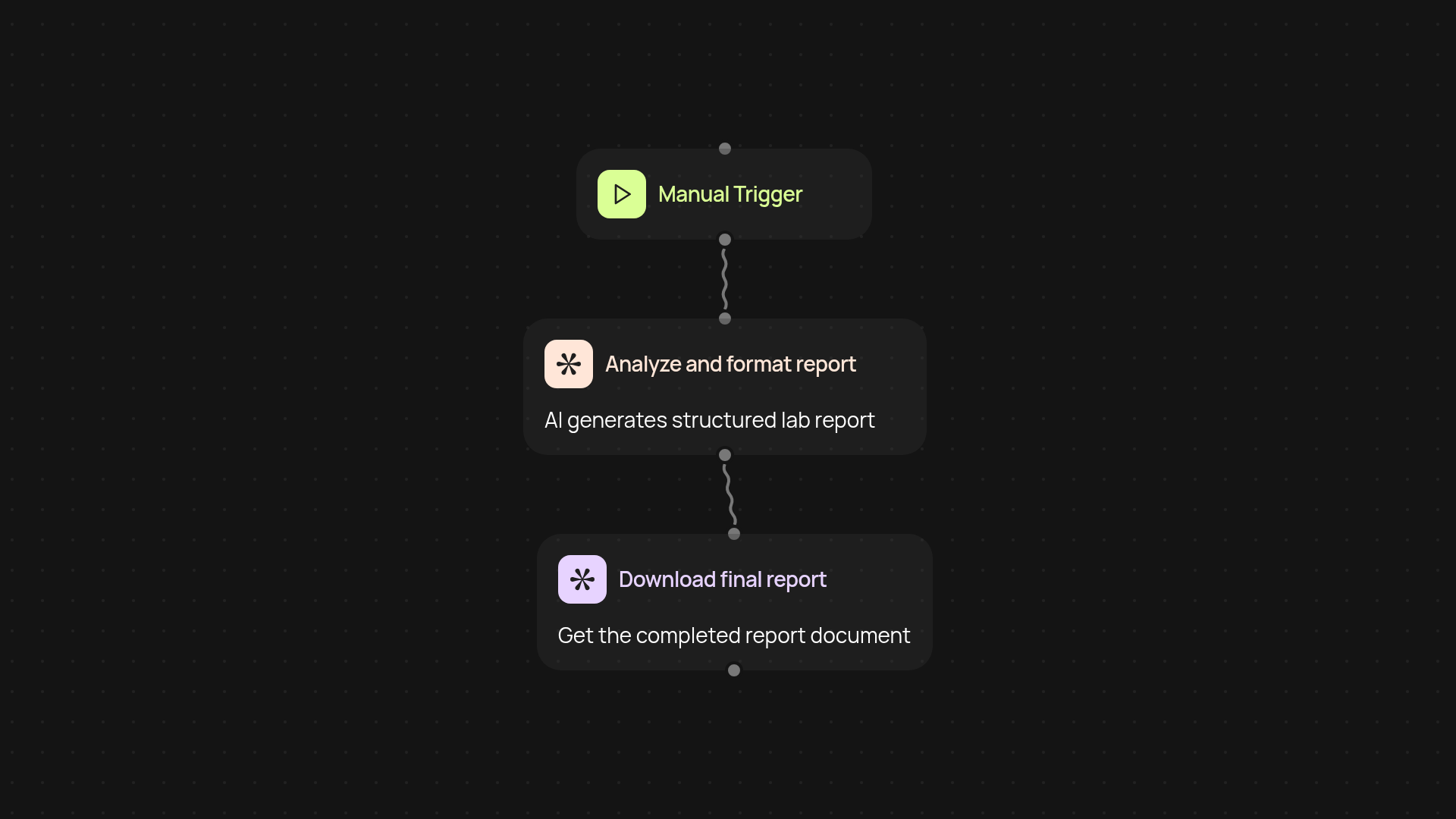
What does Lab Report Generator do for you?
Lab Report Generator turns raw experimental data into polished, structured lab reports—after setup and review. Just upload your data, and the tool instantly organizes your results, methods, and conclusions into a professional format ready to share or submit. No more copy-pasting or busywork. Your report appears clearly structured and easy to read.
How can you turn data into a report instantly?
Instead of organizing and writing up everything yourself, the Lab Report Generator handles it for you. It parses your data, identifies important findings, and arranges the key information into standard sections like Introduction, Methods, Results, and Discussion. Everything is clear, organized, and ready to go, so you can focus on the science—not the paperwork.
How accurate are the generated lab reports?
Lab Report Generator uses advanced AI to analyze your input and format your report according to common academic standards. This ensures your results are presented clearly and accurately, saving you time and reducing errors caused by manual reformatting.
How do you set it up and what do you need?
Getting started is simple. You’ll need your experimental data file—such as a spreadsheet or text file. Then, trigger the workflow manually or on a schedule, and the Lab Report Generator takes care of the rest. No special software required. You just review the final report and download or share it as needed.
More templates
Get started today
Your first workflow is free to build.
Describe what you need. Cody handles the build, the connections, and the deployment.