Invoice Generator — create PDF invoices from structured data
Save hours each week by generating professional PDF invoices directly from your business data, instantly, with CodeWords.
Example starting point only. Verify every connection and any sending, booking, inventory, approval, or handoff action before deployment.
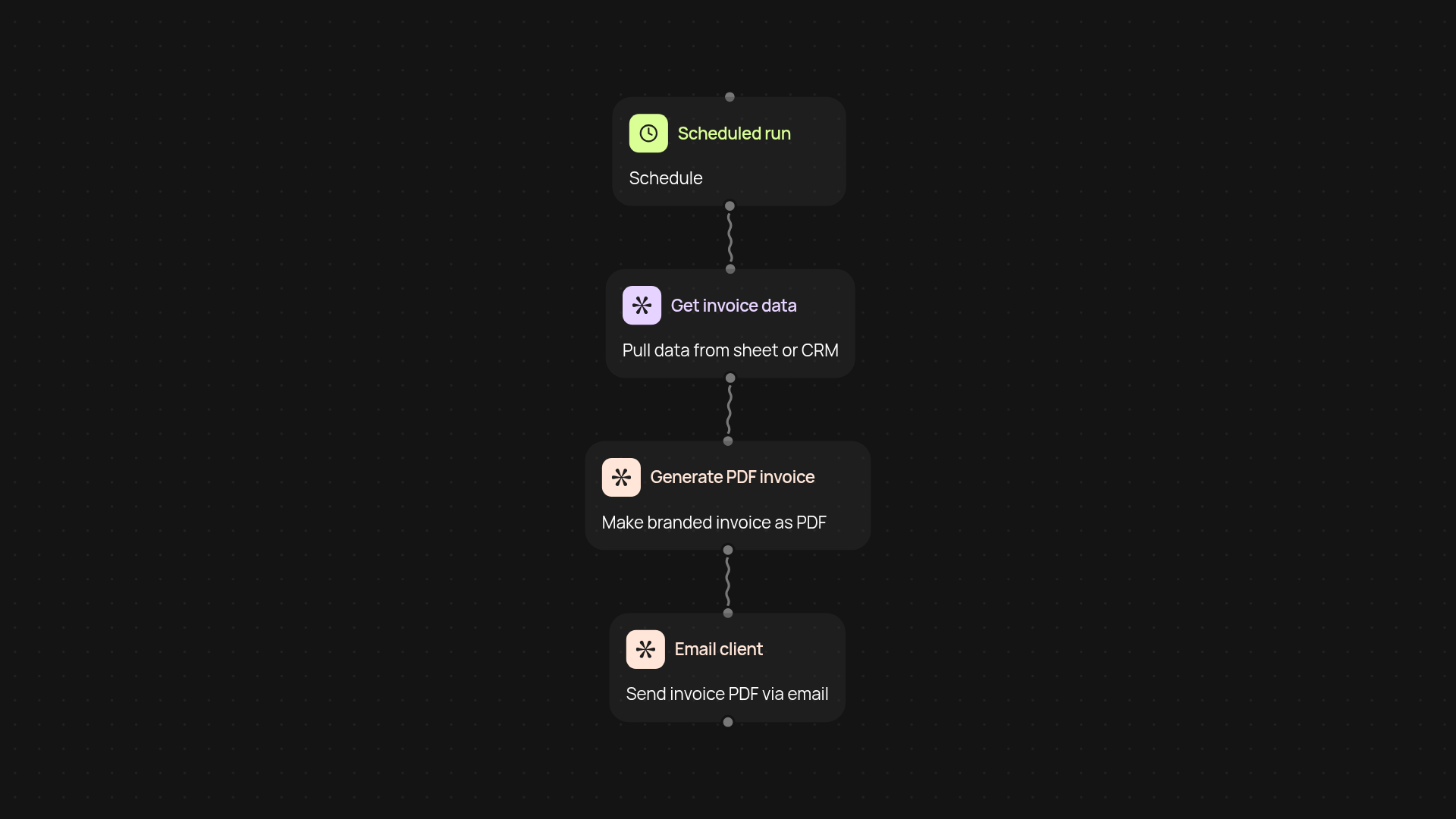
How does invoice generator create professional invoices for you?
Invoice Generator takes your sales or billing data and turns it into polished PDF invoices. Once you set it up, invoices can be created and sent out after setup and review, saving your team hours each week and reducing mistakes from manual creation. Generate branded, detailed invoices and send them to clients automatically.
Can you use your existing business data?
Absolutely. Invoice Generator can connect to the systems you already use, whether that's a spreadsheet, a database, or information from another app. Pull in client info, billing items, and pricing directly. No need to copy and paste details or juggle multiple tools. Everything is put together for you in a streamlined PDF ready to send or archive.
How are PDF invoices delivered?
Invoices are generated in the background, and you decide what happens next. Email them to clients, save them in your records, or both. You can even set up reminders or notifications, all without manual work—just set and forget. This ensures you are less likely to miss an invoice deadline and keeps paperwork organized.
What do you need to get started?
Getting started just takes a few minutes. You'll need the basic invoice details (like billing data and customer info). Choose when invoices should be made—on a schedule or trigger—and connect your source. That's it. From there, Invoice Generator runs automatically and keeps your invoicing streamlined, week after week.
More templates
Get started today
Your first workflow is free to build.
Describe what you need. Cody handles the build, the connections, and the deployment.