Invoice Data Extractor — turn any invoice into structured data
Extract invoice data with ease. Instantly convert any invoice image into organized, ready-to-use structured data — save hours of typing.
Example starting point only. Verify every connection and any sending, booking, inventory, approval, or handoff action before deployment.
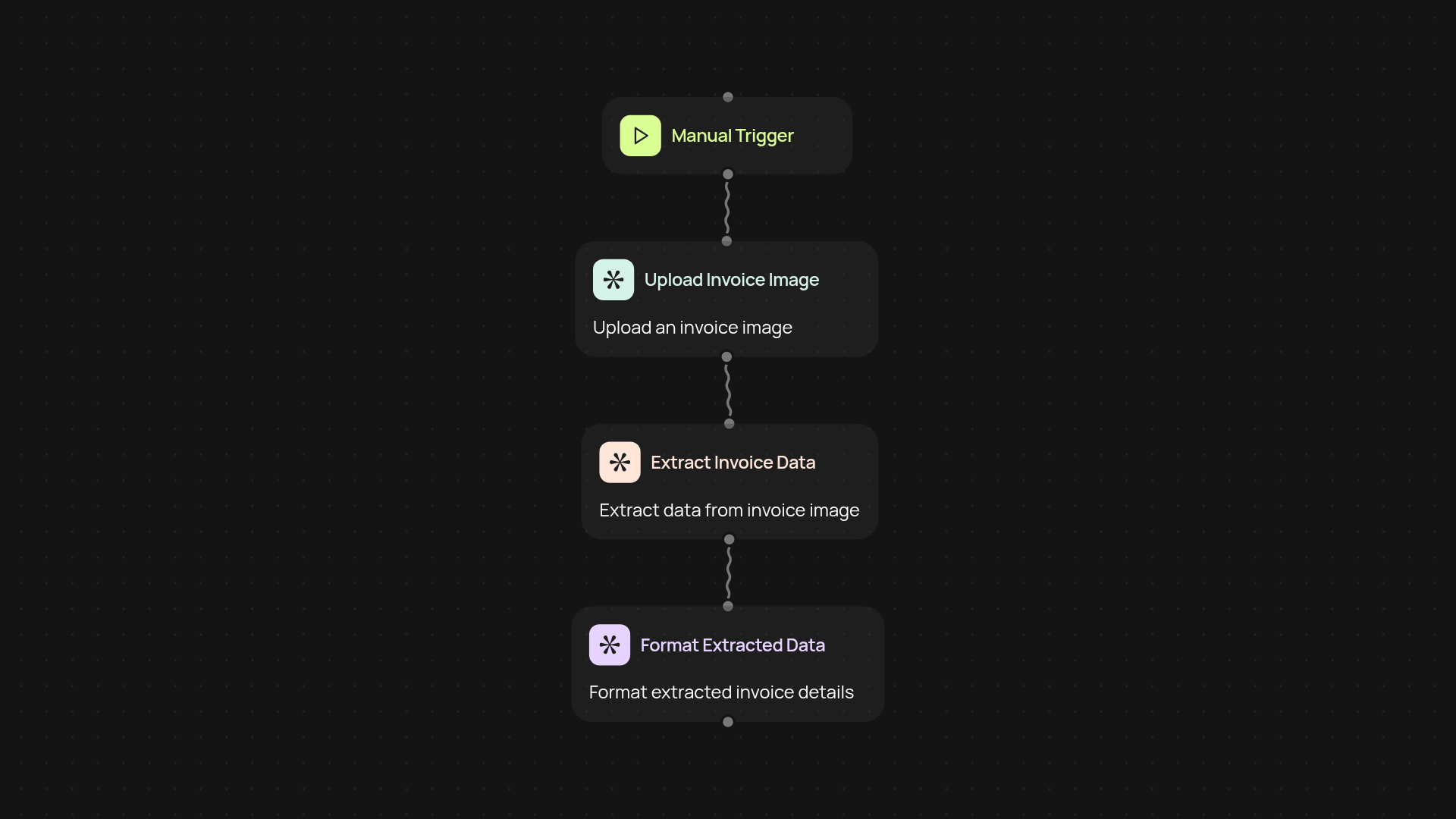
How does the invoice data extractor turn images into data?
Quickly convert any invoice photo or PDF into structured, organized data you can use right away. The invoice data extractor uses GPT-4.1 vision to read, understand, and pull out key details — like vendor, dates, amounts, line items, and more — from any invoice image, even if it's low-quality or photographed. No need to retype anything. Just upload your invoice, and let CodeWords do the rest in the background.
What fields does it capture from your invoices?
The tool instantly pulls out all the essential data you need for accounting or record-keeping. This includes invoice number, vendor name, amounts, due dates, payment terms, and each line item. No more switching between screens or copy-pasting from PDFs — you get a clean, ready-to-use dataset every time.
How accurate is the extraction process?
Accuracy matters, especially with financial information. With GPT-4.1 vision, extraction is highly reliable, even for hand-written or less-than-perfect scans. The tool checks fields and formatting so you can trust the data in your accounting or bookkeeping systems.
How can you set this up in minutes?
Getting started is simple. All you need is an invoice image you want to extract data from — the tool handles the rest. Set your automation to run on a schedule or upload files manually, depending on your workflow. No technical skills required. Say goodbye to manual data entry and get your invoices processed automatically.
More templates
Get started today
Your first workflow is free to build.
Describe what you need. Cody handles the build, the connections, and the deployment.