Inventory management via WhatsApp — track stock
Manage and track your inventory directly through WhatsApp. Get instant updates and stock control without manual work. Easy setup, perfect for business owners.
Example starting point only. Verify every connection and any sending, booking, inventory, approval, or handoff action before deployment.
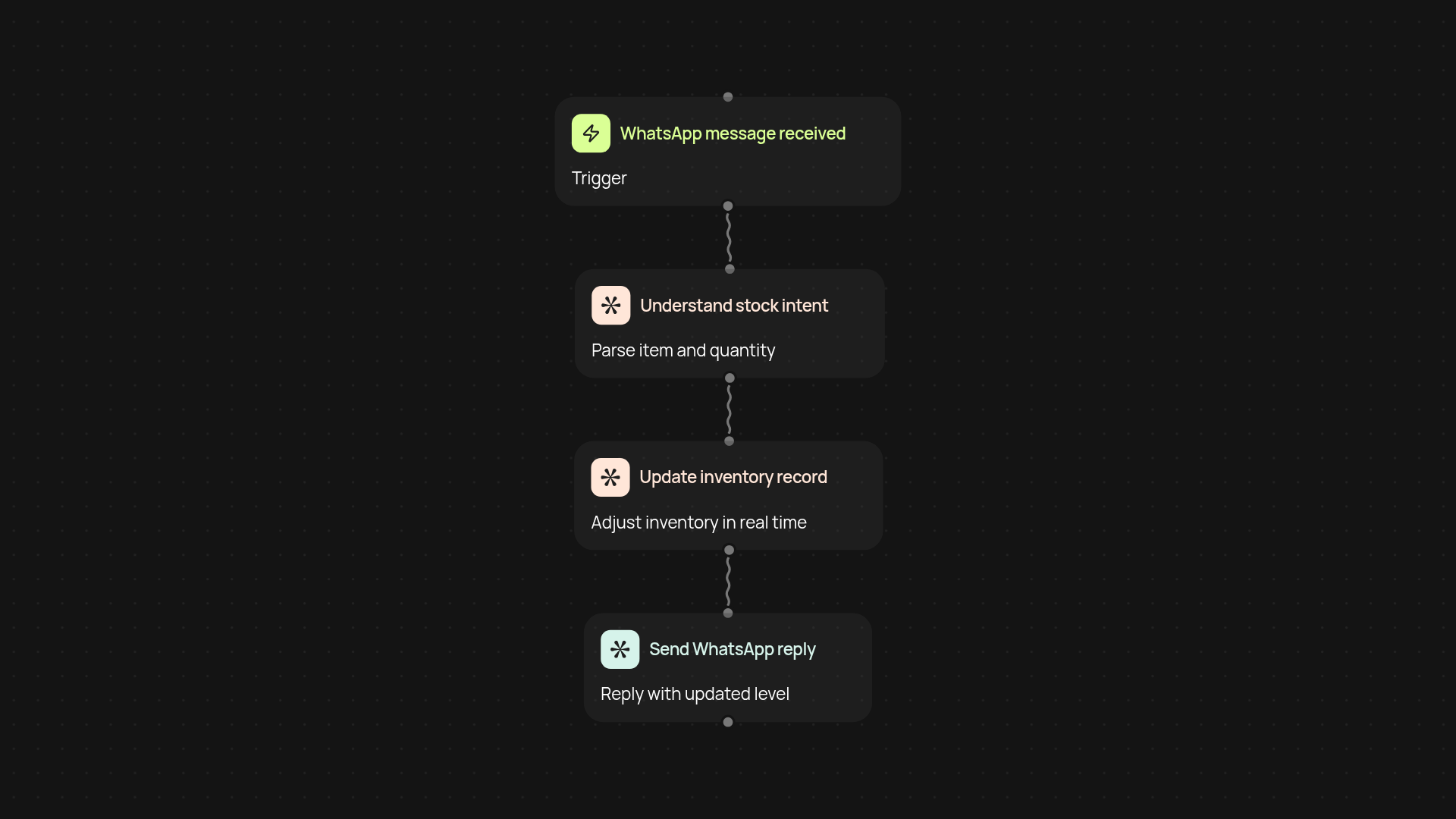
How does inventory management work in WhatsApp?
You can control and track your inventory right from WhatsApp without switching apps or dealing with spreadsheets. Just send a message with the item and amount, and updates happen instantly — you'll see your current stock with no extra manual work. Behind the scenes, all your stock movements are tracked in real time. If you run low, get notifications automatically, so you are less likely to miss a restock.
What updates will I receive, and how fast?
Stock updates happen almost instantly. Whenever someone sends a stock adjustment or checks levels, the answer arrives in your WhatsApp chat moments later. This quick feedback means you and your team always know exactly what’s available, helping avoid stockouts or double-ordering.
What do I need to get started?
All you need is your WhatsApp account and a simple setup on CodeWords. There’s no complicated software to install. Connect your WhatsApp, add your products, and your inventory automatically tracks itself from day one. If you want, enable notification alerts — so your phone tells you before stock runs out, all after setup and review.
More templates
Get started today
Your first workflow is free to build.
Describe what you need. Cody handles the build, the connections, and the deployment.