Imagen 4 Generator — create photorealistic images
Generate stunning, lifelike images from text prompts. Imagen 4 Generator uses Google’s Imagen 4 model for fast, high-quality image creation—no manual upload required.
Example starting point only. Verify every connection and any sending, booking, inventory, approval, or handoff action before deployment.
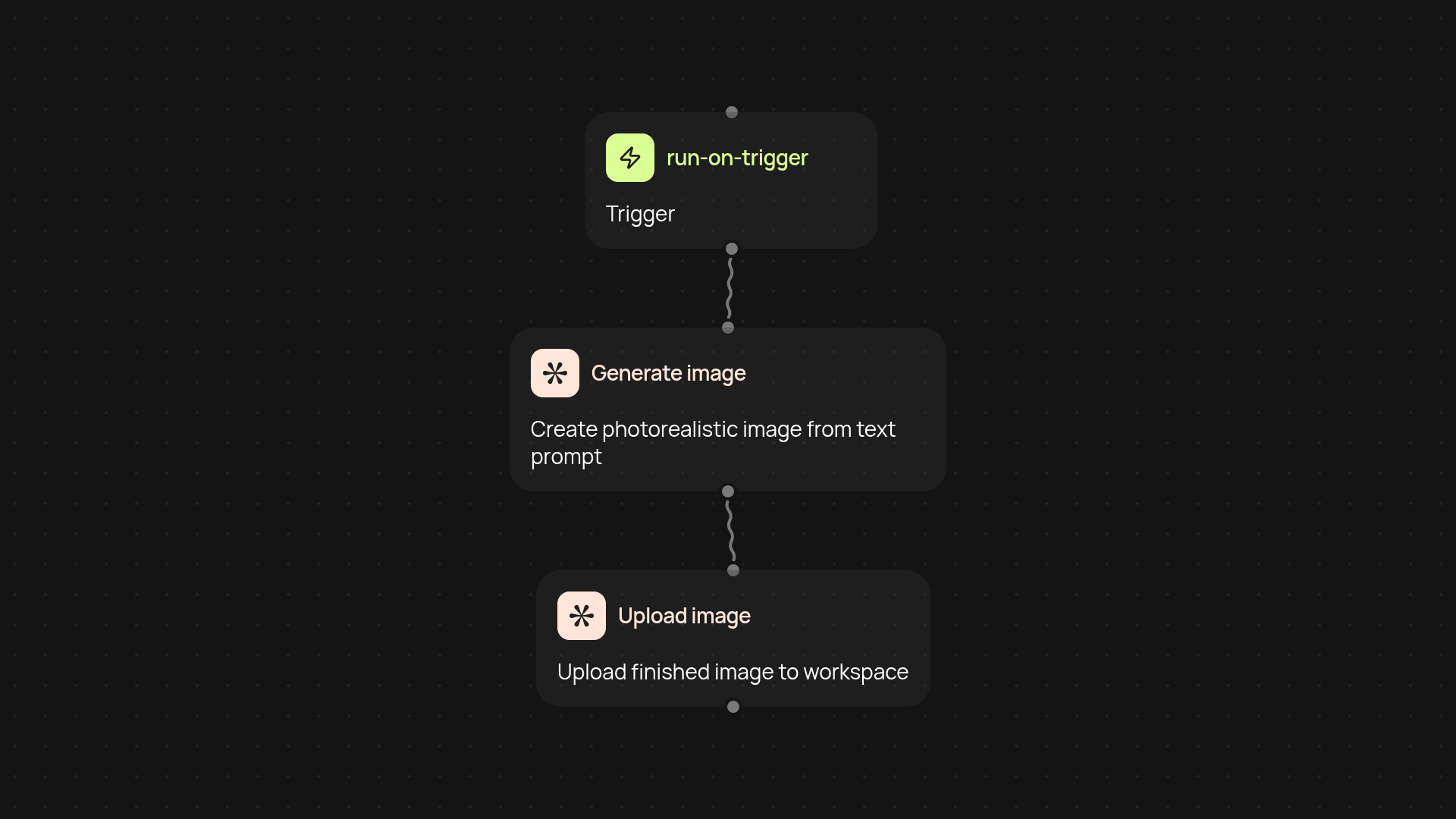
How does the Imagen 4 Generator create images from your prompts?
You simply enter a brief description—any idea, product, or scene you need. The Imagen 4 Generator instantly transforms your prompt into a high-quality, photorealistic image with no extra steps. Everything runs in the background, so images appear in your workspace within minutes, uploaded and ready to use. You don’t need to search for stock photos or spend hours on design software. Just describe what you want, and get a stunning result.
What makes Imagen 4 Generator’s photos so lifelike?
Google’s Imagen 4 model is built for detail. Your prompt generates images that look real, with accurate textures, lighting, and colors. Whether you want marketing visuals, social posts, or product concepts, you get images that stand out. The process is fully automatic—results are consistent and professional every time, after setup and review for upload or editing.
How quickly are images delivered and where do they go?
Results show up in your connected workspace almost instantly after sending your prompt. There’s no need to download or upload files—completed images appear right where you need them. For teams, this means creative assets are always at your fingertips, keeping projects moving quickly and smoothly.
How do you set up Imagen 4 Generator, and what do you need?
Getting started is easy. Choose a trigger, like a scheduled time or a form submission, then connect Google’s Imagen 4 with CodeWords. Enter your image prompt and select where you want results delivered. That’s it. No design skills or advanced setup needed—just plug in, describe your vision, and receive photorealistic images automatically.
More templates
Get started today
Your first workflow is free to build.
Describe what you need. Cody handles the build, the connections, and the deployment.