Image Watermark Remover — detect and locate watermarks, instantly
Find and locate watermarks in images in seconds. Let AI detect watermark locations, so you can decide what to do next — no manual review needed.
Example starting point only. Verify every connection and any sending, booking, inventory, approval, or handoff action before deployment.
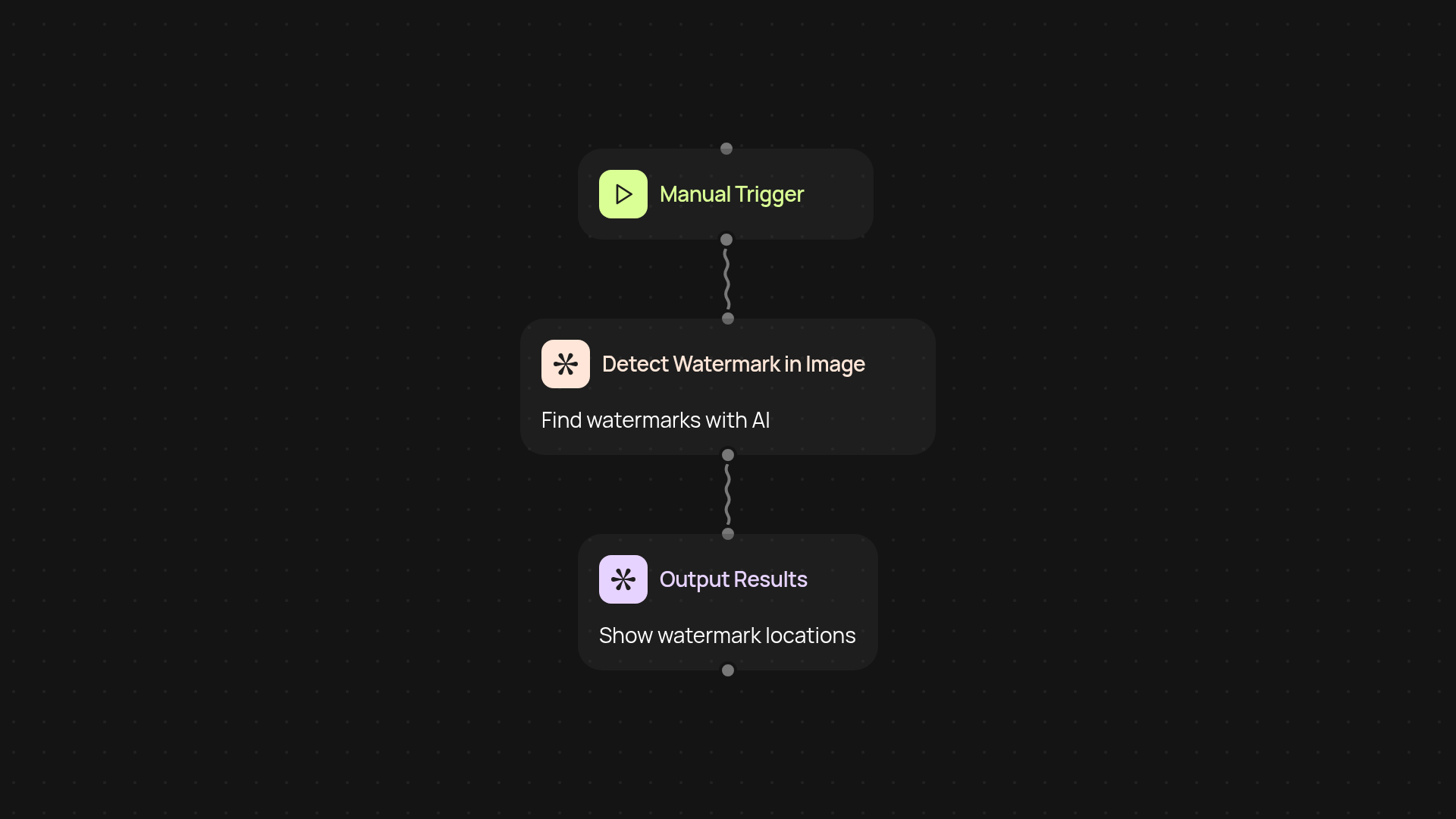
What does the image watermark remover do from start to finish?
Quickly detect and pinpoint watermarks in any image after setup and review. The image watermark remover uses AI to scan your picture, find any watermark details, and give you the exact locations with bounding box coordinates. Forget endless manual checking—just drop your images in and get instant answers you can trust, whether you need to review compliance, prep assets, or clean up graphics.
How do you detect watermarks in images automatically?
The process starts as soon as you upload an image. The AI looks for watermark patterns across the picture and highlights where they appear, including their precise location. Within seconds, you’ll receive details on every detected watermark, making it easy to spot image issues before they become a problem, all automatically.
Can you trust AI to find all watermark locations?
Yes. This tool uses advanced AI vision (powered by GPT-4.1) trained to spot even faint or partially hidden watermarks. That means you no longer need to worry about missing important details or overlooking hidden marks—the results give you confidence that no watermark will slip by, no matter the image size or format.
How do you get started and what do you need?
To begin, just choose an image and run the detector. No technical steps needed: upload your file, and the rest happens in the background. All you need is your image; the watermark finder does the rest. You’ll have marked-up coordinates ready to review or act on, saving you time on every project.
More templates
Get started today
Your first workflow is free to build.
Describe what you need. Cody handles the build, the connections, and the deployment.