Image to SVG Converter — transform images into crisp vectors
Convert raster images to SVG in seconds. Create clean, scalable vector graphics from your photos and designs, without manual redraws. Try the Image to SVG Converter.
Example starting point only. Verify every connection and any sending, booking, inventory, approval, or handoff action before deployment.
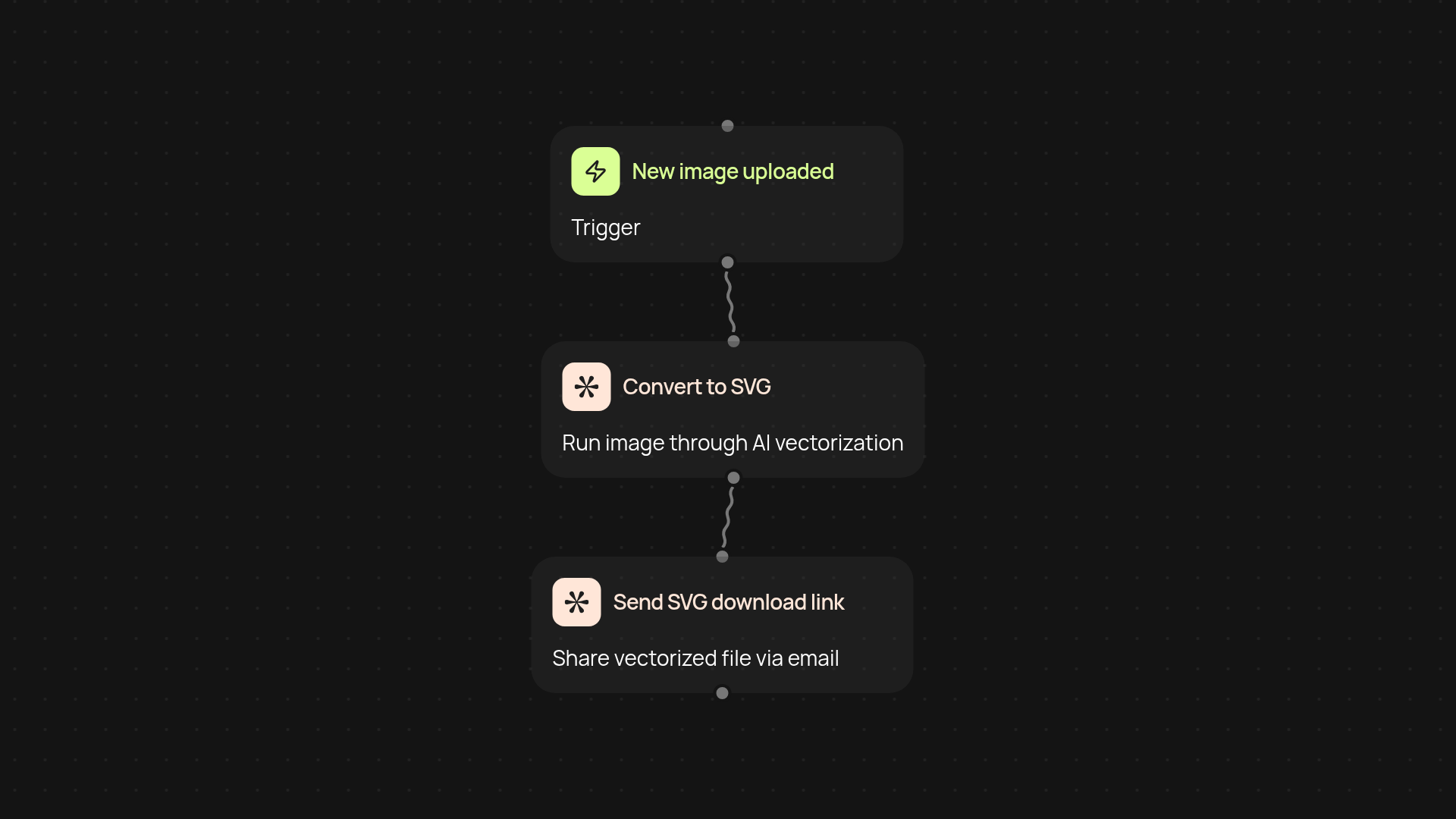
How does this template convert images into SVGs for you?
With the Image to SVG Converter template, you simply upload or share an image — then let CodeWords do the rest. This automated workflow takes your raster files (like JPG or PNG) and produces a scalable, clean SVG you can use for any project. No more manual tracing or fiddling with complicated software: just fast, high-quality vector results every time.
What file types can you transform, and what’s the output?
Most standard image formats are supported. Upload your standard photos, designs, or logos in common formats (like JPEG or PNG), and you’ll receive a downloadable SVG vector file. The process is handled behind the scenes, saving you time on redraws or tool-hopping. Your final vector is crisp, scalable, and ready for use online or for print.
Is the vectorization quality accurate for logos and details?
Yes, the AI-powered path tracing identifies edges and details in your original image with precision. Even complex graphics or logo marks turn out as sharp SVGs—instantly, without manual work. This means less clean-up after and predictable quality, whether you’re working with photos, icons, or branding files.
How do you get started and what’s needed?
Just pick your trigger: run the workflow on demand or set it up to process images in a folder or email. Upload your image, then let CodeWords take care of vectorizing automatically. No technical skills are needed, just your image file and a few clicks to automate your conversion process.
More templates
Get started today
Your first workflow is free to build.
Describe what you need. Cody handles the build, the connections, and the deployment.