Image to color palette — fast hex codes & harmony suggestions
Extract dominant colors, hex codes, and harmony tips from any image. Turn inspiration into ready palettes for branding, design, and more.
Example starting point only. Verify every connection and any sending, booking, inventory, approval, or handoff action before deployment.
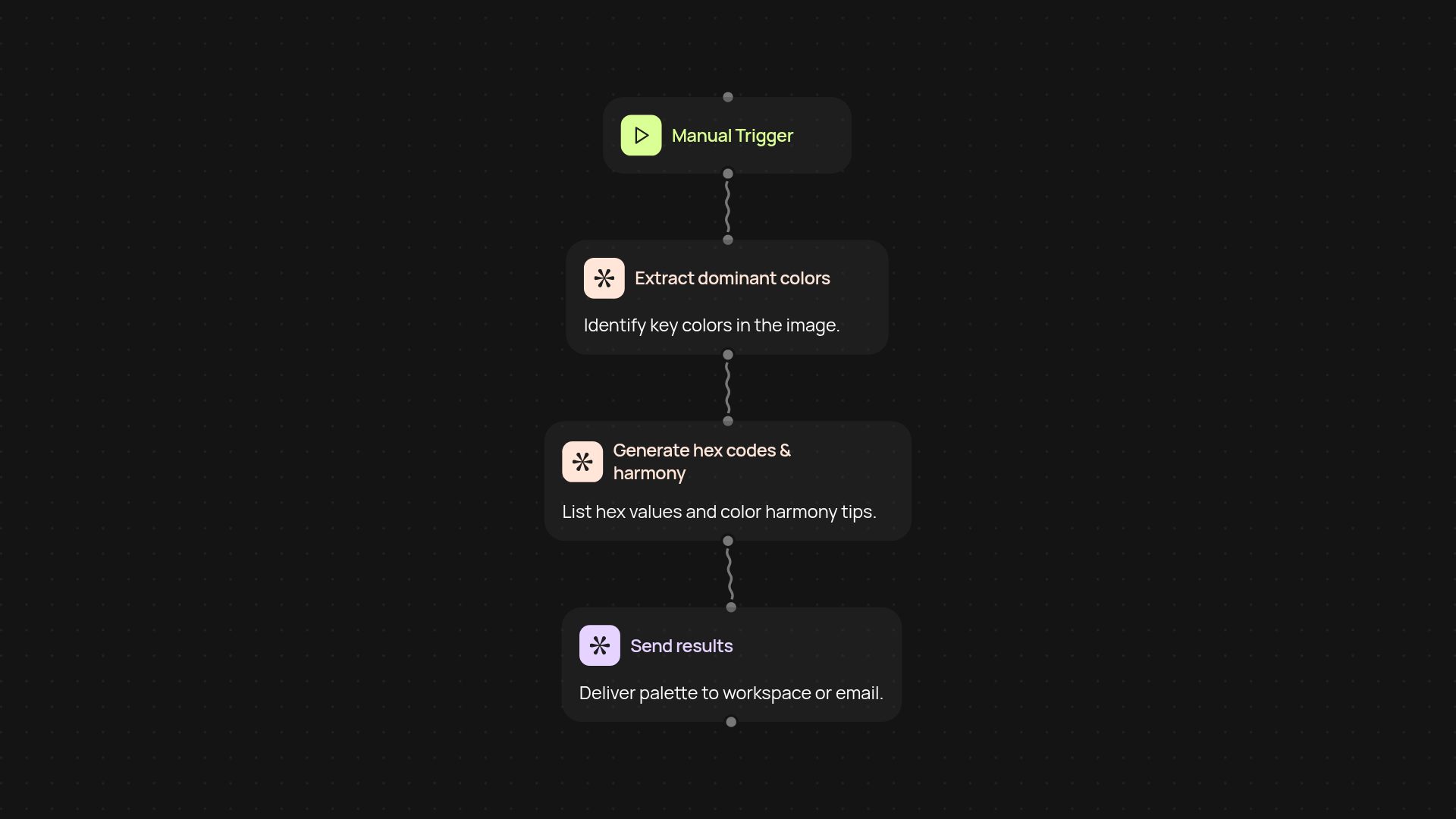
How does this template turn any image into a polished color palette?
Get your color palette ready in seconds — just upload an image and let CodeWords do the rest. Pull out the dominant colors, their hex codes, and receive harmony suggestions, all after setup and review. No more manual color picking or searching for online tools; your designer-ready palette appears instantly, ready for use in branding, presentations, or social posts.
Can I use it for branding, design, or presentations?
Absolutely. This template extracts colors with precision and offers harmony suggestions, making it perfect for new branding projects or quick mood boards. Whether you’re rolling out a website, jazzing up slides, or crafting social images, you’ll have the right color match, every single time.
How accurate are the color codes and suggestions?
Color extraction is handled by AI trained on thousands of images, so results are spot-on for both dominant tones and subtle accents. Each color comes with a hex code you can copy straight into your projects. Harmony tips help you build palettes that actually look good together — not just a random collection of swatches.
What’s required to set this up and get started?
It’s quick to launch: just upload your chosen image, and the color extraction runs in the background. You won’t need any software or design expertise. Everything happens on CodeWords, with results shared directly to your workspace, email, or linked app.
Get started today
Your first workflow is free to build.
Describe what you need. Cody handles the build, the connections, and the deployment.