Handwriting OCR Service — extract handwritten text
Extract handwritten text from documents in seconds with Handwriting OCR Service. Turn notes, forms, and sketches into usable text — fast and automatically.
Example starting point only. Verify every connection and any sending, booking, inventory, approval, or handoff action before deployment.
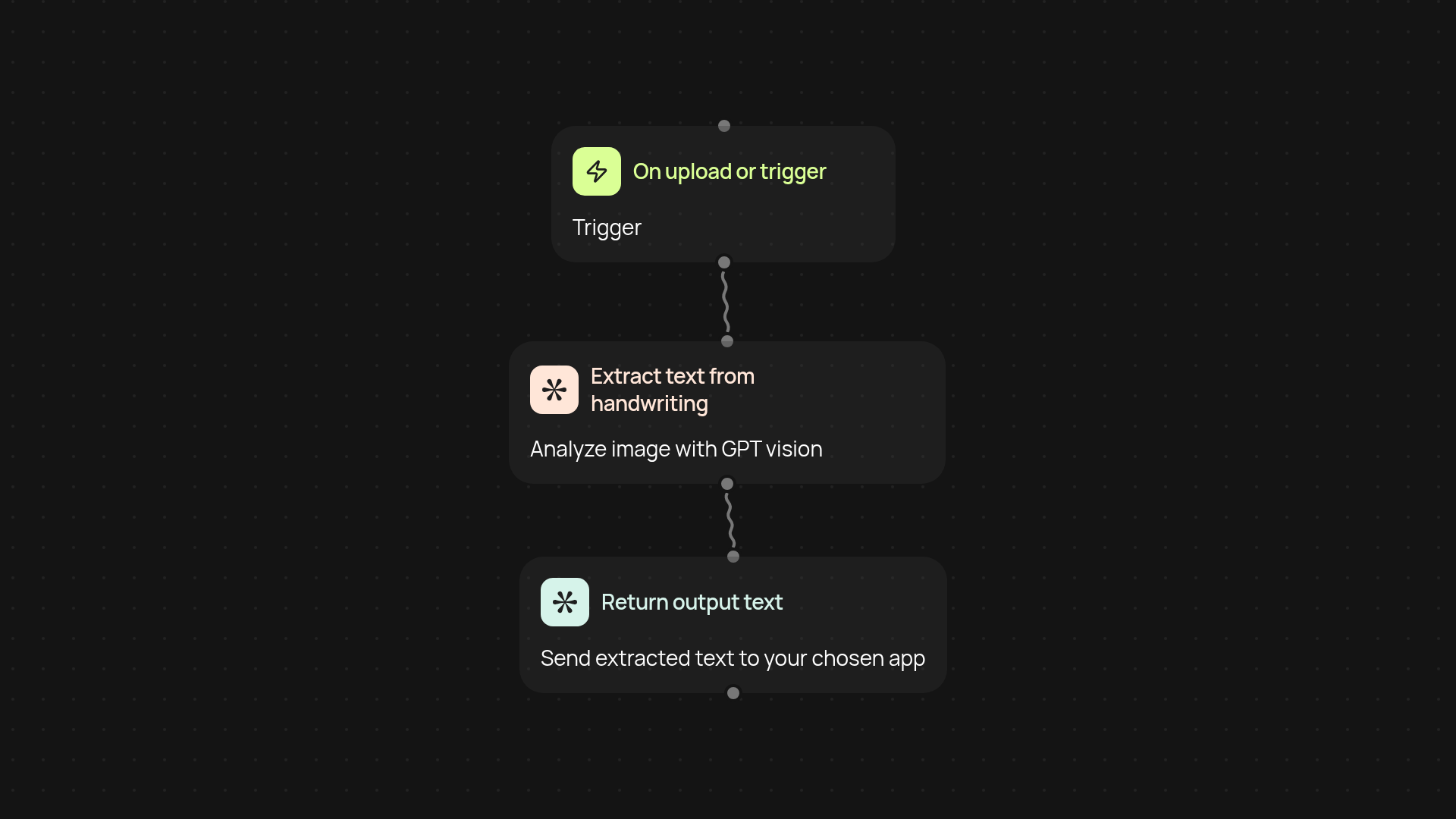
How does handwriting OCR transform handwritten documents?
Handwriting OCR Service takes your handwritten notes, forms, or sketches and instantly turns them into digital text. It effortlessly extracts content from scanned papers, whiteboard photos, and more — freeing you from hours of manual transcription. Just upload your handwritten files, and the service handles the rest in the background, so you always have text you can work with.
What types of handwriting and formats are supported?
Most common handwriting styles and layouts are recognized, including print, cursive, and mixed styles. Whether you have meeting notes on paper, signed forms, or annotated PDFs, the OCR works automatically to read them. You can process image files, scans, and even smartphone photos without extra steps.
How accurate is the extracted text?
The service relies on GPT vision technology to deliver high levels of accuracy. It can read various levels of neatness — from clear alphabet letters to more complex cursive. While perfect recognition depends on input quality, the system provides easily reviewable results you can quickly copy, edit, or export where needed.
How do you set up and start using handwriting OCR?
Getting started is straightforward. You only need your handwritten files in image or PDF format. No special software or equipment is required. Use CodeWords to upload or connect sources, choose this template, and your text is ready in just a few clicks.
More templates
Get started today
Your first workflow is free to build.
Describe what you need. Cody handles the build, the connections, and the deployment.