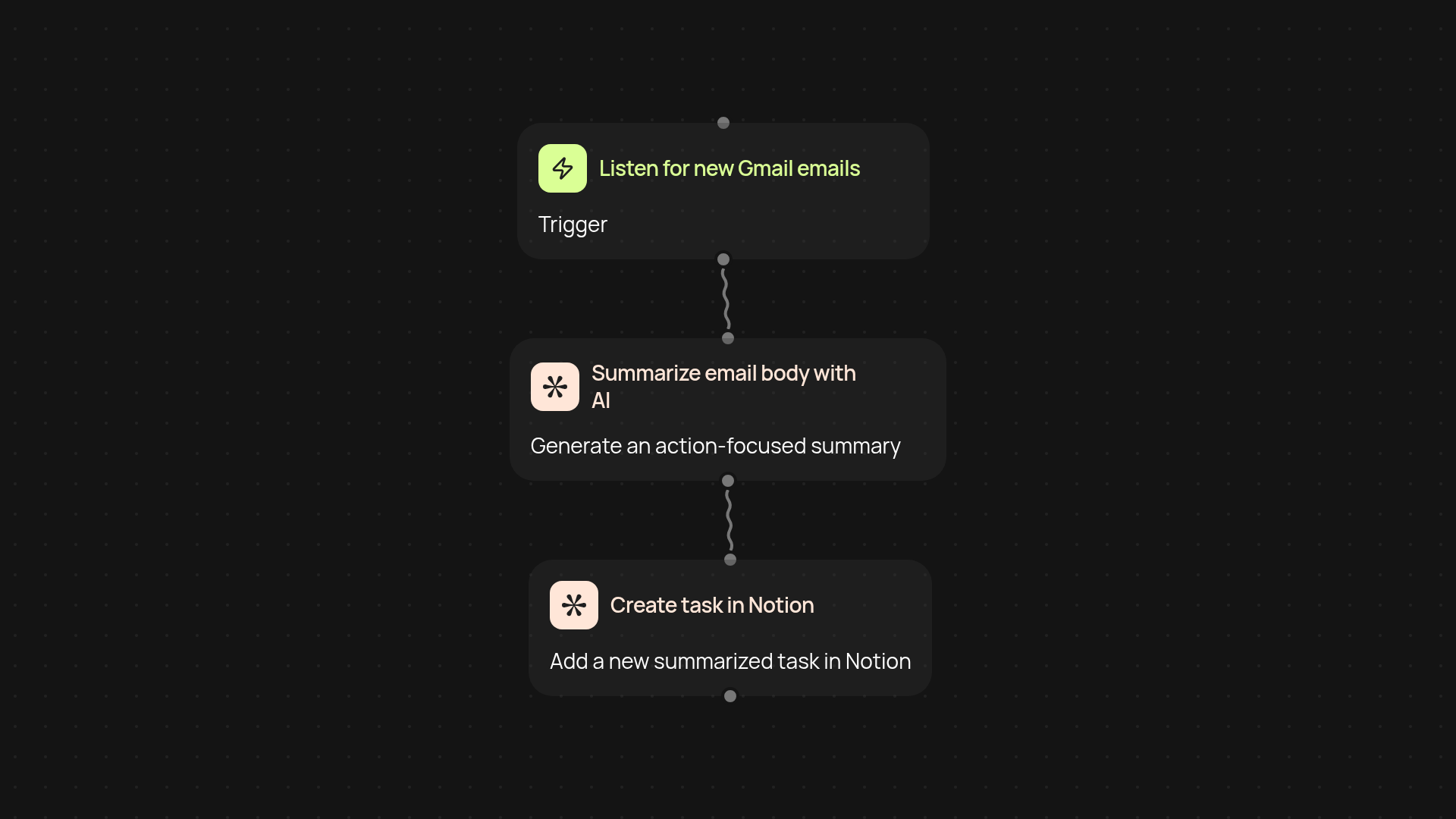
Gmail to Notion Task Creator — turn emails into actionable tasks
Automatically create Notion tasks from Gmail emails. Boost productivity with AI summaries and keep your action items organized.
Example starting point only. Verify every connection and any sending, booking, inventory, approval, or handoff action before deployment.
How does this template turn my emails into Notion tasks?
It’s simple: new Gmail messages become actionable Notion tasks—without any manual copying or pasting. As soon as an email lands in your inbox, a smart AI summarizes its contents and instantly creates a neat, actionable item in your Notion workspace. Keep your to-do list updated and your inbox under control, all while focusing on what matters most.
Can I trust the AI to summarize my emails correctly?
Yes, the built-in AI reads each email and generates a clear summary that’s tailored for task management. No more long email threads or clutter. If you ever need to tweak the details, just update it in Notion. You can rely on the summary to capture key points—with less time spent reading.
Do I need to monitor anything, or does it all run automatically?
Everything works in the background once you’ve set it up. Emails are monitored and converted to tasks automatically — no extra clicks required. Focus on your day while your action items collect themselves in Notion.
What do I need to get started and set up?
You’ll need a Gmail account, a connected Notion workspace, and the reviewed connection steps during setup. Once set, just pick the Gmail label or inbox you want to turn into Notion tasks, and let the template do the rest. You’re ready to work smarter, not harder.
More templates
Get started today
Your first workflow is free to build.
Describe what you need. Cody handles the build, the connections, and the deployment.