Gmail Action Item Extractor — instantly find tasks in your inbox
Detect action items in your Gmail messages and convert them into clear to-dos, without any manual sorting or searching.
Example starting point only. Verify every connection and any sending, booking, inventory, approval, or handoff action before deployment.
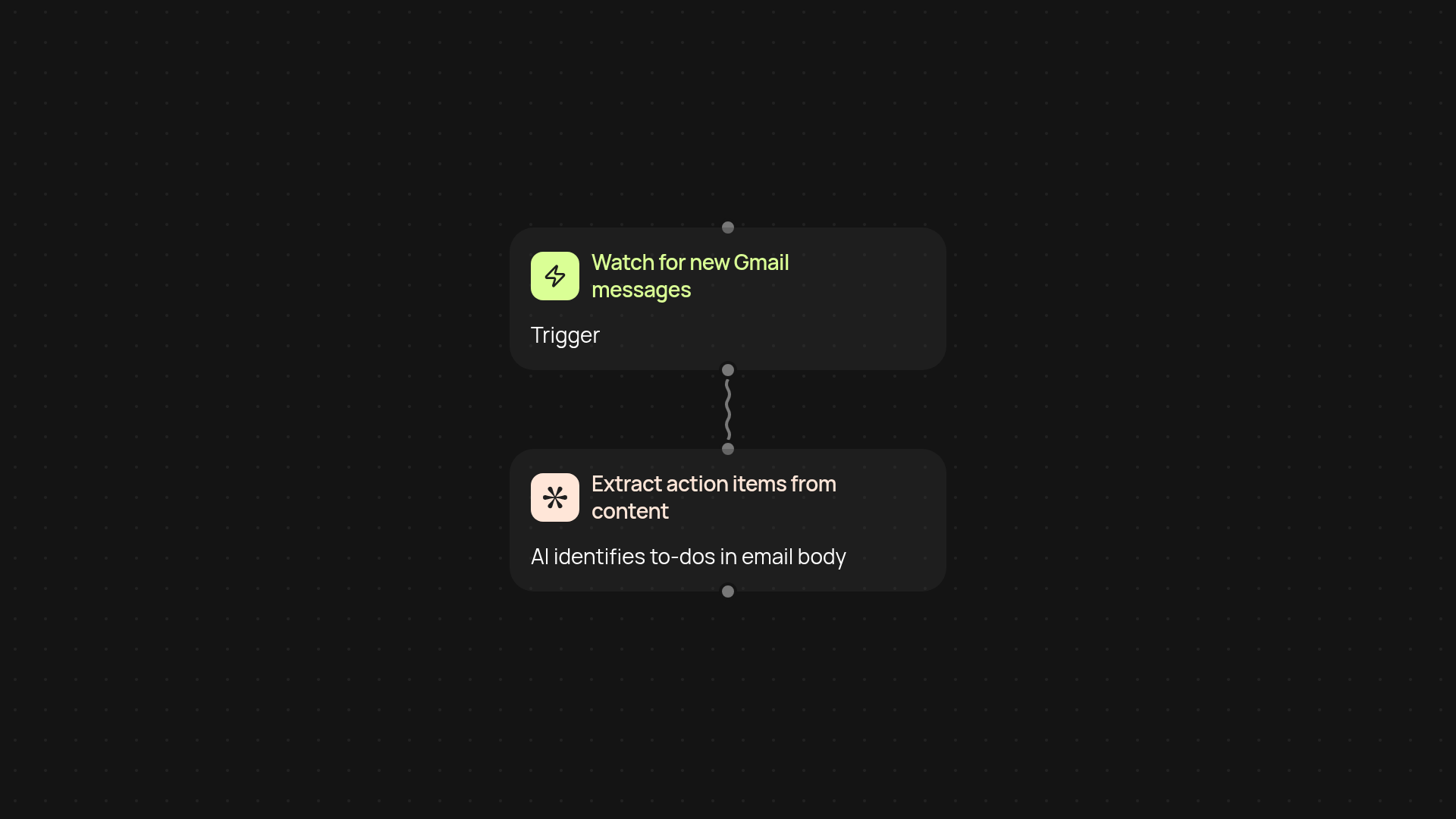
How can you turn emails into tasks right away?
Skip the hunt for to-dos buried in your email. The Gmail Action Item Extractor scans each new message and pinpoints every actionable task for you. No more copying, pasting, or missing follow-ups — let your important action points show up ready for your review.
How are action items found in Gmail messages?
The extractor reviews email content as it arrives, looking for tasks, requests, and follow-ups. Powered by CodeWords’ smart AI, it filters out the noise and lifts out only what you need — action items, not clutter. You see a simple list of what needs to be done, clearly separated from the rest of your emails.
Can you automate follow-ups and workflows from here?
Absolutely. Once action items are identified, you can easily move them to your favorite task manager, or send reminders, without any extra work. Your email turns into a to-do list — and you don’t have to lift a finger to keep it updated.
How do you set this up and what do you need?
Just connect your Gmail account to CodeWords, and choose how often you’d like your inbox to be scanned. The extractor runs in the background, delivering action items automatically so you are less likely to miss an important task again. No technical expertise required — just connect, activate, and let it run.
More templates
Get started today
Your first workflow is free to build.
Describe what you need. Cody handles the build, the connections, and the deployment.