GitHub Repository Analyzer — evaluate open-source projects instantly
Analyze any GitHub repository in moments. Get insights on code activity, stargazers, and contributors — all automatically with CodeWords automations.
Example starting point only. Verify every connection and any sending, booking, inventory, approval, or handoff action before deployment.
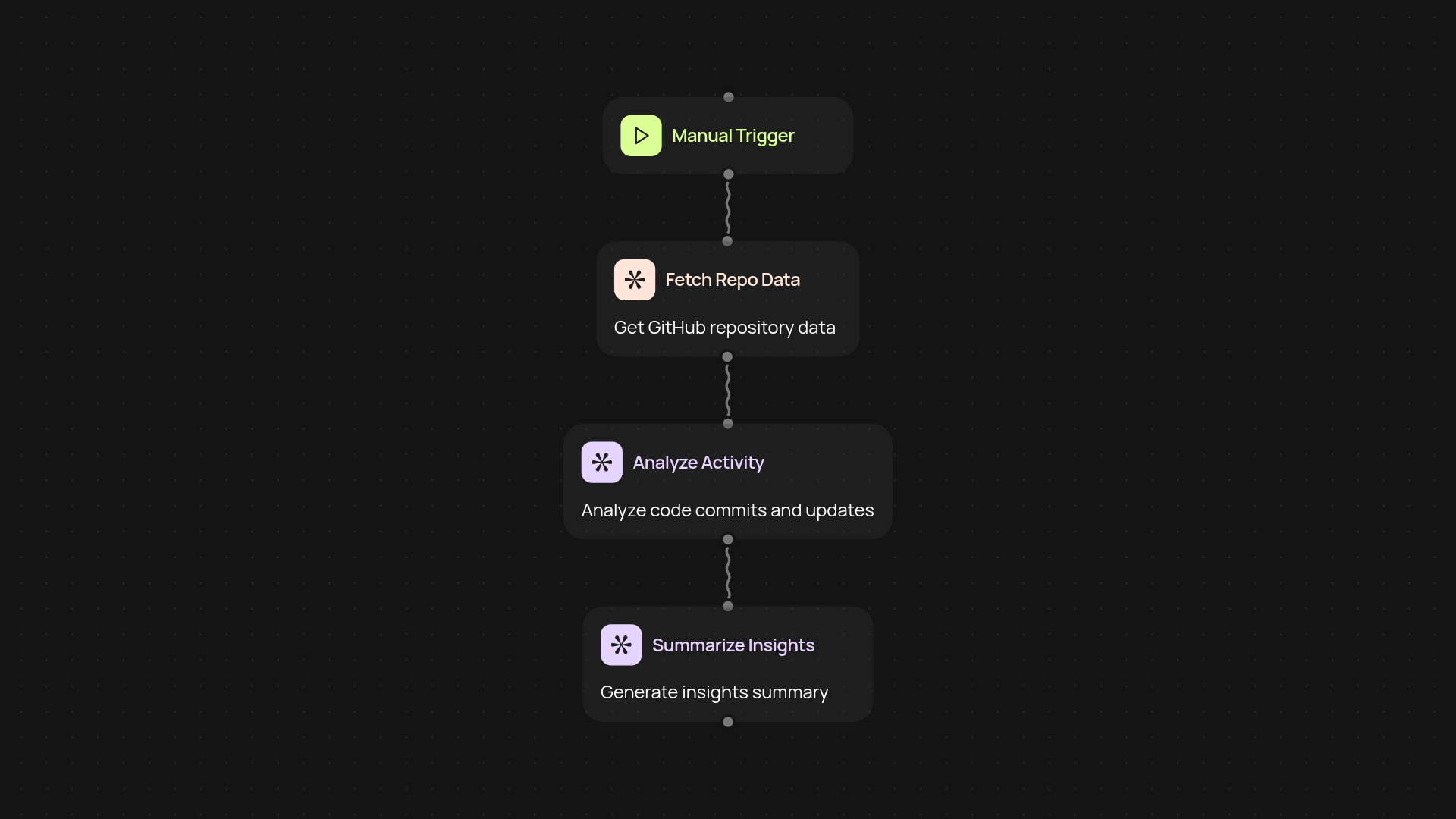
What does the GitHub Repository Analyzer do for you?
The GitHub Repository Analyzer examines any public repository and summarizes activity, popularity, and contributions — so you don’t have to dig through pages of stats. With a single automation, you get an at-a-glance report for open-source projects. It keeps you updated on recent code changes, active contributors, and core project stats after setup and review.
How does it save you hours of manual digging?
The process is simple: enter a GitHub repo, and CodeWords handles the rest. It pulls project data, analyzes activity, and organizes everything into a readable summary. No need to scroll through commit logs or hunt for hidden details. This all happens in the background, so you get regular insights without breaking focus.
What insights can you expect from an automated analysis?
Instantly get essential repo details: code frequency, top contributors, and stargazer growth. Spot the most active months, evaluate project health, and get a feel for community interest. Whether you’re choosing a dependency or tracking your own project, quick overviews help you make better decisions.
How do you set up the GitHub Repository Analyzer?
All you need is the link to a public GitHub repository and a CodeWords account. Start the workflow with one click, or schedule it to run regularly — no coding required. Connect your GitHub and let CodeWords work automatically, so you can focus on the results, not the process.
More templates
Get started today
Your first workflow is free to build.
Describe what you need. Cody handles the build, the connections, and the deployment.