GitHub Issue Auto-Responder — AI replies to issues instantly
Save hours replying to GitHub issues. Get instant, AI-generated responses, automatically with the GitHub Issue Auto-Responder template.
Example starting point only. Verify every connection and any sending, booking, inventory, approval, or handoff action before deployment.
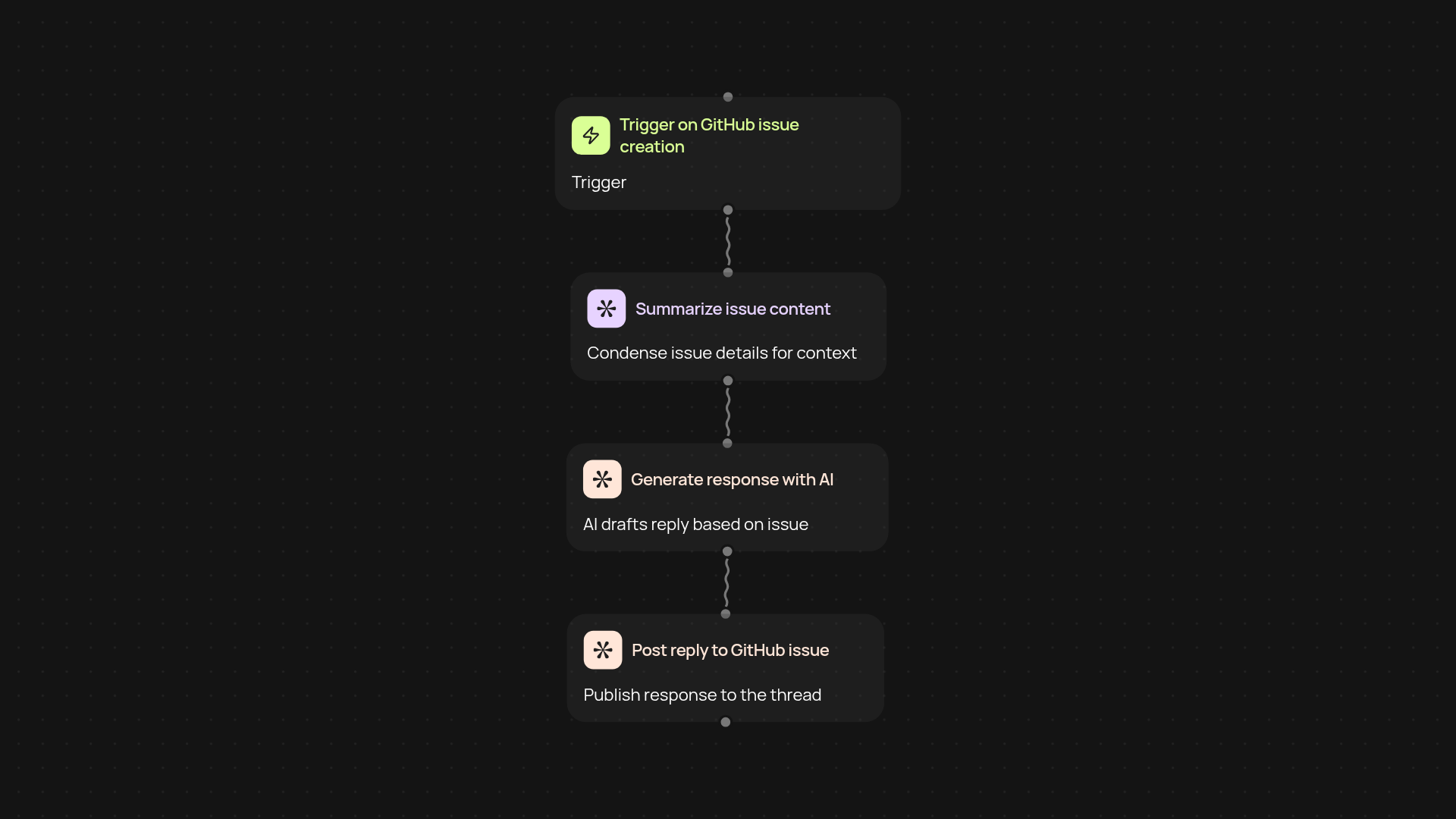
How does the GitHub Issue Auto-Responder work from end to end?
Your GitHub issues get answered—fast and automatically. As soon as a new issue is created, this template uses AI to generate a personalized response based on the issue's details. It then posts the reply directly to the issue, so you save time while helping your open-source community or team stay engaged, even after hours.
Can you rely on AI to keep your project responsive?
Yes—every time someone opens an issue, an AI-driven answer appears moments later without your intervention. The system draws from the issue's content and can be tailored to your preferred tone or specific repository guidelines. You'll maintain a professional presence on GitHub around the clock—no more backlog of unanswered issues.
What if you want to customize responses?
You can set up prompts and AI guidance to match your repository's needs. Choose a friendly, formal, or technical response style, and include useful links or policies. Make adjustments any time—this keeps your project welcoming and on-brand.
How do you set up the GitHub Issue Auto-Responder?
Getting started is quick: connect your GitHub account, provide your preferences, and choose a response style. You'll also need an OpenAI account and a Pipedream connection. After a simple setup, responses start appearing on your issues straight away—no coding skills required.
More templates
Get started today
Your first workflow is free to build.
Describe what you need. Cody handles the build, the connections, and the deployment.