Gemstone Identifier — pinpoint gems from any photo
Identify gemstones instantly from any photo. Save time and effort with automatic identification using AI. No expertise required.
Example starting point only. Verify every connection and any sending, booking, inventory, approval, or handoff action before deployment.
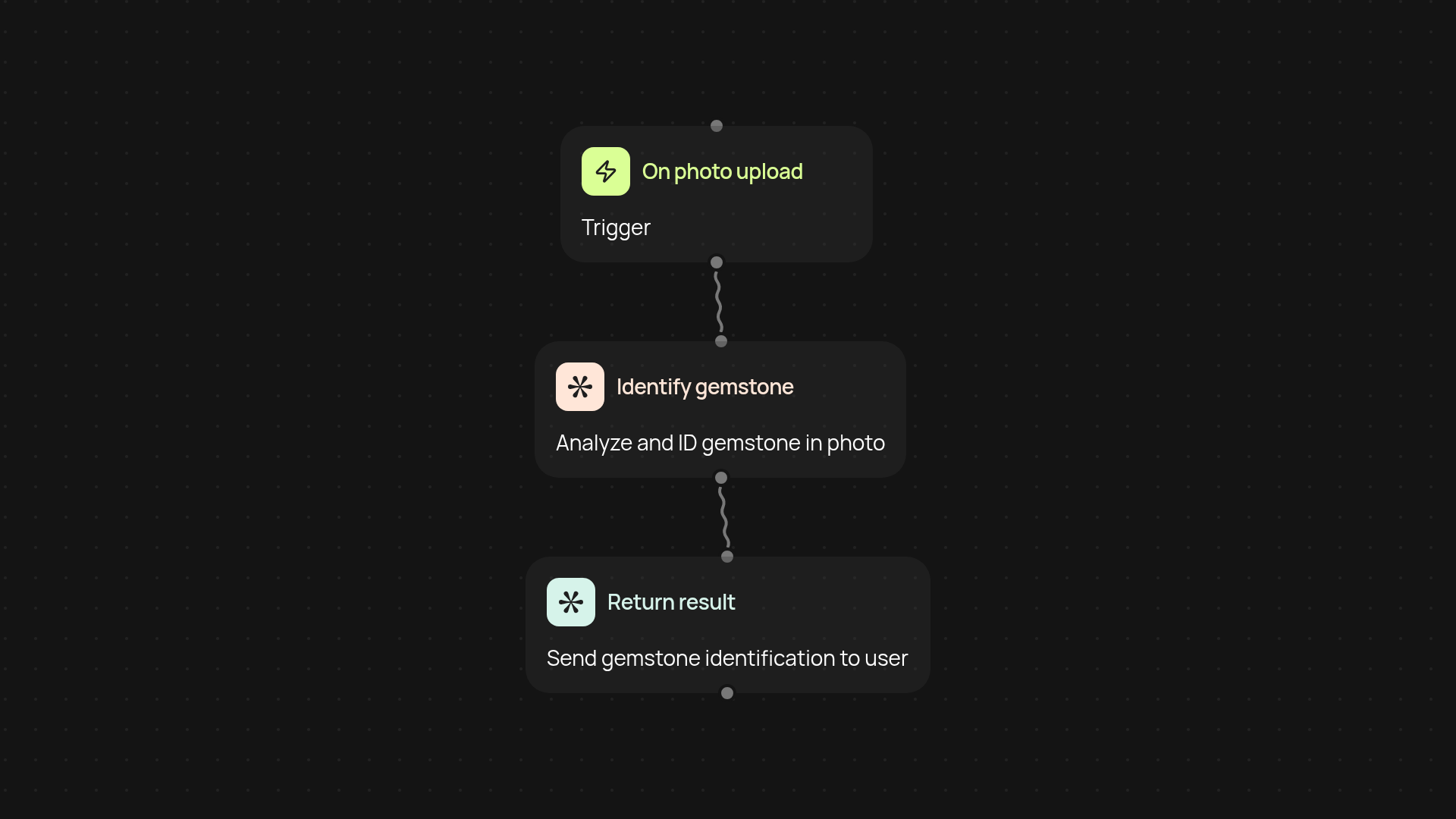
How can you identify gemstones from any photo?
With the Gemstone Identifier template, you can spot the exact gemstones in your photos instantly — no special knowledge or manual comparison needed. Just upload your photo, and let the AI work its magic in the background. It doesn’t matter if you’re cataloging a collection, verifying purchases, or answering customer queries. Get fast, trustworthy results every time.
Can the tool recognize rare or common gemstones alike?
Yes — the AI is trained on a wide variety of gemstones, from everyday favorites to rare finds. Whether you have a picture of a ruby, sapphire, or something less common, you'll get clear, accurate identification in seconds. This takes the guesswork out of product listings, customer service, and personal gemstone research.
How much effort does this save compared to manual ID?
You save hours each week previously spent researching, comparing photos, or calling in experts. Gemstone Identifier runs automatically, so you can focus on selling, serving customers, or expanding your gem inventory after setup and review. It's peace of mind for busy jewelry professionals, retailers, and hobbyists alike.
How do you set up and start using Gemstone Identifier?
Getting started is straightforward. Just set your trigger (like uploading a new image), and connect your photo source. No technical experience needed. Activate the automation, and every new photo you upload gets checked and identified automatically. You’ll need access to your photo files — everything else happens behind the scenes.
More templates
Get started today
Your first workflow is free to build.
Describe what you need. Cody handles the build, the connections, and the deployment.