Gemini Video Producer — turn images into videos fast
Transform Gemini AI images into dynamic Veo videos. Create engaging animated content in minutes with Gemini Video Producer from CodeWords.
Example starting point only. Verify every connection and any sending, booking, inventory, approval, or handoff action before deployment.
What does Gemini Video Producer do from start to finish?
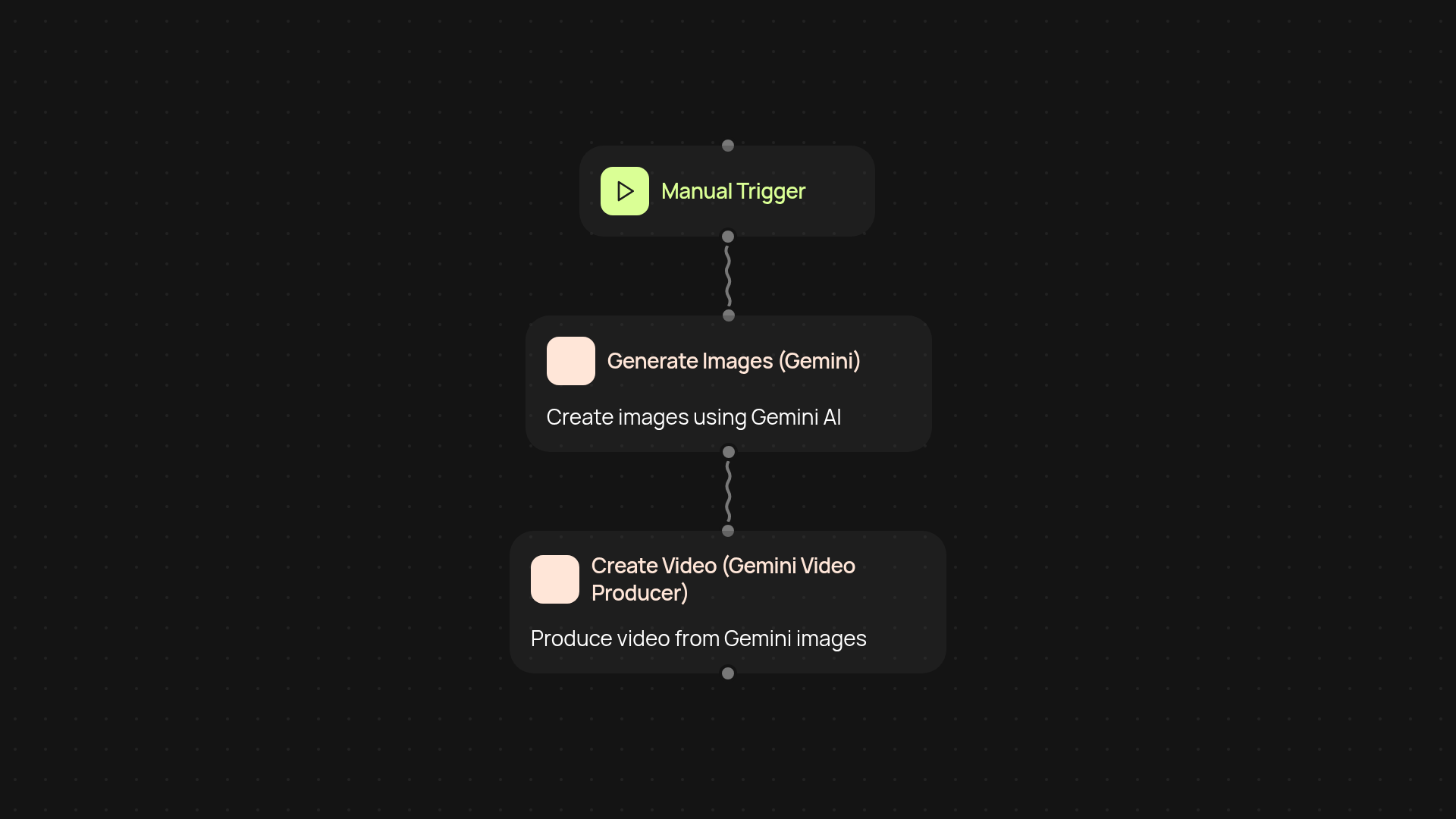
Gemini Video Producer takes your AI-generated Gemini images and turns them into captivating videos—without you having to edit anything yourself. Upload or point to any Gemini image set, and this template instantly creates an animated video using Veo, saving you hours of manual work. From sourcing art to sharing fully animated clips, it all happens in a single automated flow. Perfect for marketing, social media, or internal updates, you get professional-looking results in record time.
How does it turn static images into animated content?
First, Gemini Video Producer gathers your chosen images. It then sends them to Veo's animation service, combining visuals, transitions, and effects tailored to your needs. No design skills required—the animation is handled automatically. You can review the results or let the finished video be delivered to your chosen storage or inbox automatically, ready for sharing wherever you need it.
How fast can you create videos using Gemini Video Producer?
With everything running in the background, new videos can be created in minutes, not hours. Just select or upload the images you want to use—Gemini Video Producer handles the rest, letting you focus on growing your audience or campaigns. Forget repetitive editing or complex software; compelling video content is only a click away.
What do you need to get started, and how do you set it up?
Getting started is simple. Make sure you have access to your Gemini image files and Veo. After a quick one-time connection inside CodeWords, set your trigger (manual start, scheduled, or whenever new images arrive). The automation runs automatically from there, and you can tweak it or add destinations as you grow. No technical skills required—just your images and a few clicks.
Get started today
Your first workflow is free to build.
Describe what you need. Cody handles the build, the connections, and the deployment.