Form Auto-Filler — populate forms from free text
Populate online forms instantly from emails, notes, or messages using AI. Skip manual data re-entry and speed up your workflow.
Example starting point only. Verify every connection and any sending, booking, inventory, approval, or handoff action before deployment.
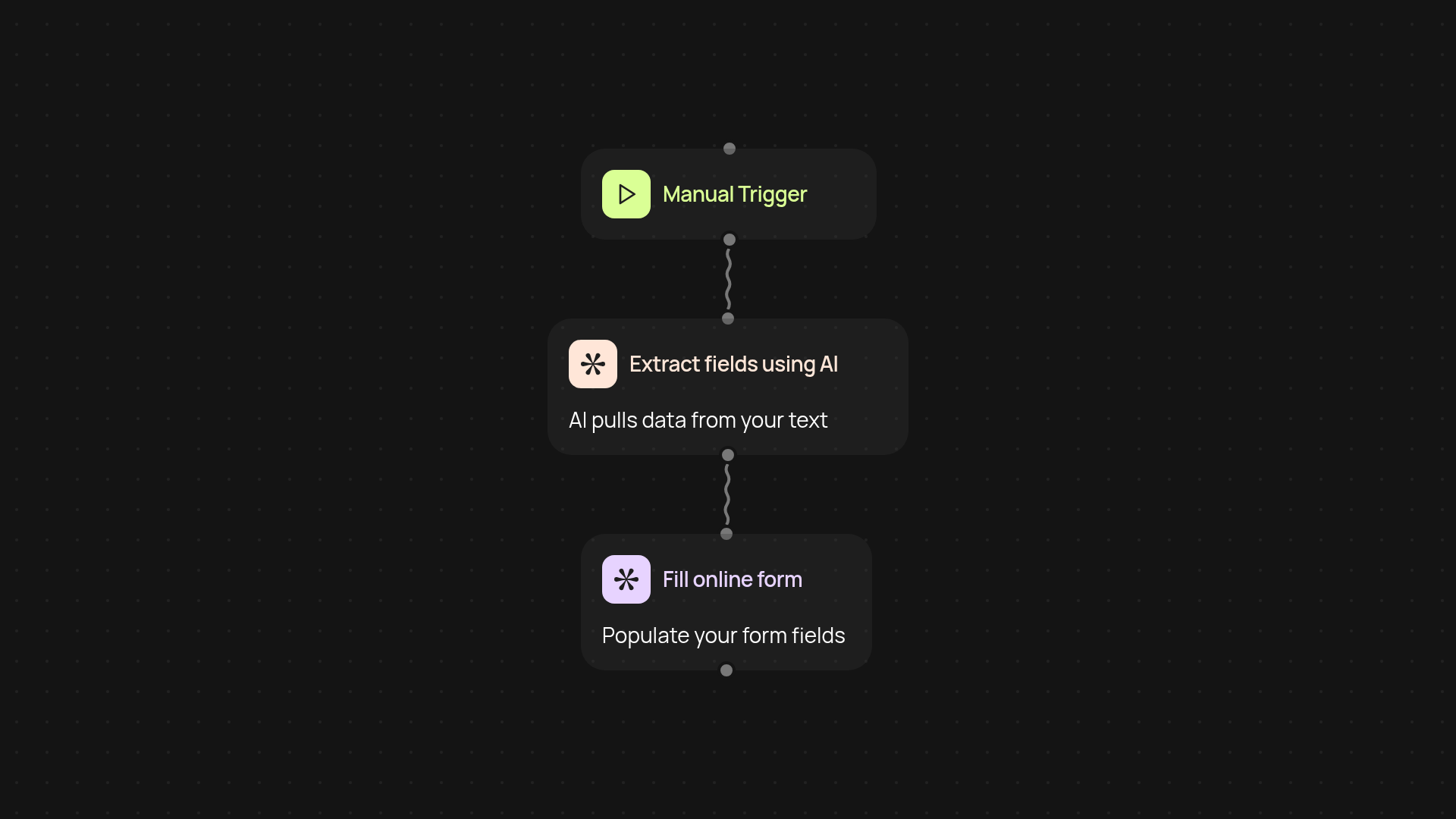
How does the form auto-filler save you hours each week?
Form Auto-Filler takes any unstructured text—like emails, chat logs, or meeting notes—and extracts the right info to quickly populate your web forms. No more copy-pasting details one field at a time. Just provide your text and see your forms filled out in seconds. It works automatically, so you can focus on your actual work, not on repetitive data entry.
How does it extract the exact info I need?
AI scans your message for important details such as names, dates, addresses, and more. It recognizes patterns just like a person would. The result is accurate data mapped to each field, even when your source text is messy or unstructured. Forget sifting through multiple notes—the right pieces are pulled out and placed exactly where you need them.
Can this work with my existing forms and sources?
Yes, Form Auto-Filler is flexible. You can use it with a variety of form types—internal, customer-facing, CRM forms, and more. Just specify your fields and paste in the text. You can trigger the process as needed or schedule regular form-filling runs if you get lots of similar requests or emails.
How do I start using the form auto-filler?
Getting set up is simple. To use Form Auto-Filler, you need the text you want to extract data from and access to the form you want to populate. The template walks you through connecting your text sources and specifying the fields you want to fill. No coding or technical expertise is required—just a few clicks and you're up and running.
More templates
Get started today
Your first workflow is free to build.
Describe what you need. Cody handles the build, the connections, and the deployment.