Food Delivery Order Processor — handle orders and payments instantly
Manage food orders—from validation to Stripe payment and WhatsApp alerts—without any manual work. Fast, error-free food delivery processing.
Example starting point only. Verify every connection and any sending, booking, inventory, approval, or handoff action before deployment.
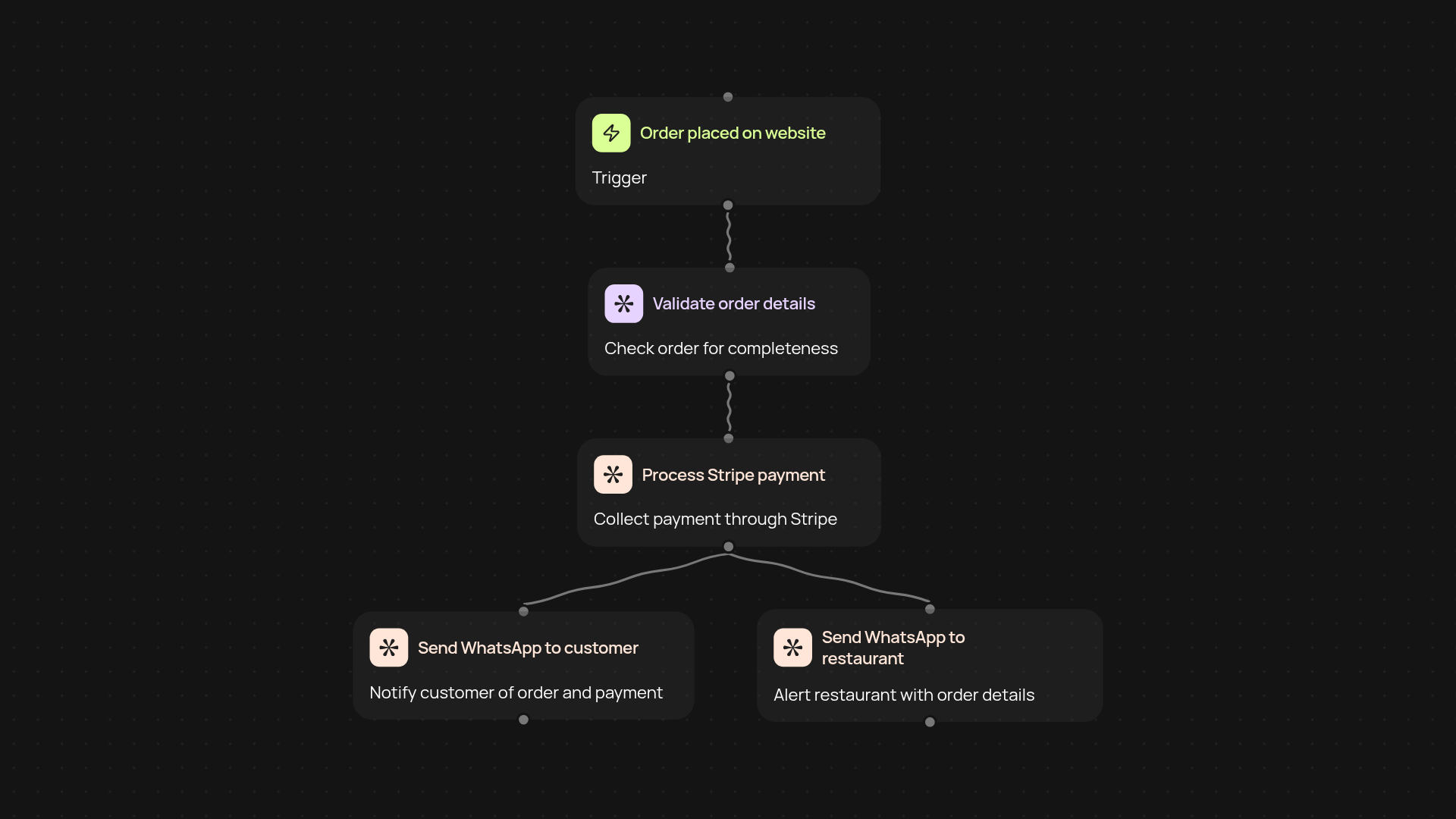
How can you manage food delivery orders after setup and review?
With the Food Delivery Order Processor, your entire order pipeline runs in the background. Orders from your site are validated, paid for through Stripe, and every step is confirmed instantly on WhatsApp—to both customer and restaurant. No more chasing payments or missing notifications. Everything just works, leaving you free to focus on growing your business.
What happens after a customer places an order?
Once an order comes in, it’s automatically checked for completeness and accuracy. Payment is handled securely through Stripe, and confirmation alerts go out without delay. Customers know their order is on its way, and restaurants are pinged with the details they need. Your staff won’t waste time on manual checks or messaging. Every step, from payment to notification, is covered for you.
How are WhatsApp notifications sent to both customers and restaurants?
As payments are processed in the background, personalized WhatsApp updates go out automatically. This keeps everyone in the loop—customers feel confident, restaurants stay prepared, and communication errors vanish. You get reliable tracking for each order, with no extra effort needed.
What do you need to set this up?
You’ll want access to your Stripe account and WhatsApp Business number for automated messaging. Setup takes just minutes, and after that, the Food Delivery Order Processor runs automatically. Say goodbye to repetitive work—get your orders moving from checkout to delivered, hassle-free.
More templates
Get started today
Your first workflow is free to build.
Describe what you need. Cody handles the build, the connections, and the deployment.