Financial Data Extractor — capture report figures with zero hassle
Pull structured financial data from annual reports. No more manual extraction — get instant, reliable figures with AI-powered financial data extraction.
Example starting point only. Verify every connection and any sending, booking, inventory, approval, or handoff action before deployment.
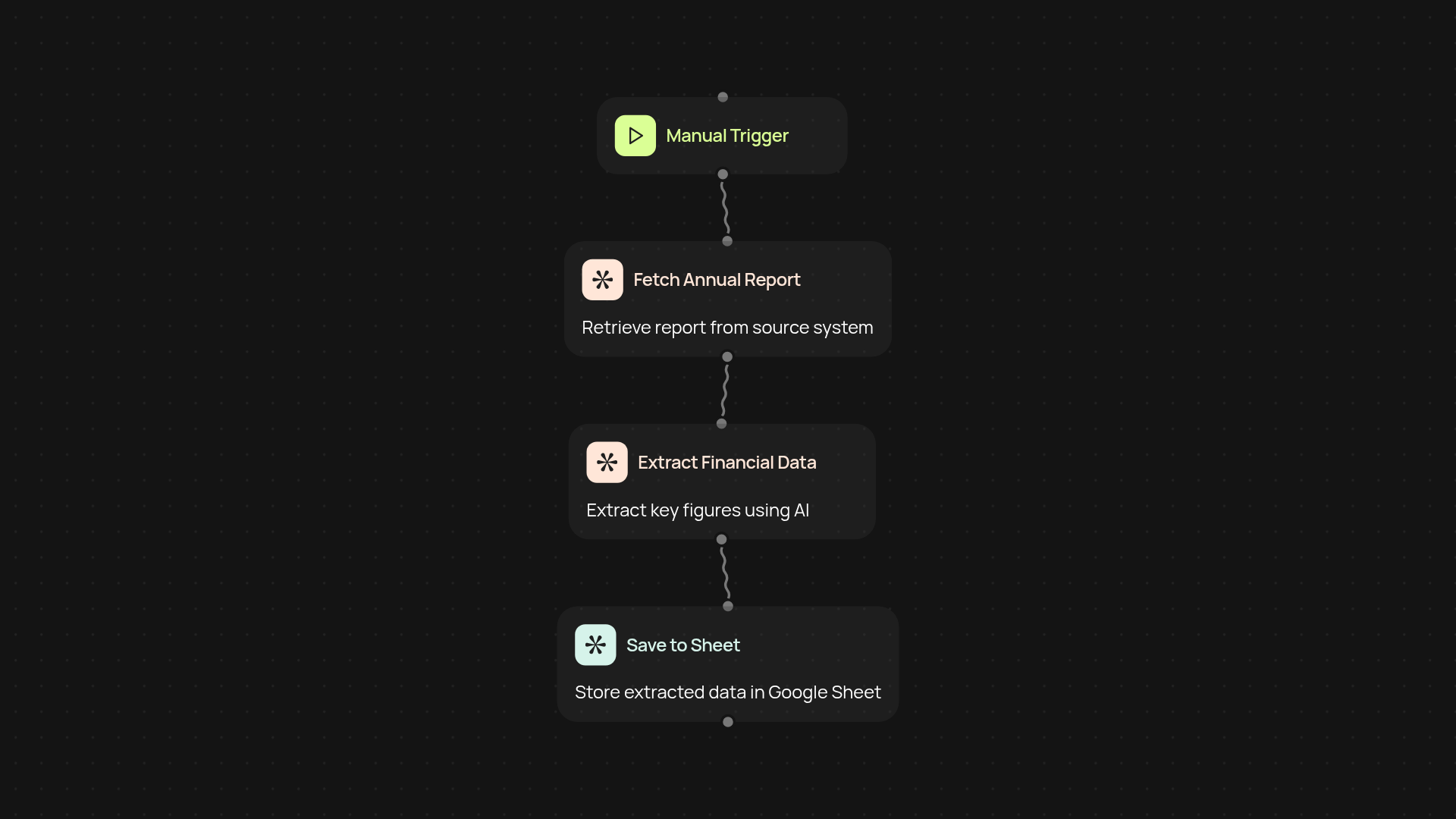
How does this extractor capture financial data from reports?
Get precise financial figures without tedious copy and paste. The Financial Data Extractor scans your annual reports with OpenAI vision, pulling out key numbers and structured data instantly. Skip manual work—just upload your file, and within minutes, your figures are ready in a format you can use.
What types of financial information can it find for you?
This template spots vital data like revenue, profit, assets, liabilities, and more. It combs through tables, numbers, and standard sections of your reports, making sure nothing gets missed. Whether you need summary figures or detailed line items, the extraction covers what matters most to your finance team.
Why automate extraction instead of doing it yourself?
Letting CodeWords handle the process means fewer errors and more free time for you. Results appear automatically, saving you from hours of repetitive work. Plus, you can trust that even complex documents are handled with care, ensuring data is complete and reliable—after setup and review.
How do you set it up and what do you need?
Setup is simple: start by choosing or uploading an annual report. The extractor runs when you trigger it, then uses OpenAI vision to pull the data. You'll get a structured file ready for your accounting tools or spreadsheets. All you need is the report—no specialized setup or finance expertise required.
Get started today
Your first workflow is free to build.
Describe what you need. Cody handles the build, the connections, and the deployment.