Feature comparison table generator — create useful product tables fast
Create product comparison tables in minutes, not hours. Easily compare features, highlight differences, and help buyers choose—automatically with CodeWords.
Example starting point only. Verify every connection and any sending, booking, inventory, approval, or handoff action before deployment.
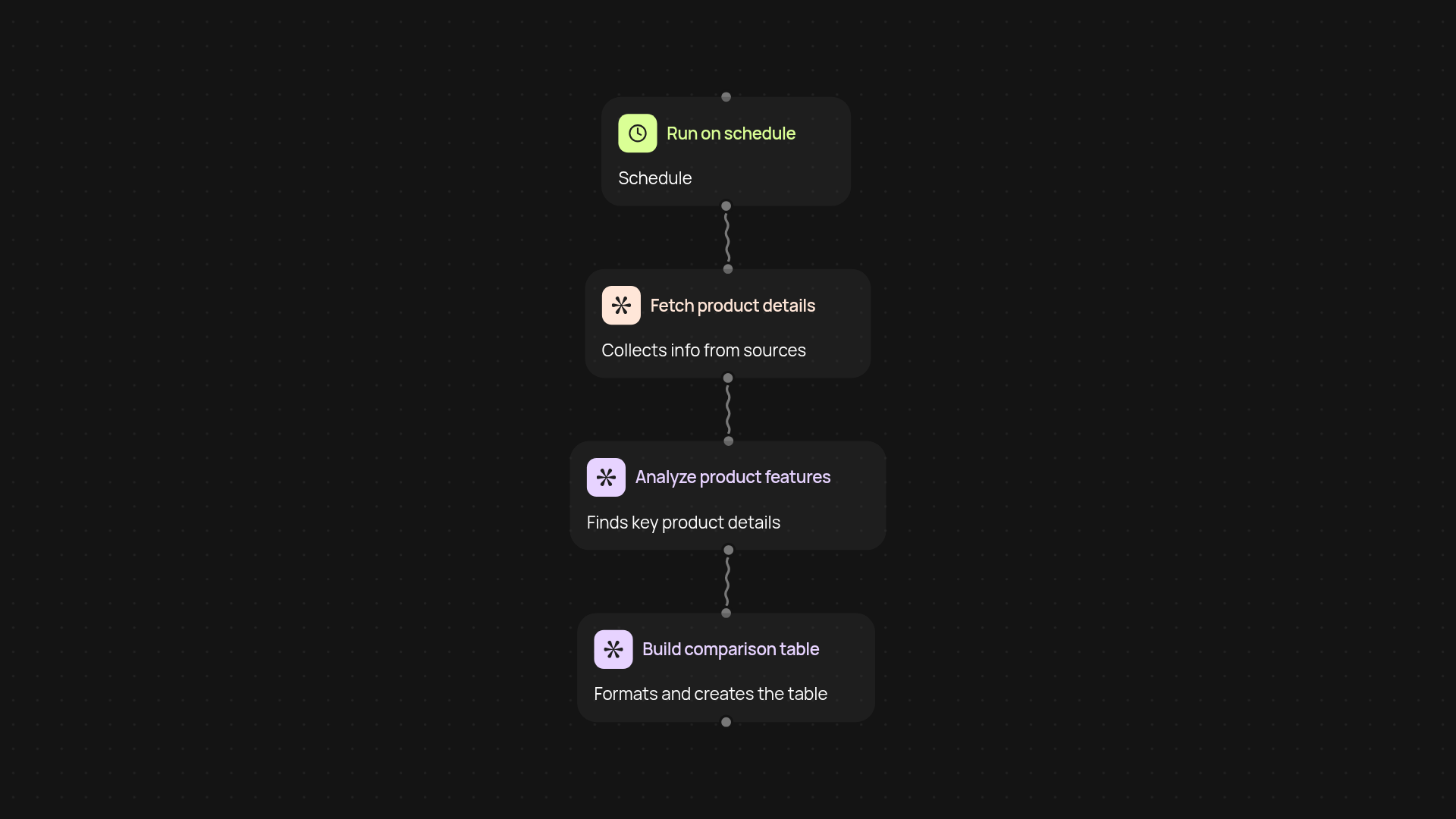
How does the feature comparison table generator work from start to finish?
With the feature comparison table generator, you can build clear, detailed product comparison tables automatically. Start by triggering the workflow — on a schedule or whenever you need to compare a set of products. The tool collects product details, analyzes each one, and then creates a structured, easy-to-read table that highlights key differences and similarities. This all happens in the background, so you get a polished table ready to share after setup and review.
How can you use comparison tables to help people make decisions?
Accurate comparison tables give your buyers everything they need — all in one place. Instead of searching across websites or documents, viewers see product features, prices, and benefits side by side. Tables help your customers quickly spot what matters, making it easier for them to pick the right product for their needs. Internally, your teams can identify gaps or standouts at a glance with these tables, too.
What types of features and data can you compare?
You can compare a huge range of data: from software features and service plans, to hardware specs or pricing packages. The generator automatically organizes each feature, highlighting differences so they stand out. No more manual sorting — simply feed in the products, and your customized comparison table appears, ready to go.
How do you set it up and what is required to get started?
Start by choosing when to trigger the workflow — on a schedule or as needed. Then, provide a list of products and features you want compared. CodeWords handles the rest: gathering information, processing data, and formatting your finished table. All you need is your product info and two minutes to set up the first run.
More templates
Get started today
Your first workflow is free to build.
Describe what you need. Cody handles the build, the connections, and the deployment.