Expense Tracker Assistant — expense management
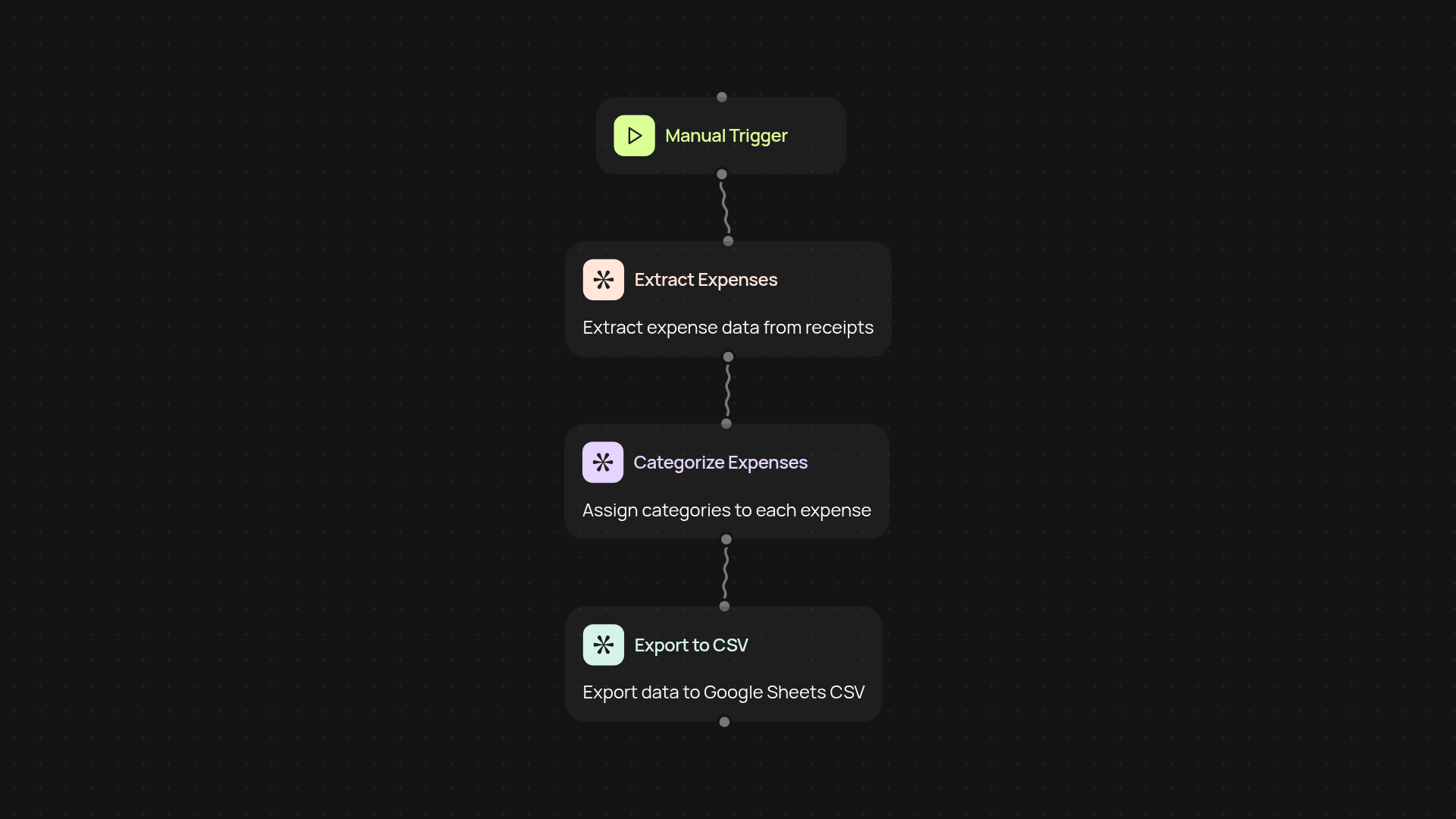
Extract expenses from receipts or text, categorize, and export to CSV in minutes. Manage your spending without manual work using CodeWords Expense Tracker Assistant.
Example starting point only. Verify every connection and any sending, booking, inventory, approval, or handoff action before deployment.
How does the Expense Tracker Assistant simplify expense tracking?
Effortlessly keep your finances organized — just upload your receipt image or enter a description, and the Expense Tracker Assistant does the rest. It captures expense details for you, sorts them into categories, and prepares your records for export. No more sorting through paperwork or hunting for details; your expense sheet is created for you, so you can focus on what matters.
Can it really extract and categorize all expense data?
Yes, whether your receipts are digital or you jot down expenses, the assistant recognizes key details instantly. It identifies amounts, vendors, dates, and assigns the right categories — all in the background. Eliminate tedious data entry and enjoy a bird’s-eye view of your spending, neatly organized at a glance.
How do I get my expenses into a spreadsheet?
Once your expenses are captured, exporting is a breeze. With one click, get a ready-to-use CSV export of all your tracked expenses. This lets you easily review, share, or further analyze your spending with your favorite spreadsheet tool — after setup and review.
What’s needed to set up and start using it?
You’ll only need access to CodeWords Expense Tracker Assistant. Simply upload a receipt photo or type in your transaction details. The assistant sorts, categorizes, and exports instantly. Spend less time managing receipts, and more time on your business or personal priorities.
More templates
Get started today
Your first workflow is free to build.
Describe what you need. Cody handles the build, the connections, and the deployment.