Event promo video generator — turn calendar events into videos
Create promotional event videos directly from your Google Calendar events using Veo 3.1. Save hours each week by automating video content for your upcoming events.
Example starting point only. Verify every connection and any sending, booking, inventory, approval, or handoff action before deployment.
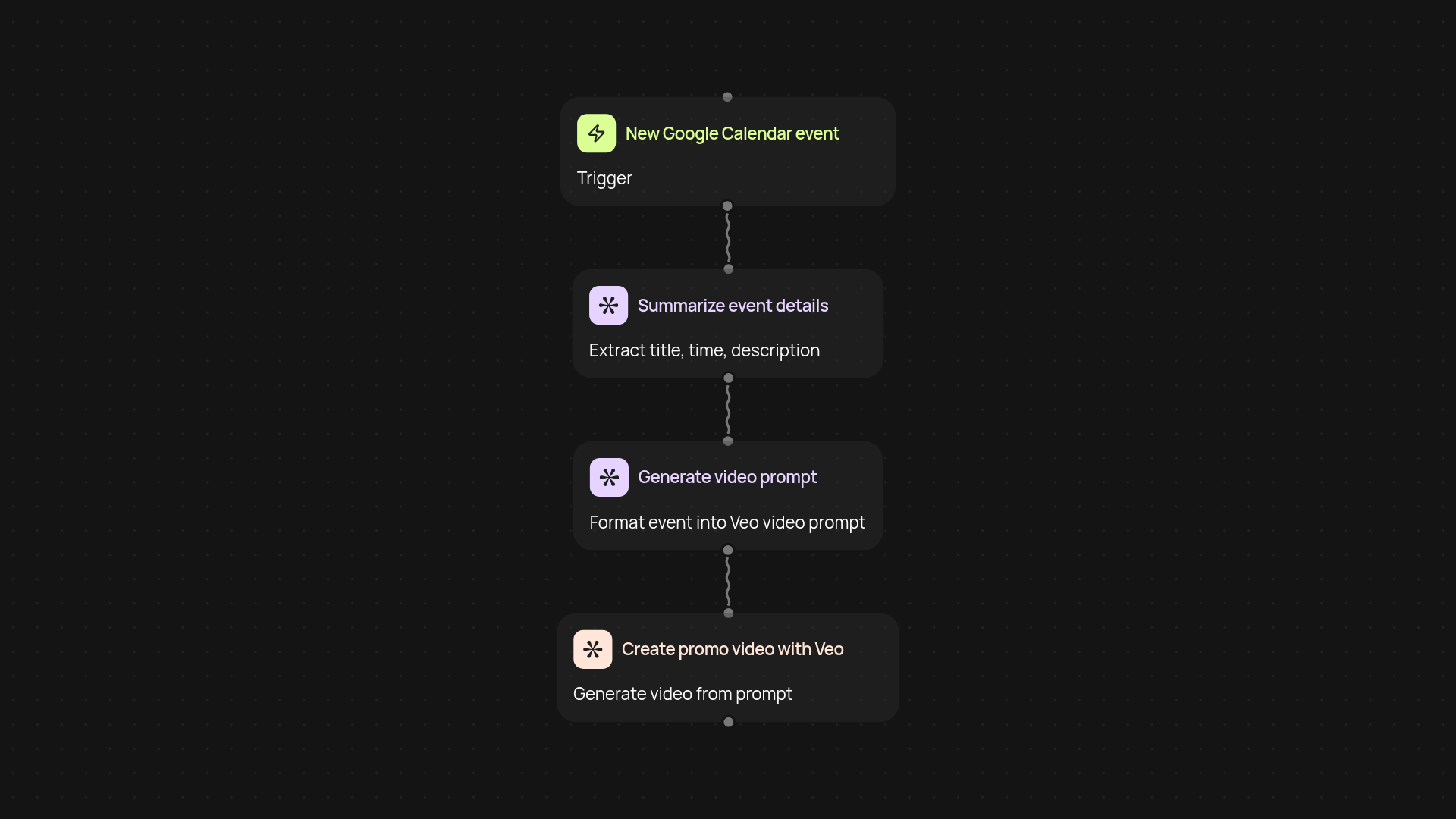
How can you instantly create event promo videos?
With this template, you can instantly turn your Google Calendar events into professionally crafted promotional videos — all without manual editing. Every time you add a new event to your calendar, CodeWords pulls the details and sends them to Veo 3.1, which generates a polished video ready for sharing or advertising. You’ll get your promos right when you need them, automatically and automatically.
What’s the benefit of automating event video creation?
Stop wasting hours designing video content for every upcoming event. Instead, this automation tracks your calendar for new events and creates eye-catching promos in the background. You’ll save time, keep your event marketing consistent, and avoid missing an opportunity to engage your audience — all after setup and review.
How does it handle your event and video data?
The process starts by monitoring your Google Calendar for new or updated events. The event details are summarized and optimized, then sent to Veo 3.1, which crafts a compelling video based on event themes and key info. You receive share-ready videos you can use for social media, email campaigns, or your website — boosting attendance and awareness with minimal effort.
What do you need to get started?
You’ll need access to your Google Calendar and Veo 3.1 account. Setting up takes just a few minutes in CodeWords: simply connect your accounts and choose your video style. Once connected, videos will be created automatically as new events appear. No video skills required — your promo content keeps rolling out, even when you’re busy.
Get started today
Your first workflow is free to build.
Describe what you need. Cody handles the build, the connections, and the deployment.