Event Invitation Generator — create pro invites in seconds
Effortlessly create tailored invitations with the Event Invitation Generator. Professional, polished invites for any event—no manual editing needed.
Example starting point only. Verify every connection and any sending, booking, inventory, approval, or handoff action before deployment.
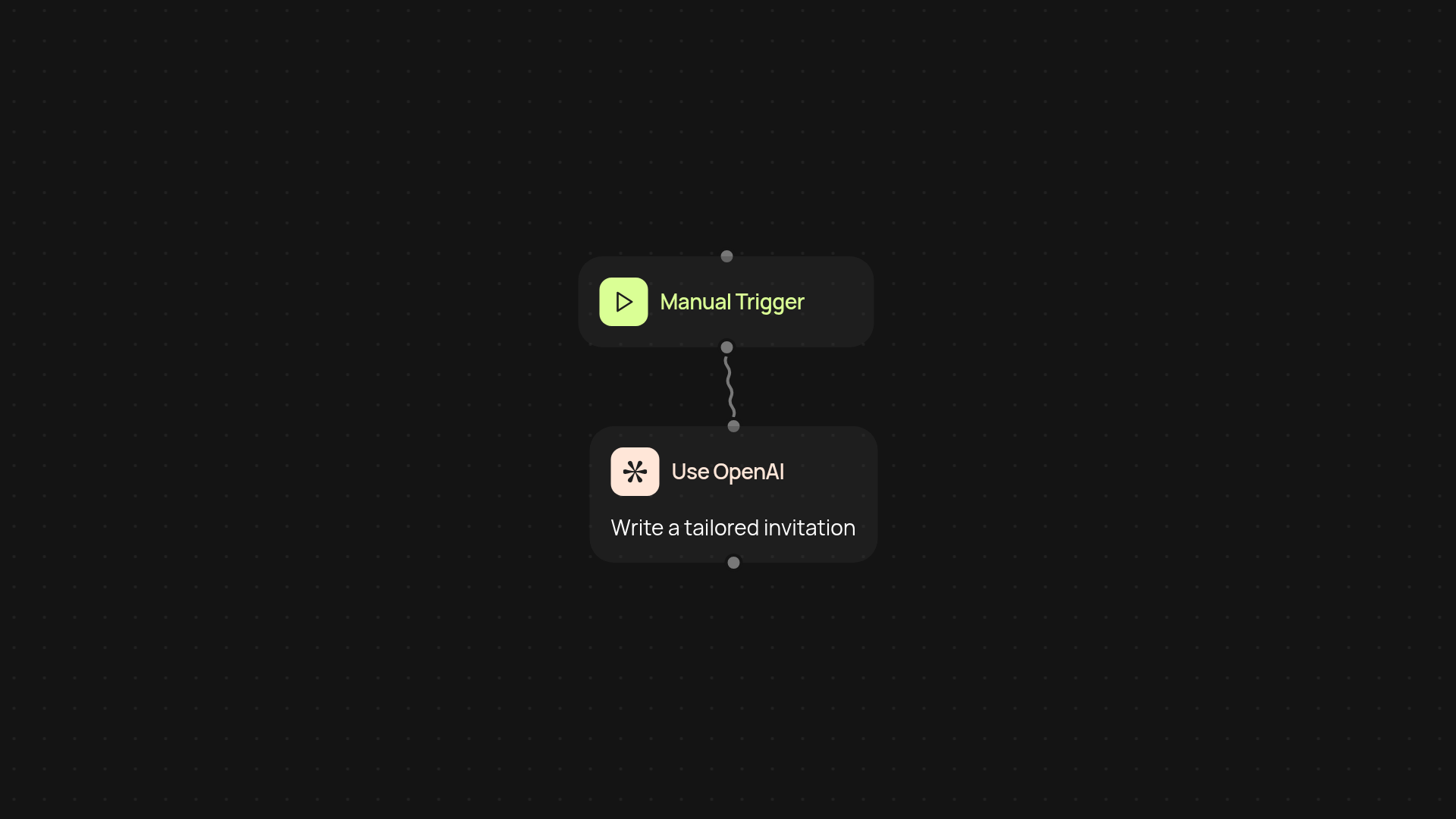
How does the event invitation generator work for your next gathering?
In just a few clicks, our event invitation generator takes your event details and turns them into polished, professional invitations. No design skills or template hunting required — just enter what you want to say, and you’ll get a ready-to-go invite you can share instantly. Save hours you used to spend formatting and rewriting, and focus more on what really matters — your event.
What information do you need to provide?
All you have to do is answer a few simple questions about your event: the name, date, time, location, and RSVP details. Optionally, you can add custom messages or special instructions. The generator takes care of the rest by writing the invitation so it matches your tone and occasion, whether you’re hosting something formal or casual.
How will this help you save time and impress your guests?
Your invitation is crafted in the background and ready for you to send without any manual work. Skip the back-and-forth editing and stop worrying about formatting. You’ll deliver clear, stylish invites that make you look organized and professional, every single time. Your guests receive all the info they need—making it easy for them to say yes.
How do you get started with the event invitation generator?
To start, just open the template and run the generator. You’ll be prompted to enter your event details. In seconds, you’ll have a complete invitation you can copy or share. No account setup or learning curve involved. Just enter the basics, and let the tool do the rest for you.
More templates
Get started today
Your first workflow is free to build.
Describe what you need. Cody handles the build, the connections, and the deployment.