Email Signature Extractor — turn email signatures into contacts
Pull contact details from Gmail email signatures and put them into a CSV automatically. Save time and avoid missing a new contact.
Example starting point only. Verify every connection and any sending, booking, inventory, approval, or handoff action before deployment.
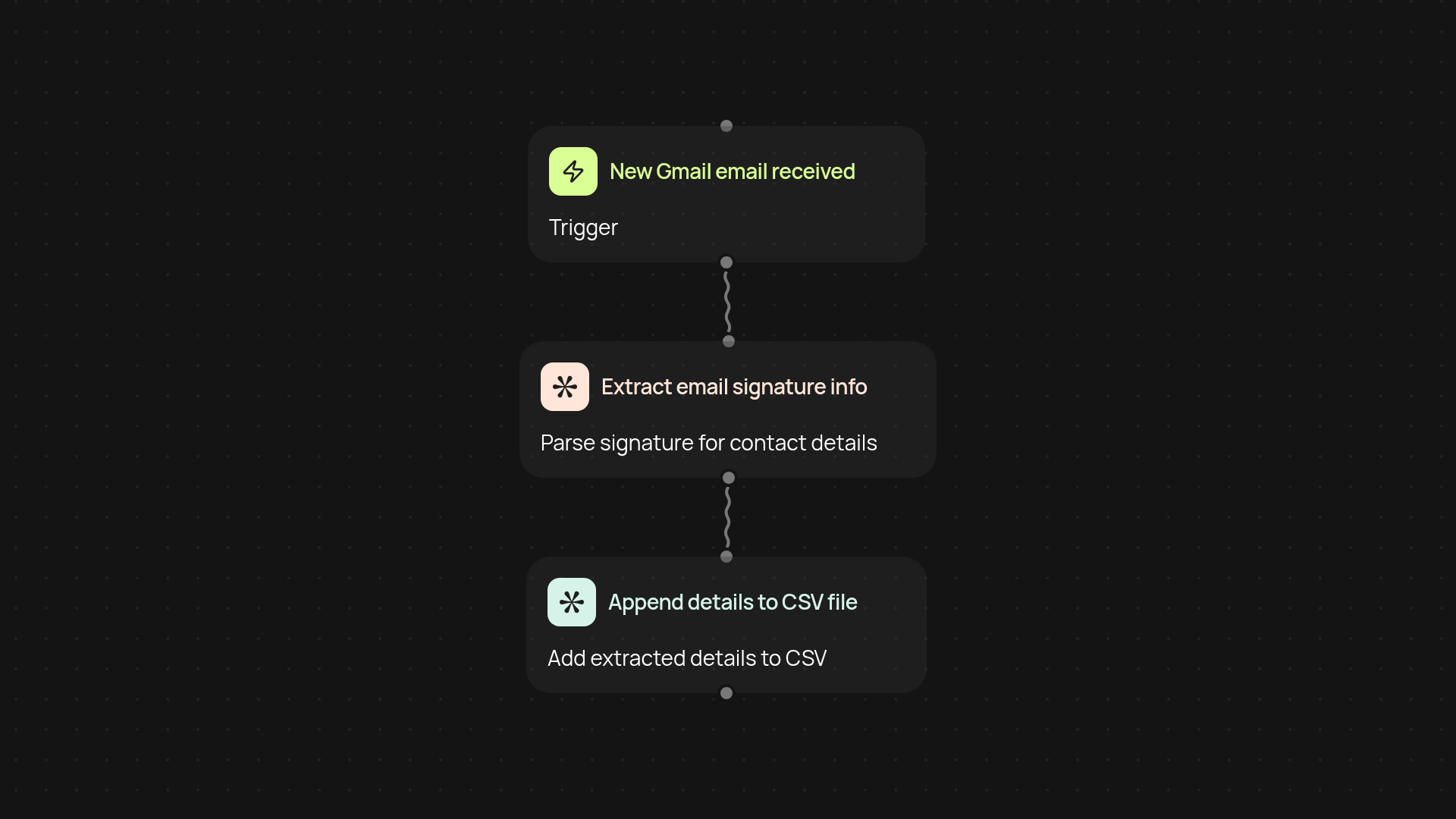
How does this template extract contact details from email signatures?
The email signature extractor automatically pulls contact information from Gmail signatures and organizes everything into a handy CSV. You’ll never have to copy-paste names, phone numbers, or titles by hand again. Just set it up once and every new email signature gets scanned in the background — so you always have up-to-date contact lists without any manual work.
What information can you get from signatures?
This tool captures key details like full name, job title, company name, phone numbers, email addresses, and more. By organizing these fields as soon as a new email arrives, you get an accurate, ready-to-use CSV of every contact. No details slip through the cracks. You save time while making sure your records are always complete.
Will my existing emails and privacy be safe?
Your emails remain secure. The extractor reads only the signature blocks at the end of each new message and only to pull contact details—nothing else is stored or shared. Plus, it runs automatically so you don’t need to open or forward any messages yourself. Your information is organized quickly and safely.
How do you set it up and what do you need?
Getting started is easy. You just connect your Gmail account and choose a destination for the extracted CSV file. No tech skills required — CodeWords guides you step by step. After the quick setup, signatures from each incoming email are processed instantly and the CSV stays up to date without you lifting a finger.
More templates
Get started today
Your first workflow is free to build.
Describe what you need. Cody handles the build, the connections, and the deployment.