Email Compliance Checker — AI-powered monitoring & alerts
Monitor email compliance with AI. Get instant alerts for Gmail policy violations. Set up in minutes — no coding needed.
Example starting point only. Verify every connection and any sending, booking, inventory, approval, or handoff action before deployment.
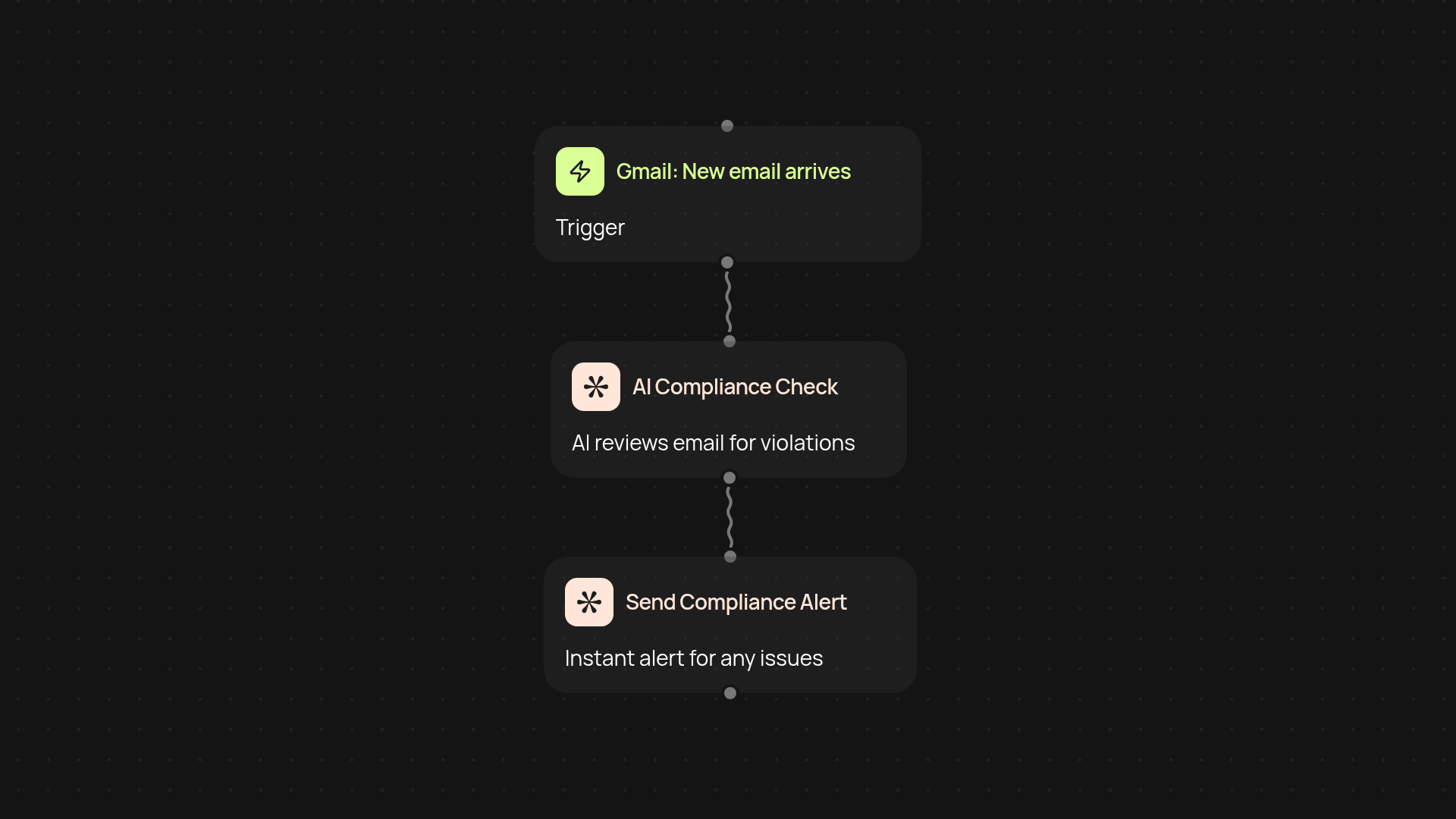
How does email compliance checker monitor your inbox?
The Email Compliance Checker keeps your Gmail inbox compliant around the clock. As emails arrive, it scans their content using advanced AI to flag anything that might break company policies or legal rules. If anything looks out of place, you receive a personalized alert — before small mistakes become big problems.
What types of compliance issues can it catch?
You can rely on the checker to identify sensitive data sharing, risky language, or unauthorized file attachments. It instantly notifies you if there’s a potential violation, so you can address issues without any manual review or digging through your inbox. This keeps your brand protected and your team’s communications above board.
How will notifications work for you?
Whenever there’s a compliance risk, you get automatic alerts with key details. No more worrying about missing something important — just actionable notifications delivered to your choice of inbox, Slack, or elsewhere. You decide when and how to act, all after setup and review.
How do you set it up and what do you need?
start in minutes: connect your Gmail, pick your compliance policies, and turn on monitoring. All you need is a Gmail account and access to CodeWords — no technical background required. Just set it once and let it work quietly in the background, helping your business stay out of trouble.
More templates
Get started today
Your first workflow is free to build.
Describe what you need. Cody handles the build, the connections, and the deployment.