Email AI Assistant — reply to emails in your voice, instantly
Boost your productivity with the Email AI Assistant. Analyze your writing style and reply to emails automatically, while ensuring every response matches your unique voice.
Example starting point only. Verify every connection and any sending, booking, inventory, approval, or handoff action before deployment.
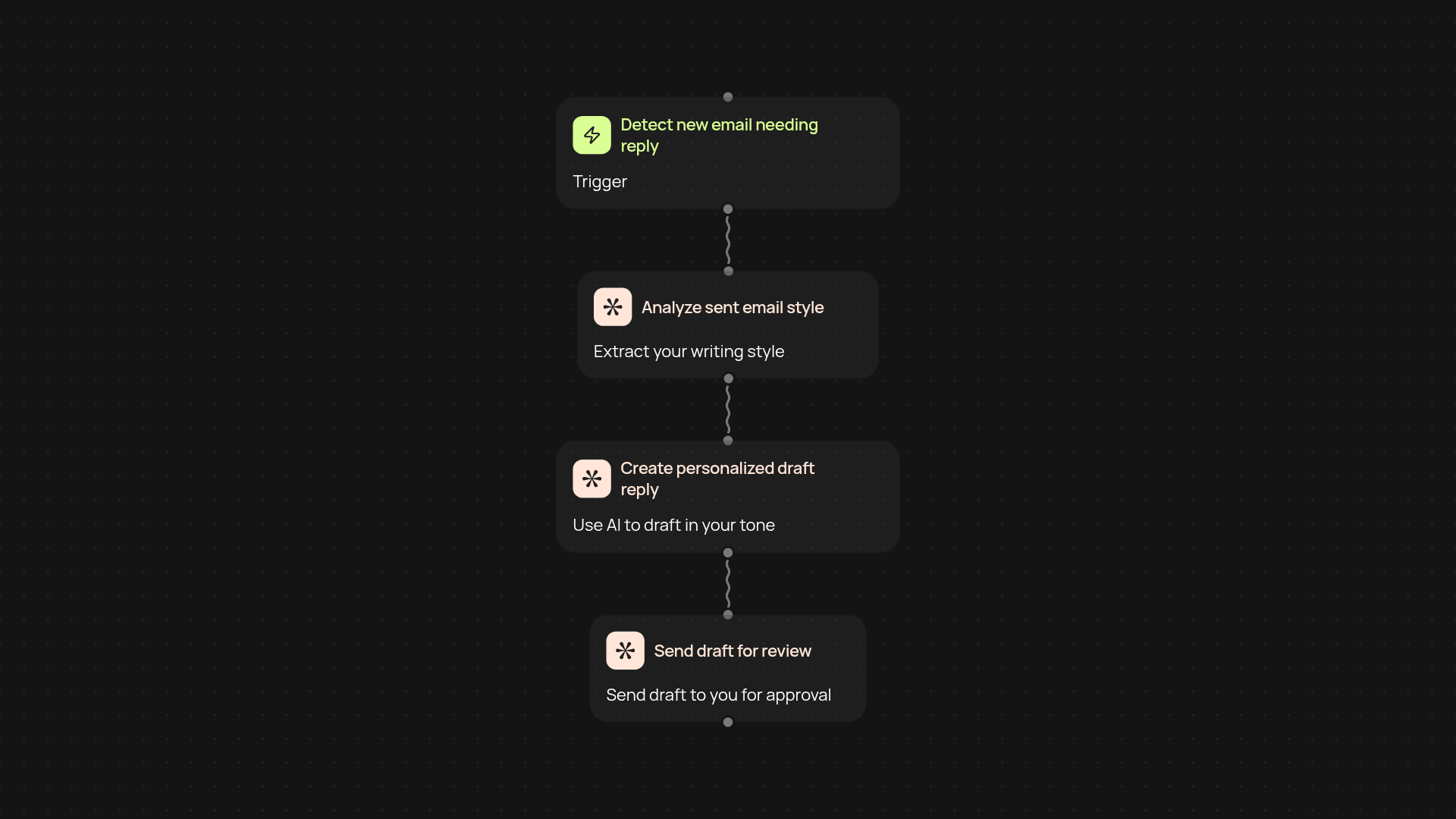
How does the Email AI Assistant help you reply faster?
The Email AI Assistant reviews your sent emails, learns the way you write, and keeps an eye on your inbox. It instantly spots messages that need your attention—then drafts thoughtful, on-brand responses in your style. With your AI assistant, you reply faster without sacrificing personality or context.
How does it capture your writing style?
Your most recent sent emails are securely analyzed to understand your unique tone, preferred phrases, and occasional quirks. Using this, the assistant generates draft replies that sound just like you—not a generic robot. Every draft is reviewed by you before sending, so you remain in control of your communication.
What if I get a lot of emails at once?
No need to stress. The Email AI Assistant can handle large inboxes without manual work. It works steadily in the background, surfacing only the emails that actually need your attention. This means you save time and can focus on more valuable tasks, trusting nothing urgent will be missed.
How do you set it up?
Getting started is simple. Connect your Gmail account, allow access to analyze your sent emails, and set your preferences for reviewing and sending drafts. The assistant gets to work immediately—no technical background needed. In a few minutes, your inbox is sorted and personalized drafts are ready for review. You’re just a few clicks from effortless, automatic email management.
More templates
Get started today
Your first workflow is free to build.
Describe what you need. Cody handles the build, the connections, and the deployment.