Editorial calendar generator — plan 12 months of content in Notion
Generate a full year of content ideas and auto-sync to Notion. Save hours on content strategy and keep your editorial calendar up-to-date.
Example starting point only. Verify every connection and any sending, booking, inventory, approval, or handoff action before deployment.
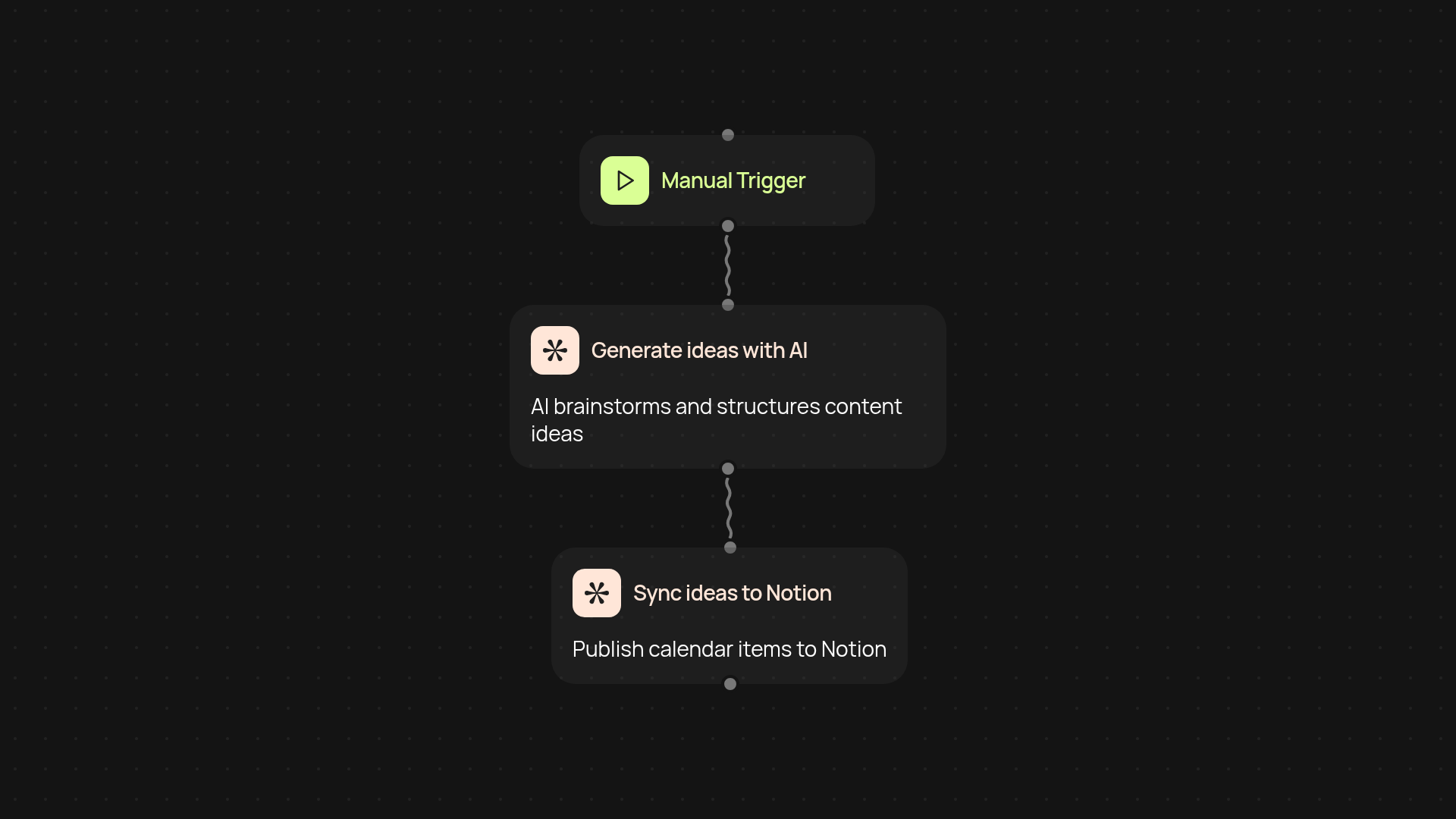
How can you plan a year of content in minutes?
The editorial calendar generator makes it easy to map out your next twelve months of content ideas and schedule — no spreadsheets or sticky notes required. In just a few clicks, you’ll receive a ready-to-go calendar tailored to your goals. Everything syncs right into Notion, keeping your team on track and in sync, after setup and review after setup.
What’s a direct way to build and manage an editorial calendar?
Simply start by setting your preferred topics and audience. The generator uses AI to brainstorm fresh and relevant ideas for blog posts, newsletters, or social media. It then organizes and distributes them across twelve months, so you instantly have a clear, actionable strategy. You’ll spend less time planning and more time creating — all updates flow straight to your Notion workspace for easy collaboration and adjustments.
How does syncing with Notion simplify content workflows?
Updates appear in your Notion calendar automatically, so you are less likely to miss a deadline. Assignments, deadlines, or changes happen in the background — everyone stays in the loop, without manual work. No more emailing spreadsheets or updating shared docs by hand. Your content operations truly run automatically.
What do you need to get started?
You just need a Notion workspace — no tech skills necessary. Set up your topics and audience, connect your Notion, and let CodeWords handle the rest. In less than ten minutes, your editorial calendar will be fully built and synced across your team.
Get started today
Your first workflow is free to build.
Describe what you need. Cody handles the build, the connections, and the deployment.