E-commerce order automation — log WhatsApp orders to Google Sheets
Automatically extract WhatsApp orders, log items to Google Sheets, and streamline your order process with CodeWords. No manual entry required.
Example starting point only. Verify every connection and any sending, booking, inventory, approval, or handoff action before deployment.
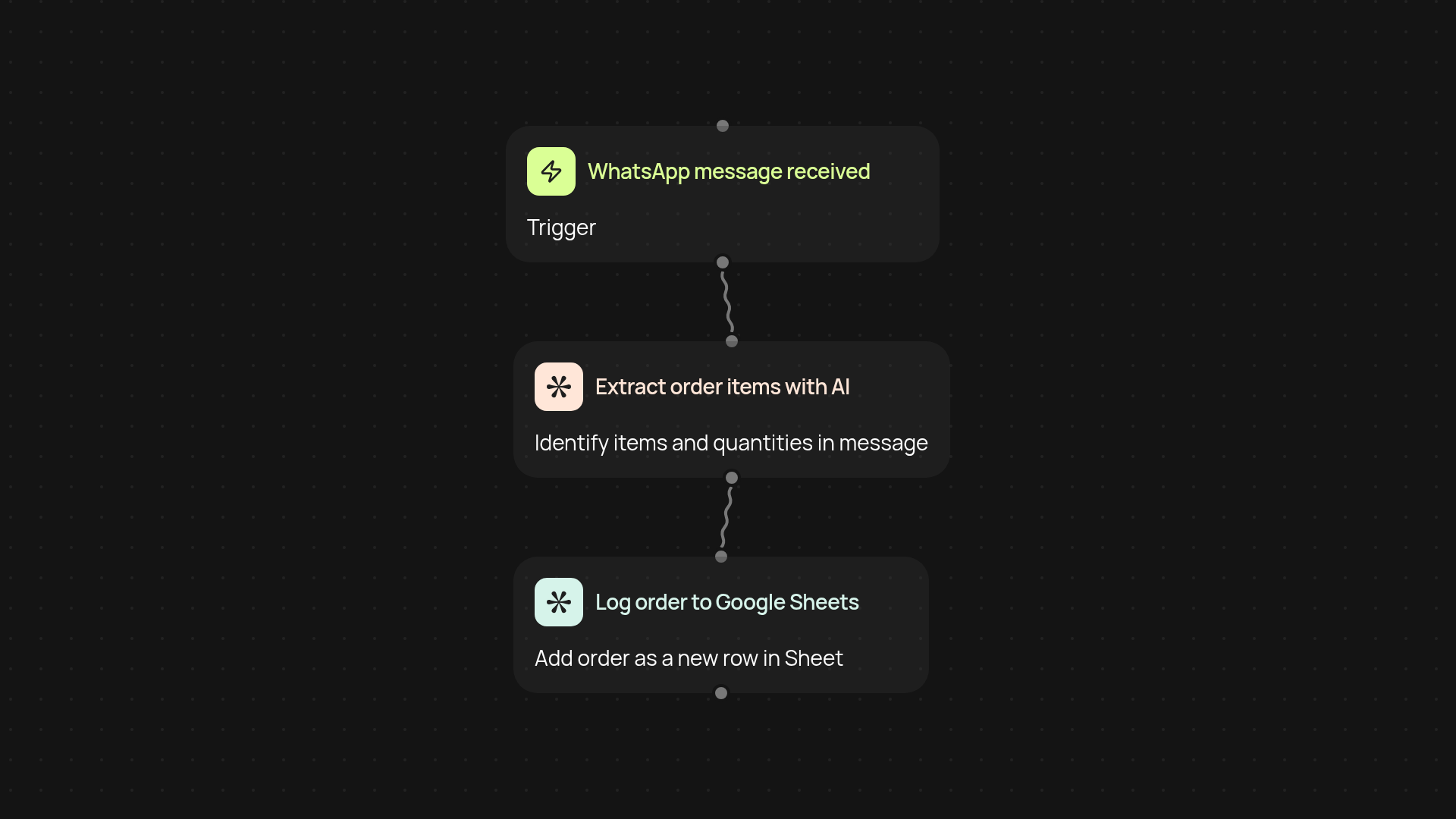
What does e-commerce order automation do for you?
This workflow lets you receive orders directly on WhatsApp, instantly extract the order details using AI, and log every item into your Google Sheets without any manual entry. You’ll see each customer’s order show up in your spreadsheet as soon as the message arrives—no copying and pasting, no mistakes, and no delays. Say goodbye to missed messages and keep your records organized around the clock.
How does it extract and log WhatsApp orders automatically?
Orders received by WhatsApp trigger the process. The system reads each message, uses advanced AI to identify the ordered items, and then records them in the right columns in Google Sheets. This automatic approach keeps your sales records up to date, even while you’re busy serving customers.
Can it handle multiple orders and different product lists?
Yes, it can! The AI is trained to understand different types of order formats and lists, even if customers use conversational language or change their minds mid-text. No special formatting needed—just regular WhatsApp messages. Your Google Sheets log will reflect every update as orders come in.
How do you set it up? What do you need?
Getting started is simple. All you need is a WhatsApp number to receive orders and access to Google Sheets. Connect them with CodeWords, and the rest runs automatically. No complex setup—just a few clicks and you’re ready to capture every order, every time.
Get started today
Your first workflow is free to build.
Describe what you need. Cody handles the build, the connections, and the deployment.