Document Comparison Analyzer — spot contract details instantly
Quickly compare contracts for pricing, terms, and responsibilities. Identify all differences — no manual review needed. Start with Document Comparison Analyzer.
Example starting point only. Verify every connection and any sending, booking, inventory, approval, or handoff action before deployment.
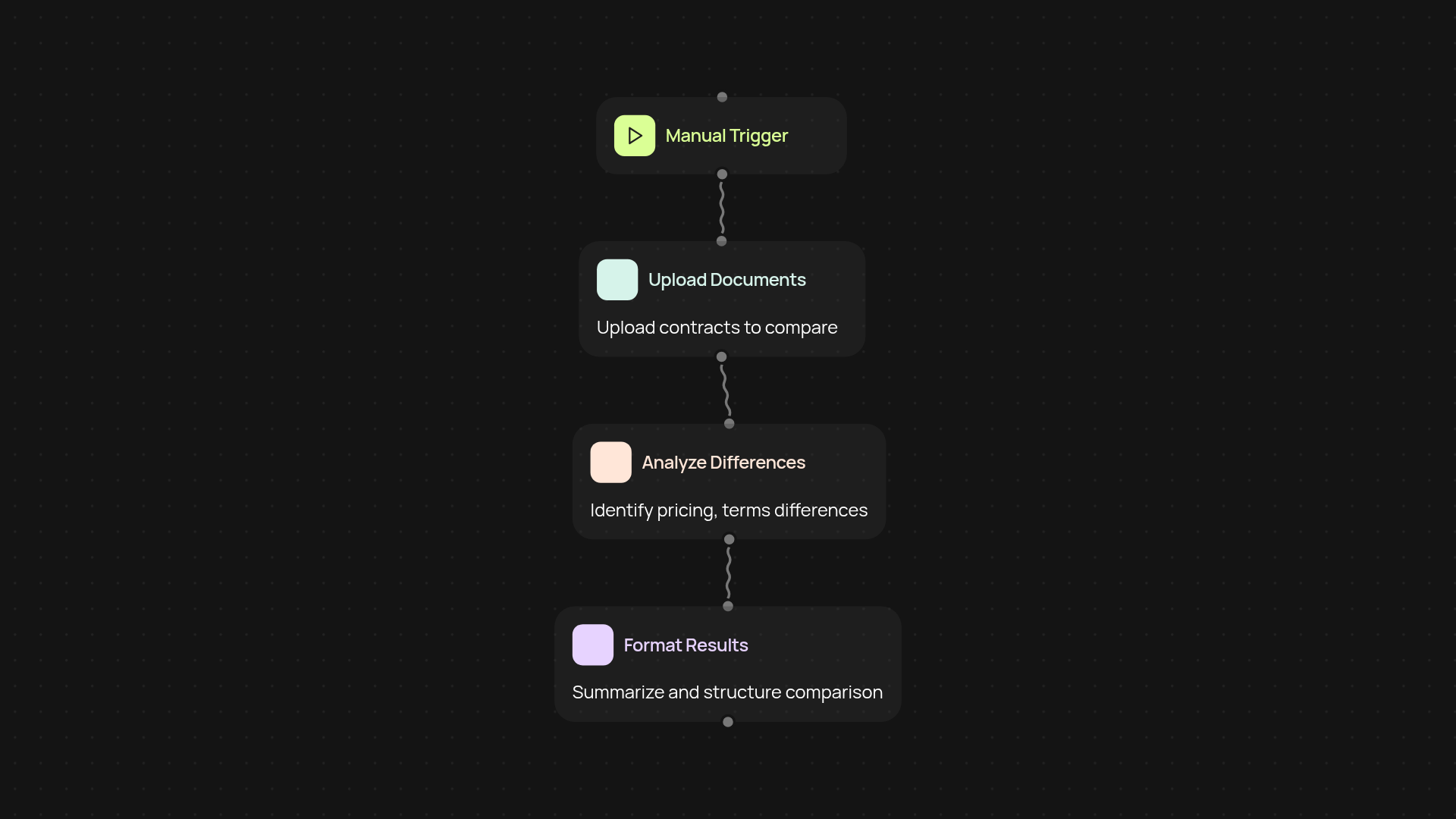
How does this analyze your documents for differences?
The Document Comparison Analyzer reviews your uploaded files and highlights every key difference in pricing, terms, dates, and responsibilities. You see a precise side-by-side summary, so you can make decisions faster — no more flipping between versions or missing a vital clause. Results are easy to read and ready to share with your team.
What details does the analyzer spot for you?
It scans for changes in numbers, legal terms, dates, and even subtle shifts in responsibility language. You’ll instantly see where wording, amounts, or deadlines don’t match between documents. This helps you avoid costly omissions and ensures you catch every update or negotiation before you sign.
How does this save time over manual review?
Manual comparison means endless side-by-side reading and note-taking. With the analyzer, you upload your files, and all the key differences appear after setup and review. This lets you spend your time negotiating — not searching for discrepancies. It also reduces the risk of overlooking critical changes.
What do you need to get started?
All you need are the documents you want to compare. Upload them into CodeWords, and the analyzer handles everything in the background. Setup takes less than a minute, and you can review results right away with no extra configuration.
More templates
Get started today
Your first workflow is free to build.
Describe what you need. Cody handles the build, the connections, and the deployment.