DocSend Pitch Deck Analyzer — get instant investment insights
Analyze DocSend pitch decks fast. Extract slides, summarize content, and generate investor-focused insights—no manual review needed.
Example starting point only. Verify every connection and any sending, booking, inventory, approval, or handoff action before deployment.
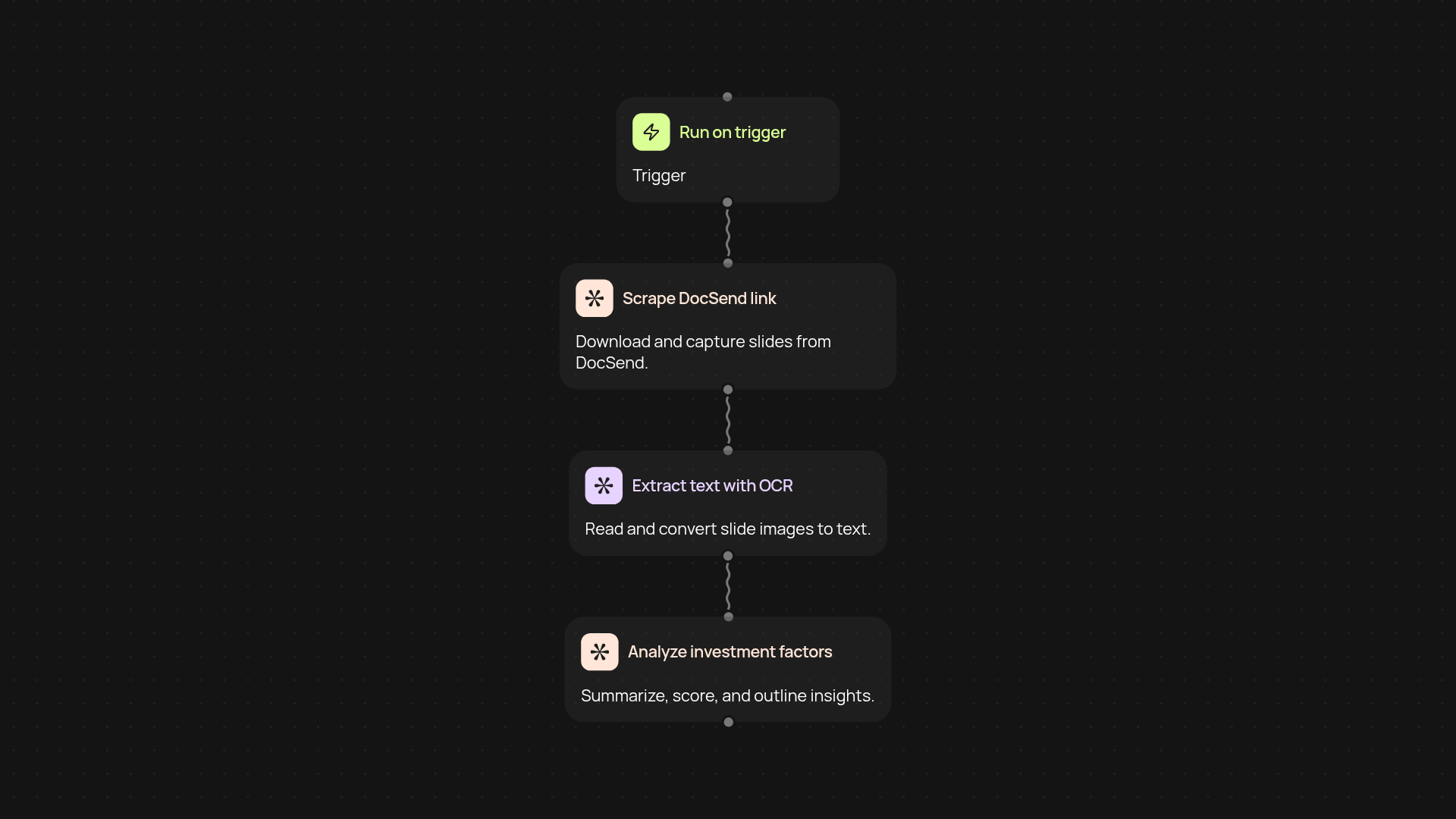
How does the DocSend Pitch Deck Analyzer simplify investment research?
DocSend Pitch Deck Analyzer takes any DocSend link and delivers investor-ready breakdowns in just minutes. It extracts pitch deck slides, reads content using advanced OCR, and summarizes all key sections—funding ask, business model, market sizing, and more. All the information appears neatly in one place, so you spend less time combing through slides and more time focusing on next steps.
What can you learn from an analyzed pitch deck?
You get an at-a-glance overview of each deck, including the main value proposition, team info, competition, and traction highlights. The system instantly points out red flags or missing sections, offering a balanced investment summary you can trust—ideal for due diligence or quick assessments.
Does it work with any DocSend link?
Yes—no matter the format or visual complexity of the slides. The analyzer uses OCR to capture both text and visuals, so even image-heavy decks are searchable and summarized. You get actionable insights, not just raw data.
How do you set it up and what do you need?
Getting started is simple: choose whether to run the analysis manually or connect it to a trigger. All you need is your DocSend link and a moment to initiate the process. If you want to automate things, you can have the system watch for new links and analyze them automatically — no extra configuration needed.
More templates
Get started today
Your first workflow is free to build.
Describe what you need. Cody handles the build, the connections, and the deployment.