Discord Role Remover — bulk remove Discord roles
Remove roles from users in your Discord server, without manual effort. Instantly manage bulk role removal based on any trigger or condition.
Example starting point only. Verify every connection and any sending, booking, inventory, approval, or handoff action before deployment.
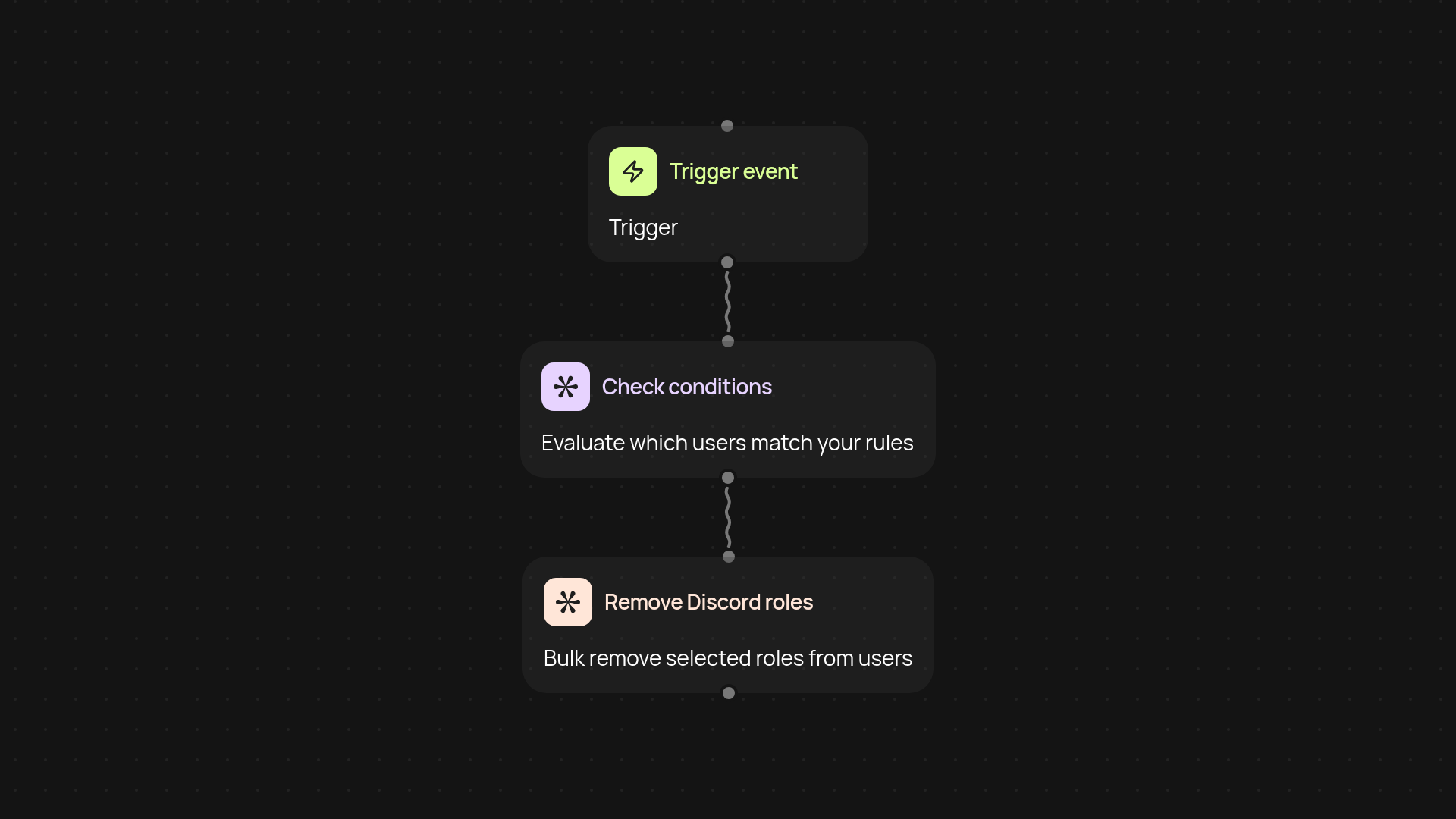
What does the Discord Role Remover do for your server?
Say goodbye to hours spent managing roles—Discord Role Remover automatically takes care of bulk role removal for your Discord server. Whether you’re cleaning up inactive members or reorganizing channels after an event, everything happens after setup and review. Just set your conditions, connect your server, and watch as roles are removed on command.
How can I remove Discord roles in bulk, instantly?
Bulk role management is easy with this template. When a trigger happens—like an inactivity flag, completed onboarding, or any custom event—users matching your chosen criteria will have the designated roles removed right away. No manual review or intervention needed, and no risk of missing anyone in large communities.
Can I set custom rules for which roles are removed?
Yes. You decide which roles to remove and when. Set up your own conditions: inactivity periods, failed verification, or completion of temporary access. The automation adapts to your policies, so every role change fits your workflow perfectly.
How do I set this up and what do I need?
Getting started is simple. You just need access to your Discord server and a CodeWords account. Choose your preferred trigger, specify your conditions, and connect the Discord integration through Pipedream. After that, Discord Role Remover will handle everything in the background—no technical expertise required.
More templates
Get started today
Your first workflow is free to build.
Describe what you need. Cody handles the build, the connections, and the deployment.