Discord Chess Bot — run real-time chess games in Discord
Play interactive chess directly in Discord. Slash commands, persistent game states, instant game processing. Easy setup, no manual game management required.
Example starting point only. Verify every connection and any sending, booking, inventory, approval, or handoff action before deployment.
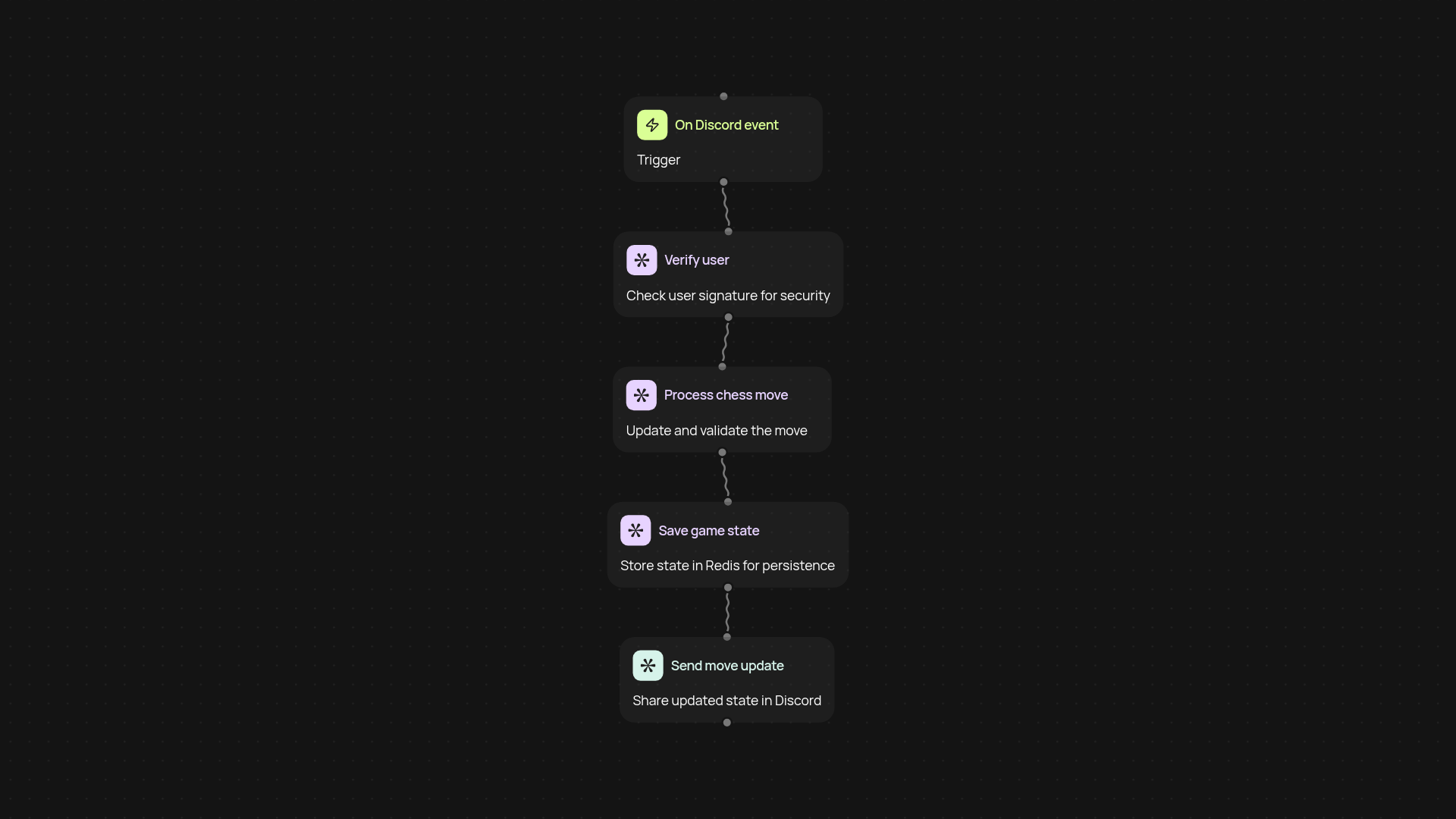
How can you play chess in Discord?
With the Discord Chess Bot, you get an interactive chess experience right in your Discord server—from starting a match to making moves, everything happens with simple slash commands. Invite your community to enjoy real-time games without ever leaving the conversation. The bot stays on top of every detail, so you don’t have to track boards or moves by hand.
What makes game state tracking effortless?
Your chess matches are saved instantly, so you never lose progress if a player disconnects or leaves. The bot manages the entire game state behind the scenes—no need to remember the position or keep screenshots. Just pick up where you left off at any time, and focus on the fun instead of recordkeeping.
How does move processing work in real time?
Once a player makes a move, it’s processed and shared instantly with everyone in the game chat. This keeps the action flowing, and your members can respond right away without waiting. Every action is verified for accuracy, so no accidental moves disrupt the session.
What do you need to set up your Discord Chess Bot?
Getting started is easy. Just have a Discord server where you want to run matches, invite the bot, and set up your preferred channels. From there, everything runs automatically: launch games, invite players, and make moves with slash commands. You don’t have to do any manual tracking or configuration—just enjoy effortless chess with your community.
More templates
Get started today
Your first workflow is free to build.
Describe what you need. Cody handles the build, the connections, and the deployment.