Design to code converter — turn designs into production-ready code
Transform visual designs into production-ready code instantly. Speed up your development process with an AI-powered design to code converter.
Example starting point only. Verify every connection and any sending, booking, inventory, approval, or handoff action before deployment.
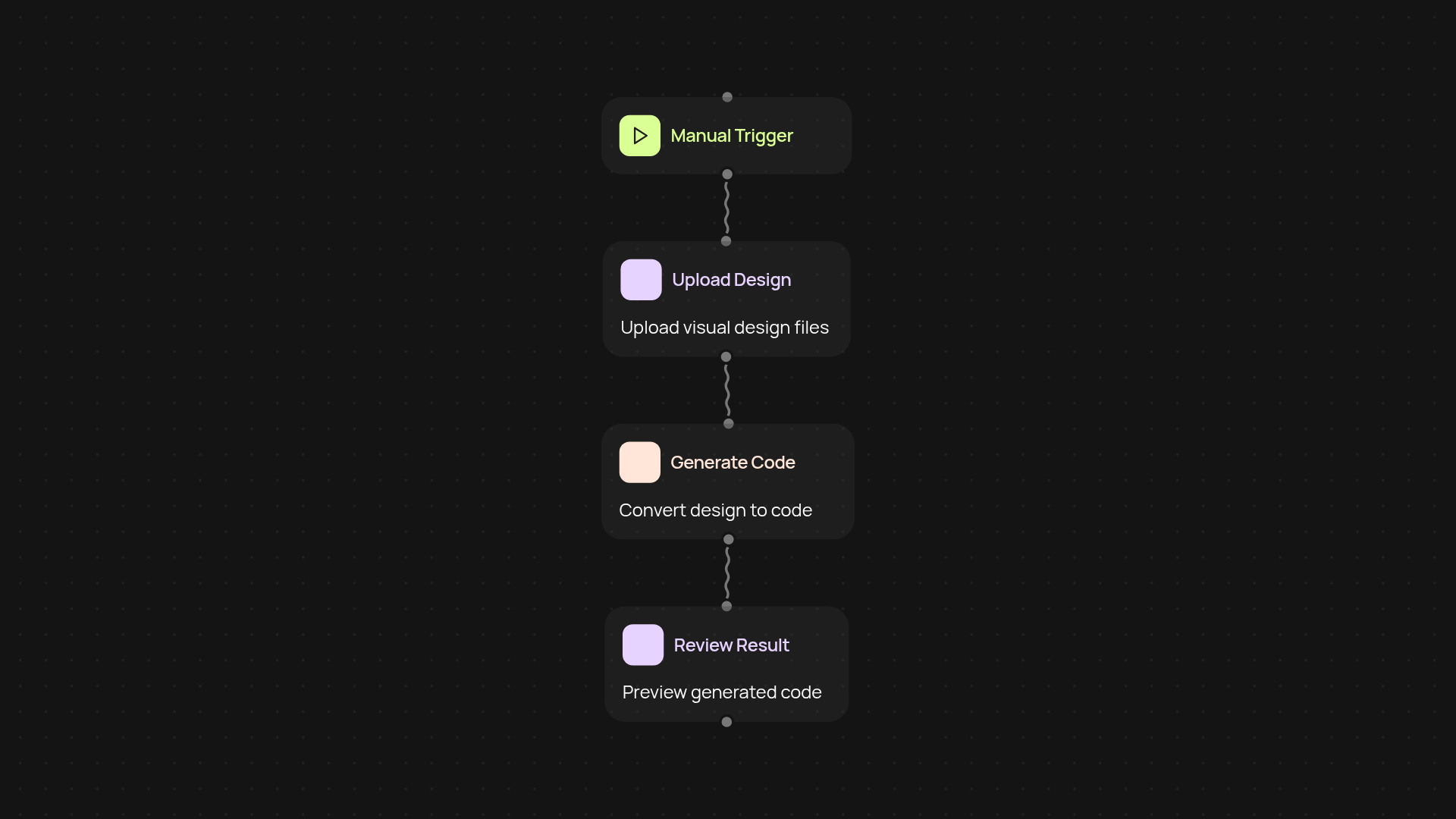
What does the design to code converter do for you?
Take the hassle out of the handoff between design and development. The design to code converter transforms your visual designs — from wireframes to polished mockups — directly into production-ready code across popular frameworks. That means no more copying layouts by hand or worrying about missed details. Move from concept to working product much faster, so you can focus on customer feedback and iterate on new ideas, not translating pixels to code.
How fast can you go from design to live product?
With this tool, you can generate clean, ready-to-use code instantly, freeing your team from repetitive tasks. All it takes is uploading your design file, selecting your preferred framework, and letting CodeWords handle the technical conversion in the background. You'll have working code to review, edit, or deploy without hours spent converting designs manually.
Does it support multiple frameworks and design formats?
Yes — you can choose from several code frameworks, making it simple to match your stack, whether you’re building with React, Vue, or others. Bring in designs from Figma, Sketch, or similar tools for maximum flexibility. Your output is structured and readable, so your team starts with a strong foundation that’s easy to extend.
How do you set up the design to code converter?
Getting started is simple: just connect your design tool, pick a target code framework, and upload your file. No technical expertise needed — the converter guides you through each step. You'll only need access to your design files and a CodeWords account to begin streamlining your workflow today.
More templates
Get started today
Your first workflow is free to build.
Describe what you need. Cody handles the build, the connections, and the deployment.