Daily WhatsApp Reminder — stay on track every day
Send automatic daily WhatsApp messages at your chosen time. Set your reminder once — CodeWords delivers notifications each day for you.
Example starting point only. Verify every connection and any sending, booking, inventory, approval, or handoff action before deployment.
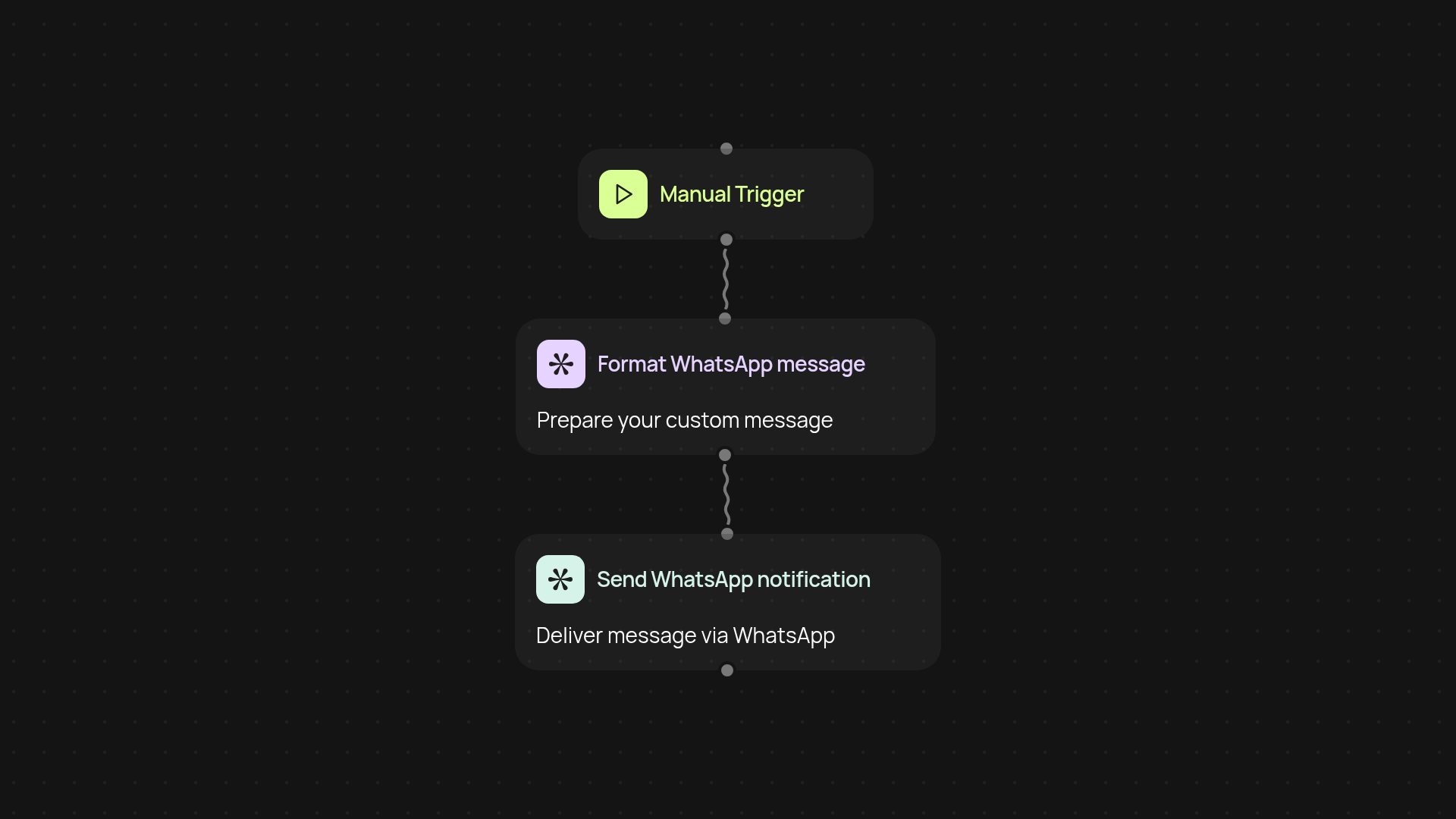
How does the daily WhatsApp reminder work from start to finish?
you are less likely to miss a daily update again. With this automation, you set your ideal reminder time and message just once—CodeWords takes care of the rest. As soon as you activate it, the template schedules itself to deliver WhatsApp notifications to you exactly when you need them, automatically, every single day.
Can I customize the WhatsApp message and schedule?
Absolutely. Personalize your daily message to fit your routine and set your preferred delivery time. Once configured, there’s no need to input your details repeatedly. The reminder will appear in your WhatsApp at the same hour, every day, without manual work—keeping tasks, habits, and appointments top of mind effortlessly.
What happens if I need to pause or update reminders?
You’re always in control. Change the content or reschedule at any time—simply adjust your settings and the new reminder will take over right away. Prefer automatic operation? Your reminders continue running quietly in the background, so you can focus on what matters most.
How do I get started and what do I need?
Getting started is quick. All you’ll need is a WhatsApp-enabled phone number. Set your preferred time, type your message, and run the template once. From then on, CodeWords ensures your daily notifications go out right when you want them—no extra effort needed.
More templates
Get started today
Your first workflow is free to build.
Describe what you need. Cody handles the build, the connections, and the deployment.