Daily Trending Video to YouTube — trending topics
Discover trending topics, create Veo 3.1 videos, and post daily to YouTube — all without manual work. Save time and boost your channel's reach.
Example starting point only. Verify every connection and any sending, booking, inventory, approval, or handoff action before deployment.
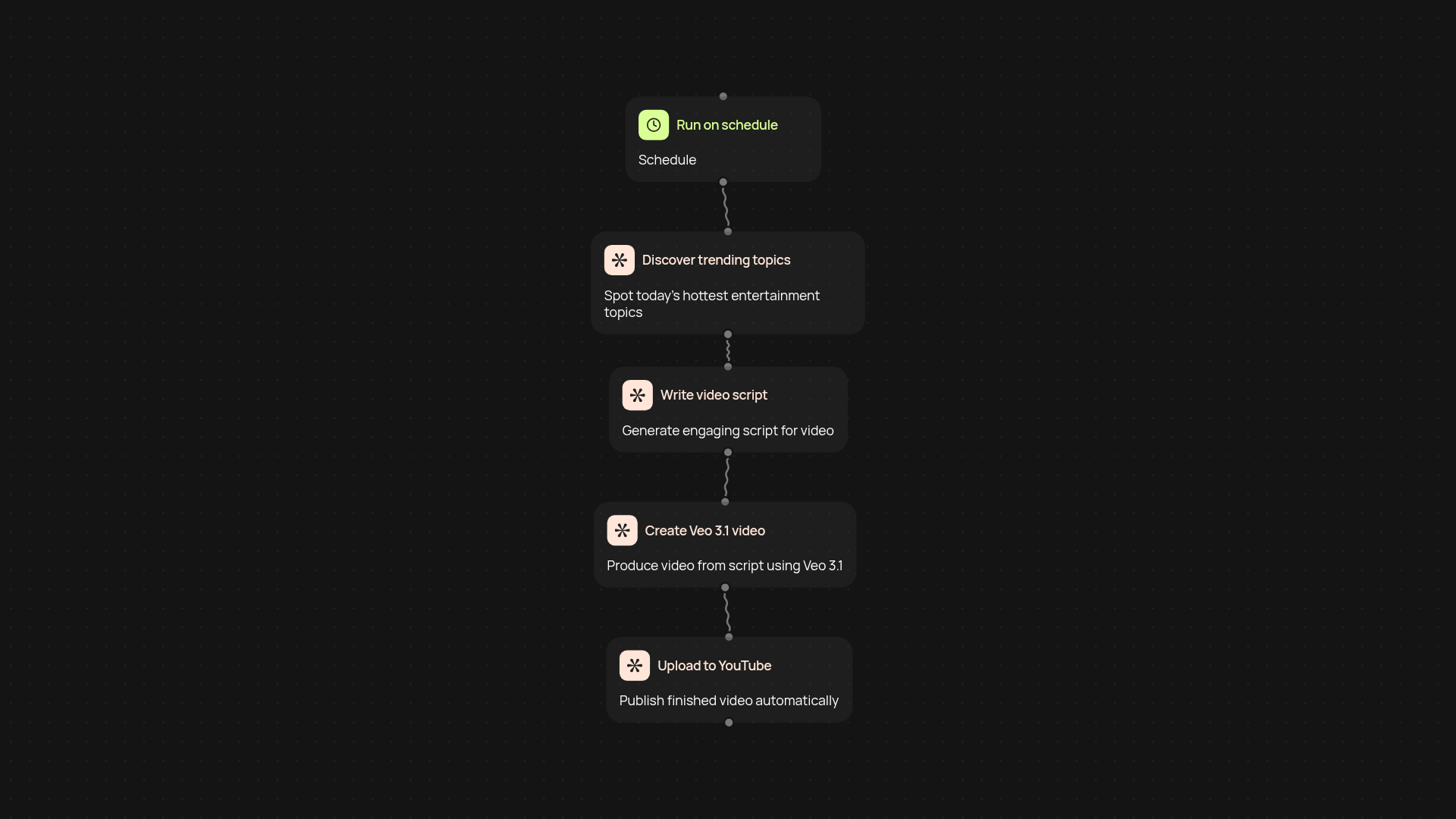
How does it create and upload trending YouTube videos automatically?
Start each day with a fresh, professionally-made trending video—no hands-on editing or topic research needed. This template finds today's hottest entertainment topics, makes engaging videos with Veo 3.1, and uploads them to your YouTube channel for you. You get a consistent, on-trend YouTube presence, effortlessly.
Why is your content always up to date with trends?
Your videos feature what's buzzing right now because this automation pulls from real-time trending searches and entertainment news. Skip the hours spent looking for topics—each video reflects the latest trends, keeping your channel relevant and fun.
How does the video creation and upload process work?
The entire process runs in the background: trending topics are discovered, video scripts are generated, Veo 3.1 turns them into high-quality videos, and then they're uploaded to YouTube. All the creative and technical steps happen after setup and review, ensuring your content is always ready on time.
What do you need to get started?
Just connect your YouTube account and set your schedule. Provide video preferences if you have them—then let CodeWords handle the rest. You can adjust at any time, but everything works for you automatically from day one.
Get started today
Your first workflow is free to build.
Describe what you need. Cody handles the build, the connections, and the deployment.