CV Rewriter — get a professional, ATS-optimized resume in minutes
Transform any resume into a professional, modern, or ATS-friendly CV instantly. Upload PDF, DOCX, or TXT. Save hours with CodeWords CV Rewriter.
Example starting point only. Verify every connection and any sending, booking, inventory, approval, or handoff action before deployment.
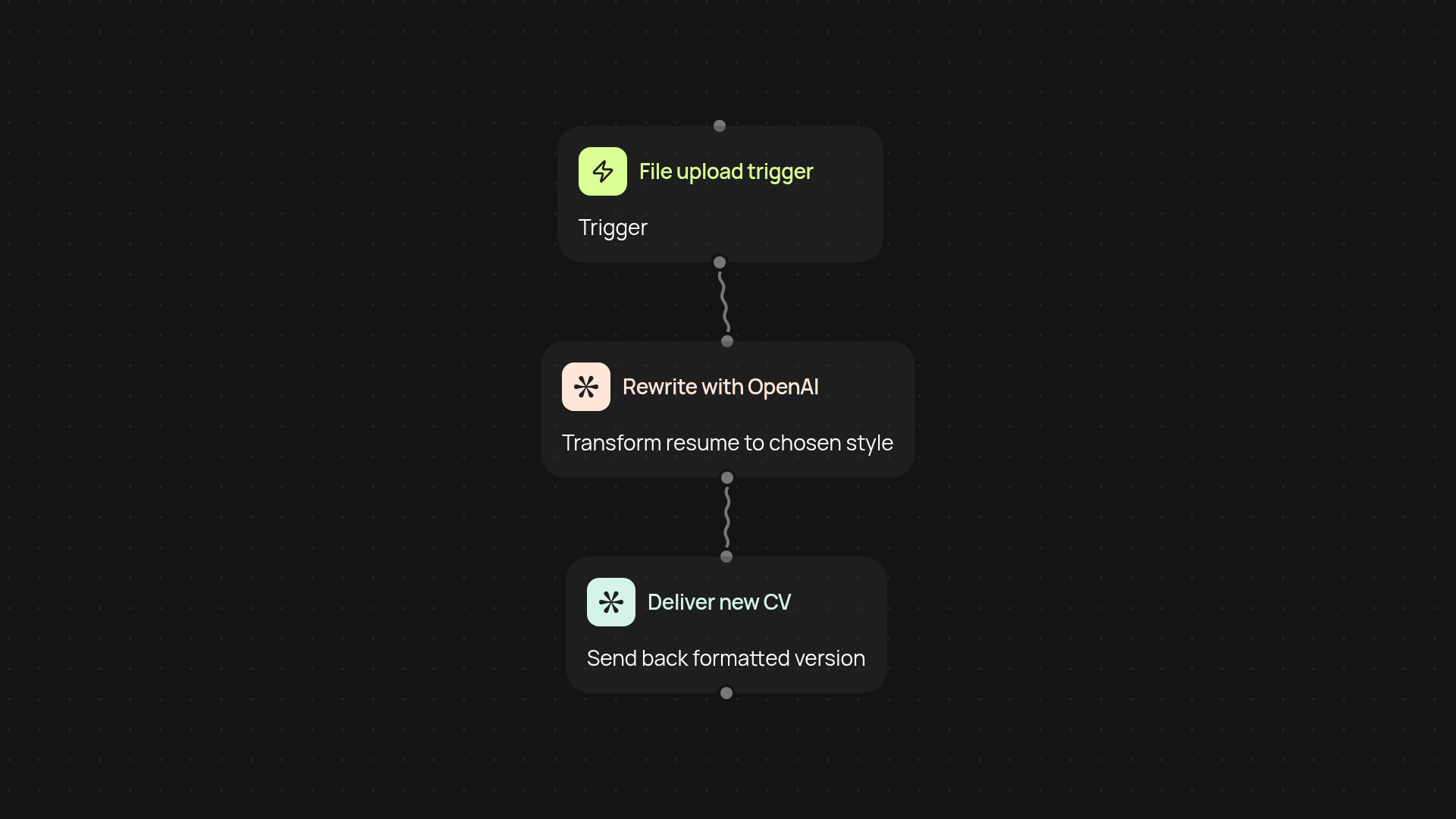
How does the CV Rewriter create a professional resume for you?
With CodeWords CV Rewriter, you simply upload your existing resume file — whether it's PDF, DOCX, or TXT — and receive a polished new version in minutes. Choose between a professional, modern, or ATS-optimized format to make your CV stand out. We handle the formatting, summary rewriting, and keyword enhancements so your application looks its best, without any manual editing.
What makes your resume ATS-optimized?
Your rewritten CV includes clear headings, consistent layout, and keywords tailored for applicant tracking systems (ATS). This means your experience and skills are highlighted — and your resume has a better chance of passing automated screenings. You get results quickly, with a CV that's ready to impress both software and hiring managers.
Can CV Rewriter work with any file format?
Yes. Upload PDF, DOCX, or TXT files — the rewriter instantly transforms your resume into a clean, up-to-date version with zero formatting worries. You’ll get a document that's easy to update and send after setup and review.
How do you set up CV Rewriter for your resumes?
Getting started is simple. Just upload your current resume and pick your preferred style. No special tools or technical skills are needed. In minutes, you receive a ready-to-use, professionally formatted CV you can send out immediately — all automatically.
More templates
Get started today
Your first workflow is free to build.
Describe what you need. Cody handles the build, the connections, and the deployment.