Crop market price predictor — forecast prices from your Sheets
Predict crop prices effortlessly. Analyze Google Sheets data to get 30-day forecasts with AI-driven insights. Save time and make informed decisions.
Example starting point only. Verify every connection and any sending, booking, inventory, approval, or handoff action before deployment.
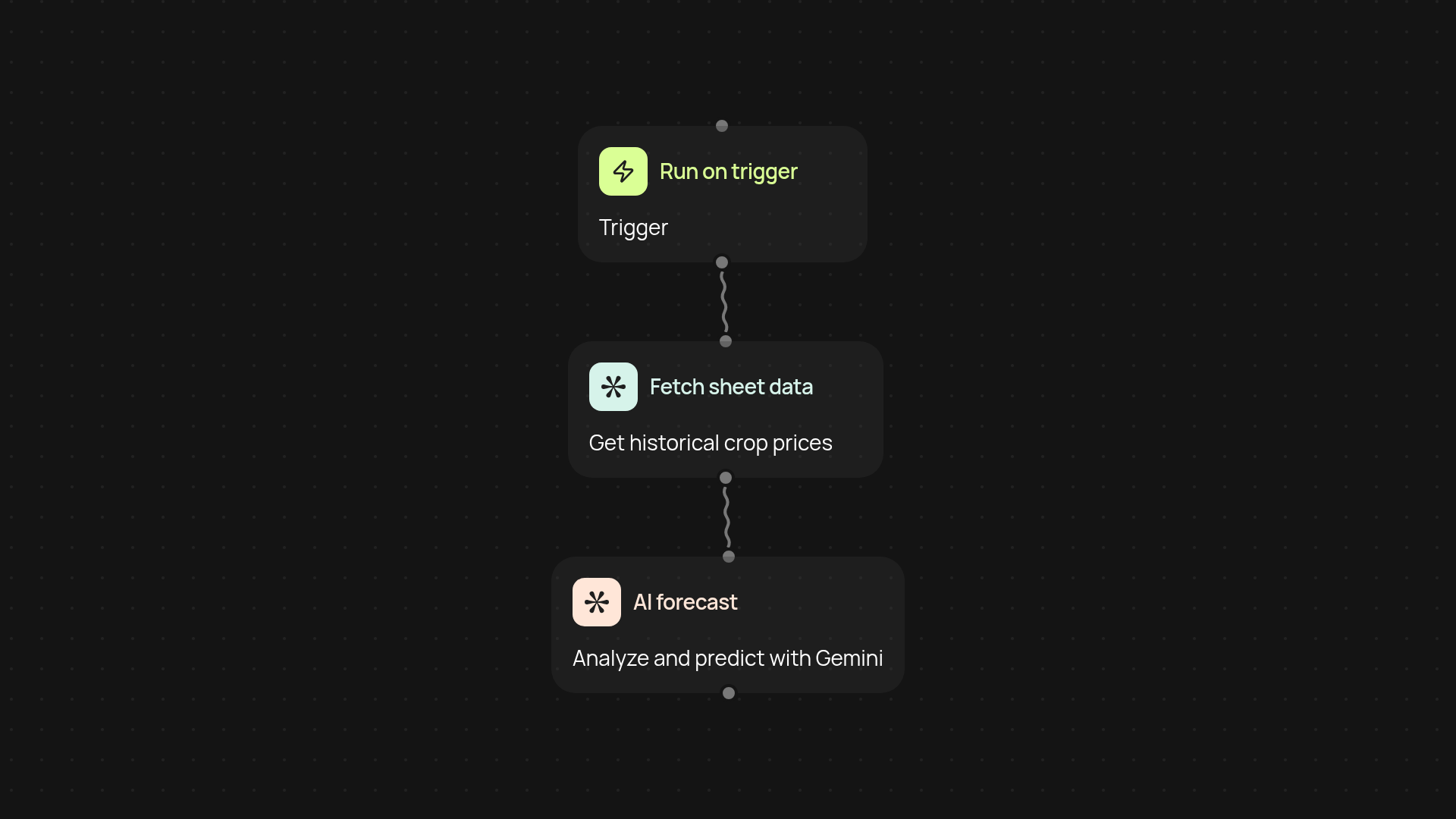
How does this template predict crop prices with Google Sheets?
This template instantly analyzes your crop data in Google Sheets and predicts price trends for the next 30 days — without any manual calculations. You just add your historical crop information, and the AI processes everything in the background. The result? Informed, AI-driven forecasts that help you make smarter decisions about when to sell, store, or distribute crops.
What kind of data works best for accurate forecasts?
For the most reliable price predictions, it helps to use detailed, structured data — such as crop types, daily or weekly market prices, and dates. The more consistent and complete your records, the more precise the AI analysis will be. With Gemini, you don’t have to do complex math or stats; simply keep your sheet updated and let the system handle the rest automatically.
How quickly can I see my 30-day crop price prediction?
Once your sheet is updated, forecasts are generated swiftly. The combination of Google Sheets and Gemini AI means insights appear right after you trigger the workflow, so you don’t have to wait or crunch numbers.
How do I get started with this crop market price predictor?
Getting up and running is simple. All you need is a Google Sheet with historical crop price data. Connect your sheet, enable the template, and you’re ready to generate forecasts. No technical expertise required — just run the workflow when you add new data and let the AI do the rest automatically.
Get started today
Your first workflow is free to build.
Describe what you need. Cody handles the build, the connections, and the deployment.