Crop Disease Scanner — detect and treat plant issues fast
Scan plant photos, detect diseases, and get treatment steps with Crop Disease Scanner. Instant feedback and advice in English or Hindi. Free and easy to use.
Example starting point only. Verify every connection and any sending, booking, inventory, approval, or handoff action before deployment.
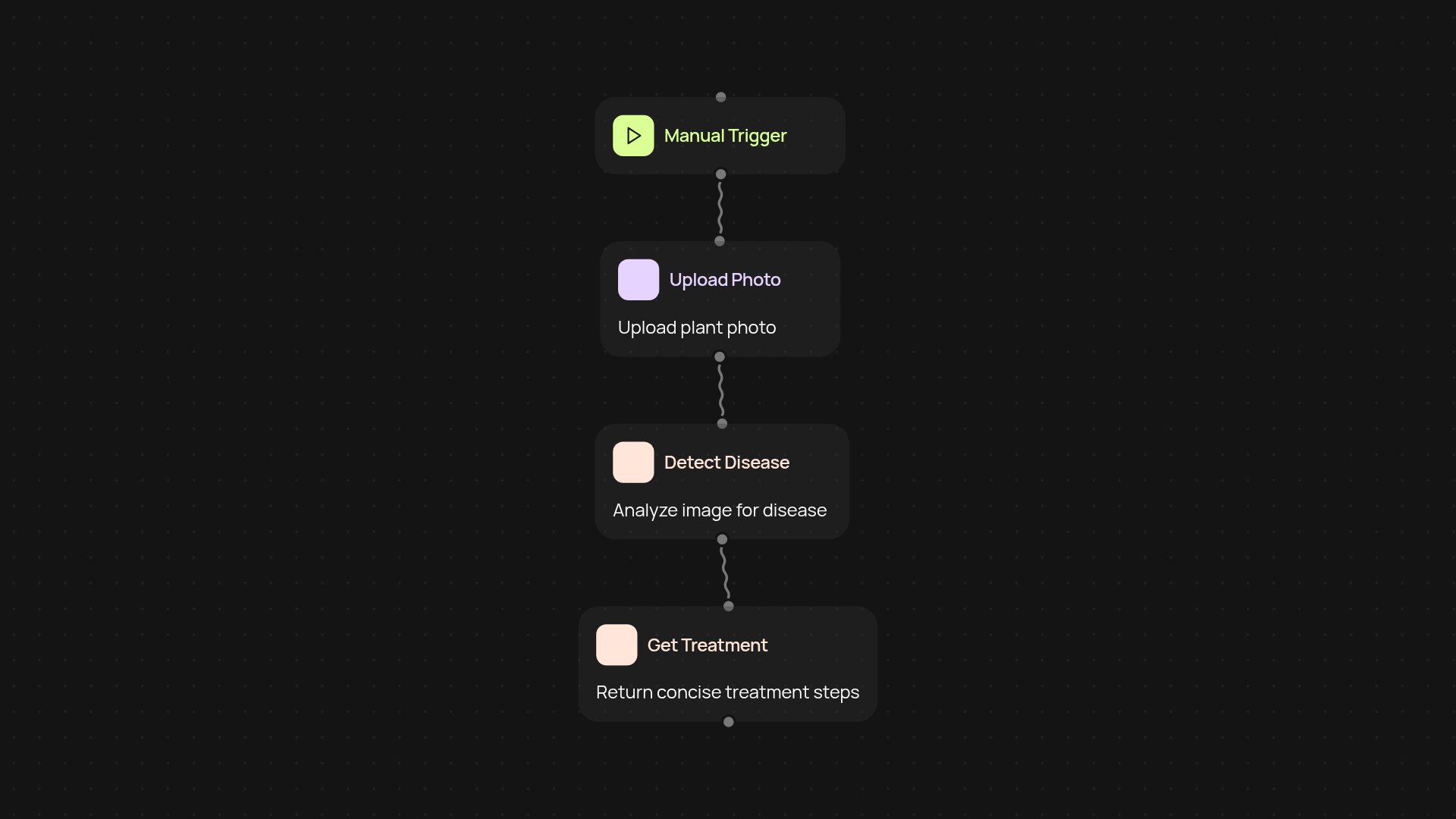
How does the Crop Disease Scanner recognize plant health issues?
With one quick photo, the Crop Disease Scanner identifies visible diseases or distress in your crops. You just upload a plant image and get an instant, easy-to-understand diagnosis. The scanner works automatically—no specialized equipment or manual review needed. Experts or beginners alike can spot early warning signs before diseases spread.
What advice do I receive after scanning?
Right after your upload, you’ll see clear recommendations on treatment, all based on what the scanner observes in your image. The guidance is available in Hindi or English, so you can follow step-by-step instructions without any confusion. You'll also get feedback about your plant’s current emotional state—making sure you know what your plant truly "needs."
How accurate and quick are the results?
Results show up in seconds. The scanner uses AI models tuned for crops and common plant ailments, so you’ll know quickly whether your plant looks healthy or needs extra attention. No waiting, no back-and-forth appointments—just straight answers when you need them.
How do I set up Crop Disease Scanner and what do I need?
Getting started is simple. Just choose how you want to trigger a scan: upload a photo when you notice an issue, or schedule regular checks for your plants. All you need is a smartphone, the plant, and access to the Crop Disease Scanner. Everything else happens in the background, so you can focus on keeping your crops healthy and thriving.
More templates
Get started today
Your first workflow is free to build.
Describe what you need. Cody handles the build, the connections, and the deployment.