Cold Outreach Optimizer — personalize messages, boost replies
Enhance your cold outreach instantly. This template improves message personalization so you connect and convert more, with less effort.
Example starting point only. Verify every connection and any sending, booking, inventory, approval, or handoff action before deployment.
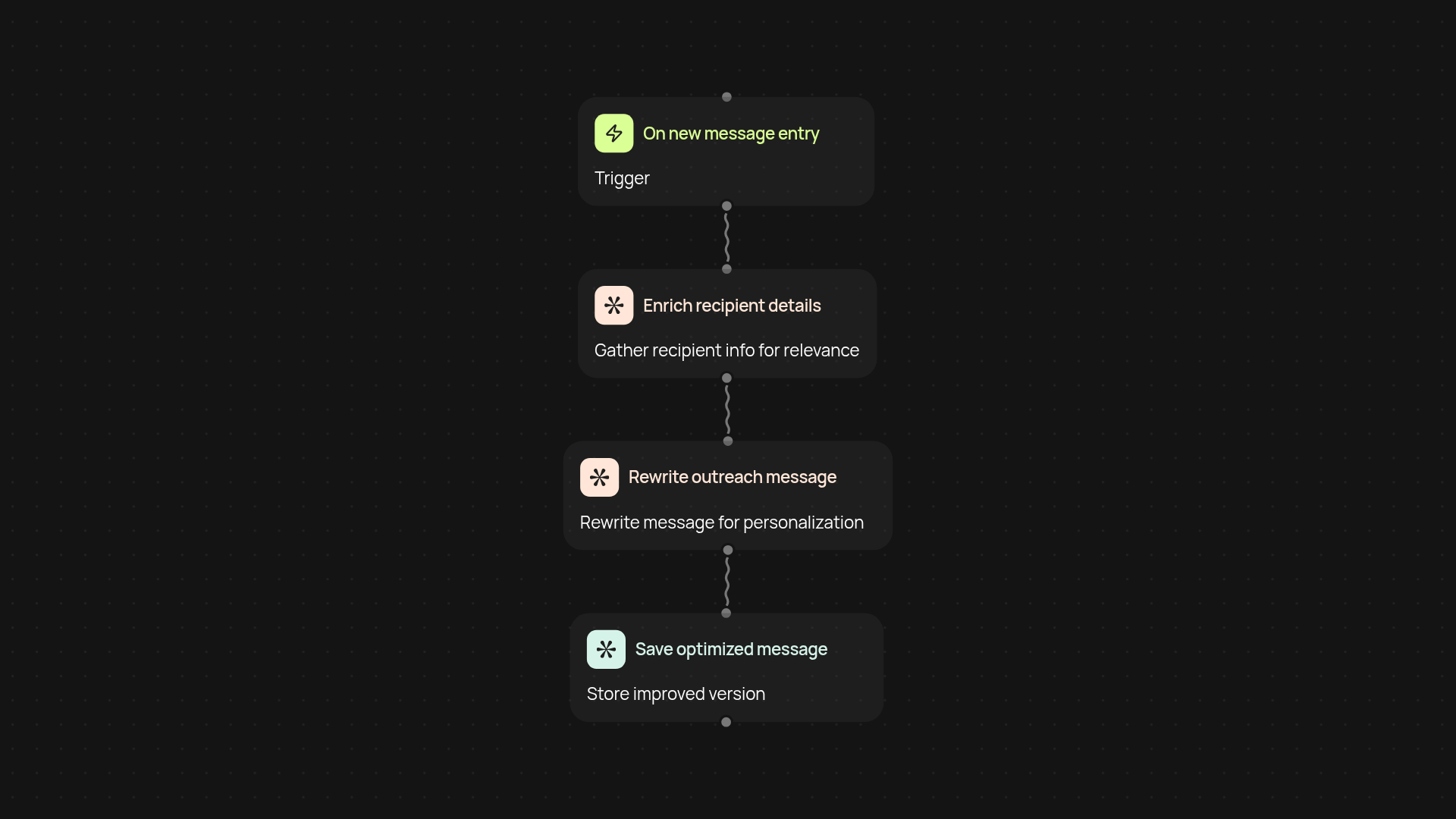
How does the cold outreach optimizer personalize your outreach?
This template takes your outreach to the next level by analyzing each message and tailoring it for your recipient—no manual work needed. Just connect your outreach list, and let the optimizer rewrite each cold email or LinkedIn message with smart personalization for higher open and reply rates. It learns from your existing style and details about your prospects, so every message feels crafted just for them.
Can it increase response rates and save time?
Yes, instantly. By making each communication warmer and more relevant, the cold outreach optimizer helps you stand out in crowded inboxes. You’ll see more replies and spend less time editing every email. What used to take hours now happens in the background—all you have to do is review, send, and watch your results improve.
How do you set up the cold outreach optimizer?
Getting started is quick: add your outreach messages, set your preferred tone and personalization fields, and the automation does the rest. You can run it on a schedule or trigger it with new entries—so you keep your pipeline moving automatically. All you need is your outreach list and basic messaging goals to begin.
Get started today
Your first workflow is free to build.
Describe what you need. Cody handles the build, the connections, and the deployment.