CodeWords MCP Example — build and run microservices in minutes
Use this template to create and run AI microservices as CodeWords services. Get started with example tools and FastAPI, saving hours each week.
Example starting point only. Verify every connection and any sending, booking, inventory, approval, or handoff action before deployment.
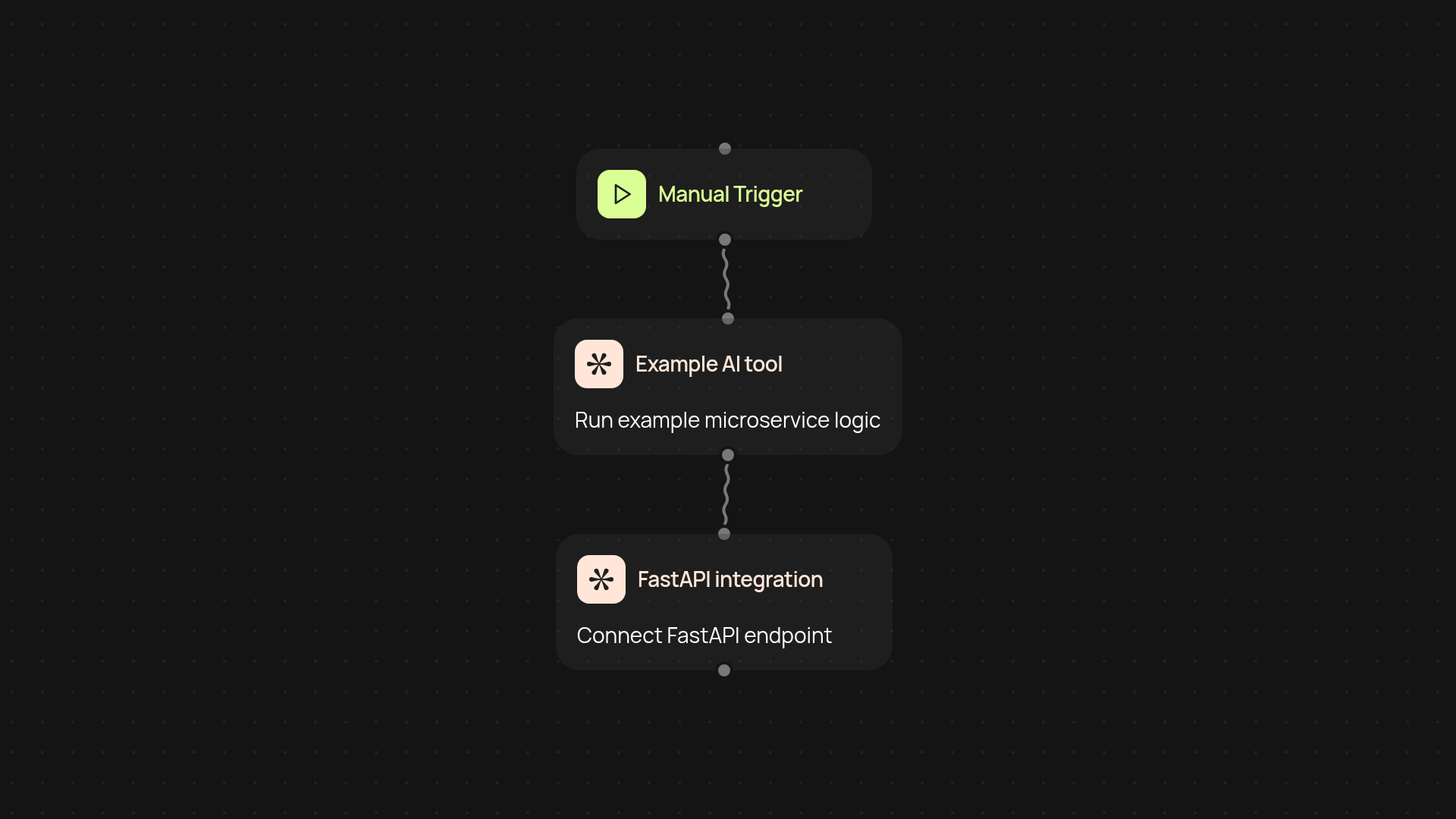
What does this CodeWords MCP Example template do for you?
This template helps you create, deploy, and run AI microservices fast—no coding background needed. You'll get a ready-to-use structure for building your own MCP (microservice control point) servers as CodeWords services. Preloaded with example tools and FastAPI integration, it streamlines the whole process so you can focus on your business instead of technical setup.
How can you use AI microservices in your workflows?
You can put microservices automatically for any repetitive task that normally eats up your team's time. Respond to routine requests, automate data processing, or connect AI actions right into your existing flows. No more bouncing between platforms—everything happens automatically so you get more done after setup and review. Because it's modular, you choose which tools to plug in or change.
How does this template save you hours every week?
Setup is simple: just launch the template, edit a few details, and your AI microservice is ready to use. Maintenance is low effort too—you can update or swap out tools without reworking your entire system. This lets you skip manual work for every new project or task, freeing up your schedule week after week.
What do you need to get started with the CodeWords MCP Example?
All you need is your CodeWords account and this template. To start, run the setup trigger and follow the step-by-step prompts inside the platform. Example tools and FastAPI connections come pre-installed, so you don’t have to set up anything else. Just adjust the example as needed for your own use and you’ll have your first microservice running in minutes.
More templates
Get started today
Your first workflow is free to build.
Describe what you need. Cody handles the build, the connections, and the deployment.