Code Presentation Generator — turn code into team-ready presentations
Turn source code into professional 3-part presentations with flowcharts for your team. Simplify technical walkthroughs without extra manual work.
Example starting point only. Verify every connection and any sending, booking, inventory, approval, or handoff action before deployment.
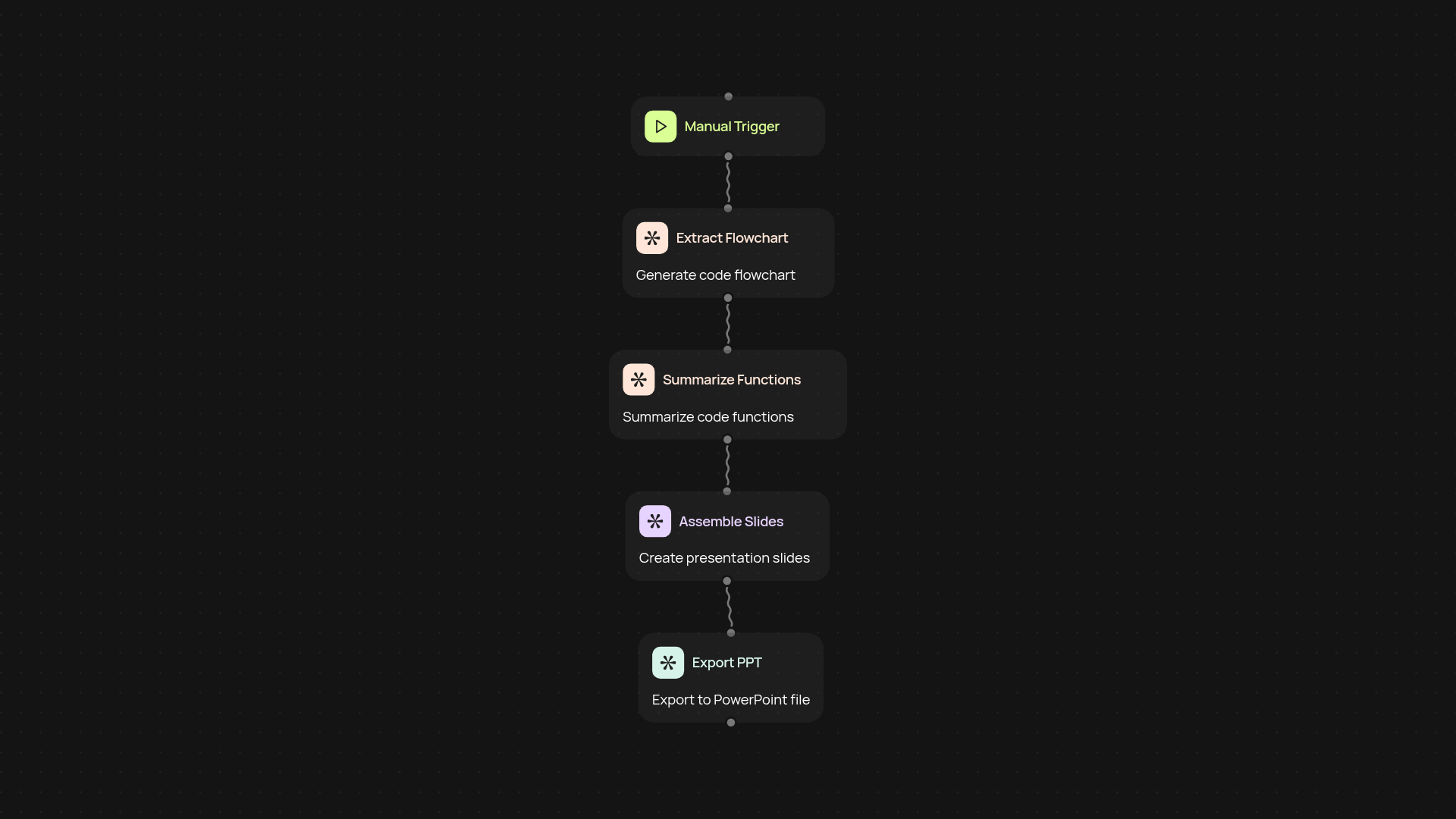
How does the code presentation generator simplify my workflow?
The code presentation generator takes your source code and quickly turns it into a polished, ready-to-share 3-part team presentation. You get code summaries, visual Mermaid flowcharts, and discussion points — all organized after setup and review. Save hours preparing walkthroughs and focus on what matters: communicating your project to your team.
What makes these code presentations useful for teams?
Your team won't just see raw code. Each presentation highlights structure, logic, and key decisions in an easy-to-digest format. Built-in flowcharts help everyone grasp the main flow instantly. You'll enable smoother code reviews, onboarding, and status updates — with less back-and-forth and confusion about how things work.
Can I use it for any programming language?
Yes, the code presentation generator works for most popular programming languages. Paste in your code and you’ll get professional slides regardless of the stack you use. The visualizations and summaries update automatically, so you’re never stuck reformatting or explaining technical details from scratch.
How do I set it up and what do I need?
Getting started is simple: run the generator when you have code ready to share. There’s no heavy install or technical setup. Just provide your source code, and let the tool create your 3-part presentation. Everything updates automatically — so you’re always ready for your next team meeting or review session.
More templates
Get started today
Your first workflow is free to build.
Describe what you need. Cody handles the build, the connections, and the deployment.