Code Executor with AI Tutor — learn coding through hands-on feedback
Run Python or JavaScript code and instantly see AI-powered explanations. Learn coding faster with actionable feedback on every result.
Example starting point only. Verify every connection and any sending, booking, inventory, approval, or handoff action before deployment.
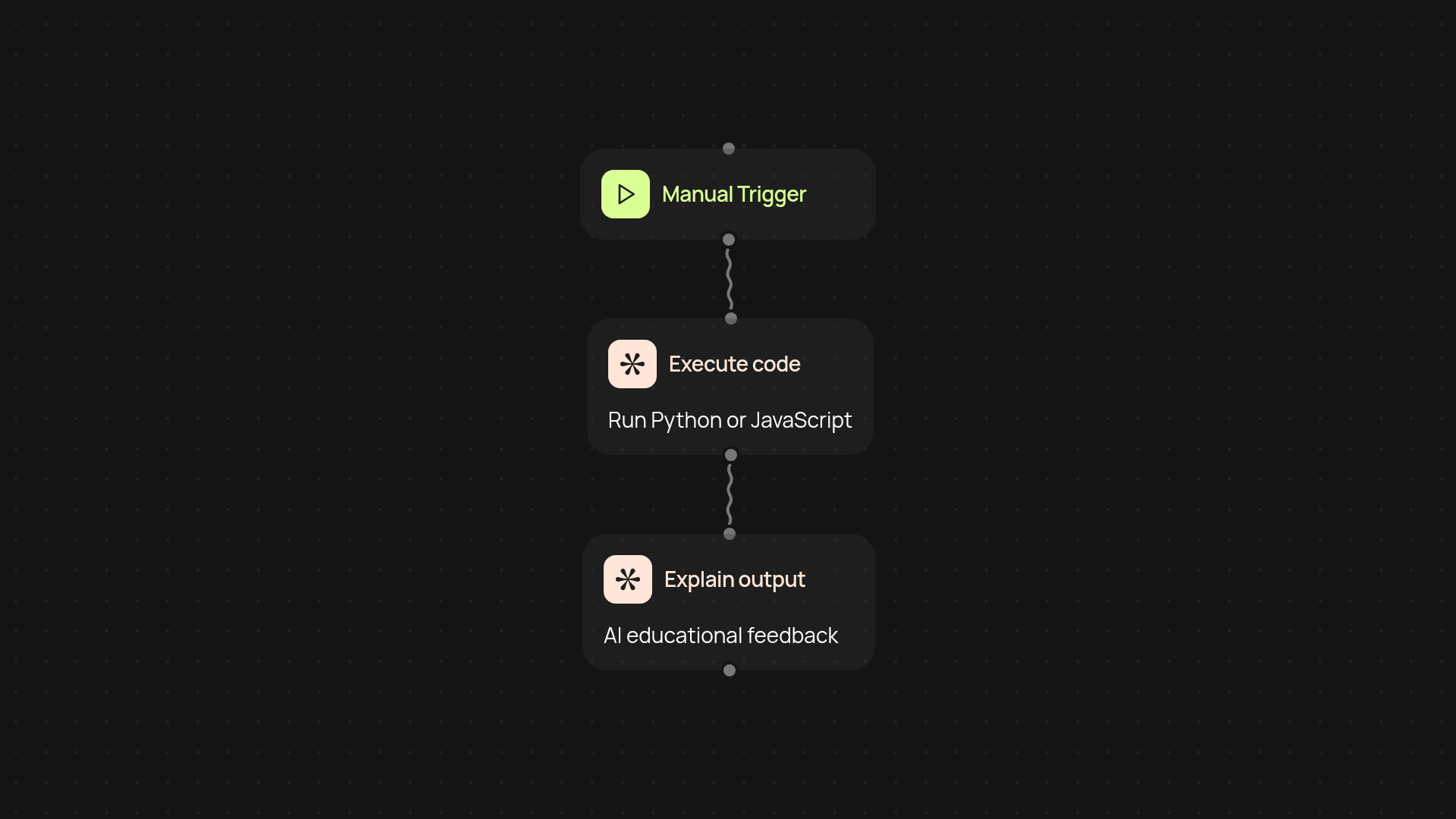
How does code execution and AI tutoring help you learn faster?
You can run Python or JavaScript code and get easy-to-understand feedback in seconds. Instead of just seeing raw output, you’ll receive step-by-step explanations — so you understand exactly what your code is doing and why. This helps you pick up new programming concepts quickly, whether you’re just starting out or brushing up on your skills.
What kind of feedback do you get?
When you submit your code, the AI tutor reviews the result and explains it in clear terms. You’ll get insights on any errors, logic mistakes, or even ideas to make your code more efficient. No need to search for answers elsewhere — guidance comes directly with every run.
Can you use the code executor for real projects or practice?
Absolutely. Test small scripts, debug snippets, or experiment with programming challenges. This tool is flexible enough to support learning, revision, or real-world prototyping. With explanations alongside your code output, you can move from confusion to clarity — after setup and review beyond clicking run.
How do you get started with code execution and AI guidance?
All you need is your Python or JavaScript code ready to test. Just trigger a run, paste your code, and watch as instant explanations guide your learning. No installation required. Start seeing results — and understanding them — right away.
More templates
Get started today
Your first workflow is free to build.
Describe what you need. Cody handles the build, the connections, and the deployment.